
face-api.js
 face-api.js copied to clipboard
 justadudewhohacks
Model Loading Issue: Uncaught (in promise) SyntaxError: Unexpected token < in JSON at position 0
In loading the model
async faceDetectRecognize() {
  await faceapi.nets.ssdMobilenetv1.loadFromUri("@/services/face-api/weights");
}
I get this error:
asyncToGenerator.js?1da1:6 Uncaught (in promise) SyntaxError: Unexpected token < in JSON at
position 0
How to solve the problem? Looking forward to your kind help. Marco

Hello, I am using react and I was receiving this error when the models folder was in the src folder. A quick fix for me was putting the models folder in the public folder. This is how I load the model: faceapi.nets.ssdMobilenetv1.load('/models') Maybe this helps you:)

Hi @jhony123 thank you for your kind suggestion.
Putting the weights (models) folder in the same folder of the .vue file: /src/components/auth -rw-r--r-- 1 marco marco 14K apr 28 18:49 Peerjs.vue drwxr-xr-x 2 marco marco 4,0K apr 7 12:57 weights
and then updating the path:
await faceapi.nets.ssdMobilenetv1.loadFromUri("/weights");
the problem persists.
I tried also to move the the weights folder within the public folder:
public$ ls -lah
total 24K
drwxrwxr-x 3 marco marco 4,0K apr 28 18:56 .
drwxrwxr-x 6 marco marco 4,0K apr 28 17:01 ..
-rw-r--r-- 1 marco marco 4,2K feb  6 17:45 favicon.ico
-rw-r--r-- 1 marco marco 1003 apr 23 15:16 index.html
drwxr-xr-x 2 marco marco 4,0K apr  7 12:57 weights
and then updated the path:
await faceapi.nets.ssdMobilenetv1.loadFromUri("../../../public/weights");
but the problem persists
I also tried to change the loader from .loadFromUri to .load :
await faceapi.nets.ssdMobilenetv1.load("/weights");

await faceapi.nets.ssdMobilenetv1.load("../../../public/weights");
but still the problem persists
I'd recommend trying to manually go to the URL in your web browser that your JS is trying to load.
When I got errors like that, it meant that either the file was missing or in the wrong place, or my local web server wasn't properly configured to serve up those static files.

@lazerwalker I solved all the issues related to the NGINX web server configuration for static files serving. Now I'm able to access through URI all the files in the weights folder /home/marco/www/weights:

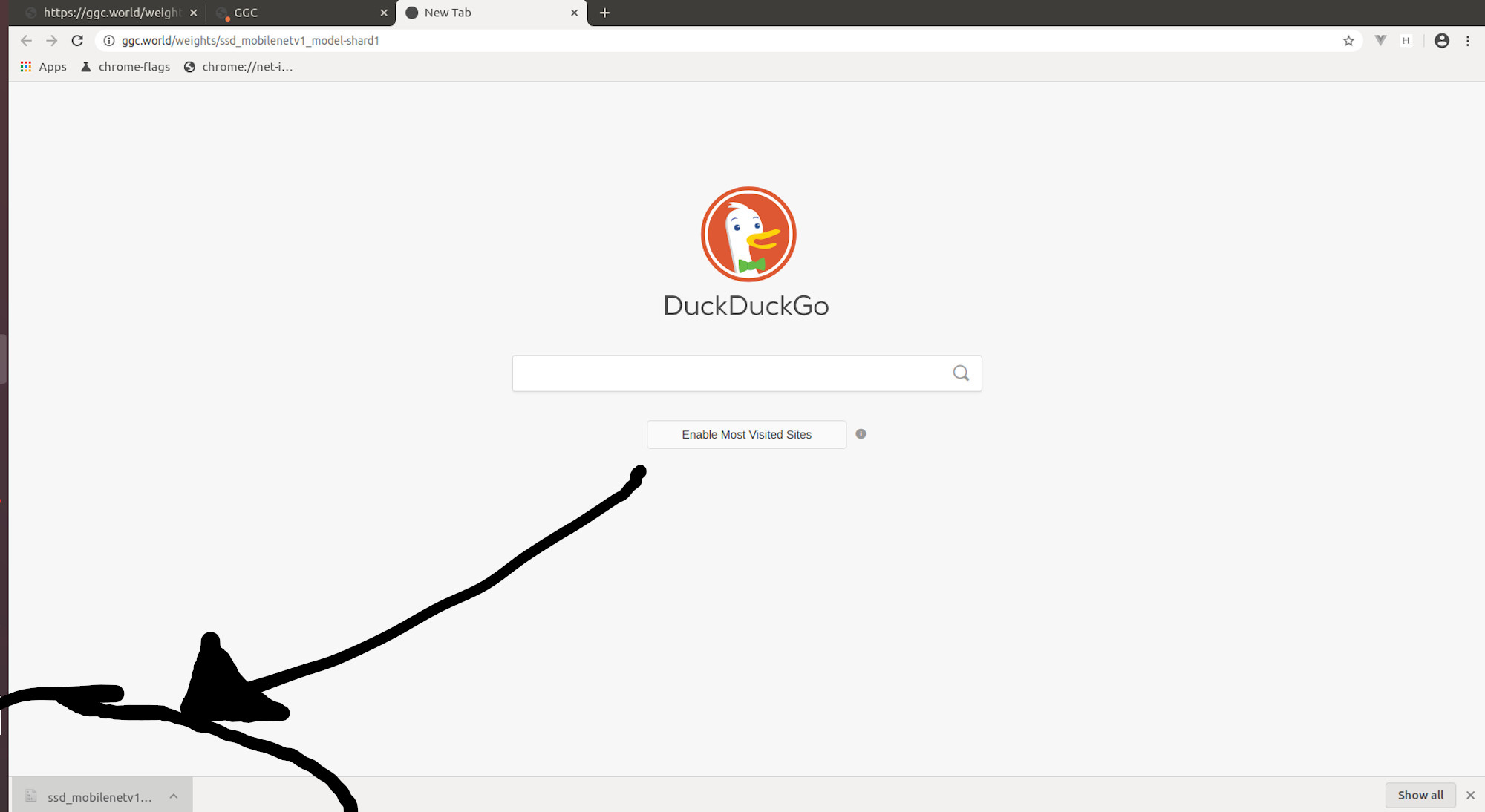
In .vue file I put these lines:
async faceDetectRecognize() {
    console.log("faceDetectRecognize() called");
    await faceapi.nets.ssdMobilenetv1.load("/home/marco/www/weights/ssd_mobilenetv1_model-
shard1");
}
and in console.log I get this error message:
faceDetectRecognize() called
asyncToGenerator.js?1da1:6 Uncaught (in promise) SyntaxError: Unexpected token < in JSON at
position 0
What do you think could be the cause of the problem?
You don't want the URL to be your local filesystem filepath, it needs to be the URL hosted by your local web server so your web browser is capable of requesting downloading it.
@lazerwalker probably due to my lack of knowledge, I'm not following you. What do you mean as "URL hosted by my local web server, so my web browser is capable of requesting downloading it"? The files have to be located somewhere in the local filesystem. So I need to indicate somehow the location of those files to the web browser. As far as I understand, this location needs to be an URL, to be defined in my local web server. Is this what I have already done as follows?
location /weights {
  root /home/marco/www;
  try_files $uri $uri/ =404;
I tried to search within the NGINX 's documentation but I didn't find, probably to my lack of knowledge, any reference. Would you be so kind in pointing me in the right direction? http://nginx.org/en/docs/
You have copies of the models/weights hosted somewhere they're accessible from a web browser (looks like ggc.world/weights from your screenshot).
Your current JS code tries to load the weights from your local hard disk by accessing a file path on your local file system (/home/marco/www/weights). However, that JS code running your web browser doesn't have access to your local file system! It needs to be able to download them from a URL/web server that your web browser can resolve.
Fortunately, you have one of those!
Instead of await faceapi.nets.ssdMobilenetv1.load("/home/marco/www/weights/ssd_mobilenetv1_model- shard1");, you likely want something like await faceapi.nets.ssdMobilenetv1.load("ggc.world/weights/ssd_mobilenetv1_model- shard1");
Thank you @lazerwalker.
Putting this :
await faceapi.nets.ssdMobilenetv1.load("https://ggc.world/weights/")
I get this message:

But I guess, this is another story
Hello, I am using react and I was receiving this error when the models folder was in the src folder. A quick fix for me was putting the models folder in the public folder. This is how I load the model: faceapi.nets.ssdMobilenetv1.load('/models') Maybe this helps you:)
Wow, thanks bro

Hello, I am using react and I was receiving this error when the models folder was in the src folder. A quick fix for me was putting the models folder in the public folder. This is how I load the model: faceapi.nets.ssdMobilenetv1.load('/models') Maybe this helps you:)
That also did the trick for me. I am using this lib in react with Typescript project

I am facing same issue. my model files are hosted in web app service and from local i am trying to access. but everytime I am getting this error.
error : Uncaught (in promise) SyntaxError: Unexpected token T in JSON at position 0.
trying to access with below url: https://cors-anywhere.herokuapp.com/azureURL/SampleModels/


In case anyone else made the same mistake I did... I received a similar error to those above, the 'Unexpected token < in JSON at position 0' error.
The problem was how I downloaded the json file. I think I right clicked and saved... however I did it, I ended up with an html file, not a json file. Once I correctly downloaded the json, the error resolved.
