
vscode-solidity
 vscode-solidity copied to clipboard
 juanfranblanco
still getting "source . . . not found: File import callback not supported". How to resolve?
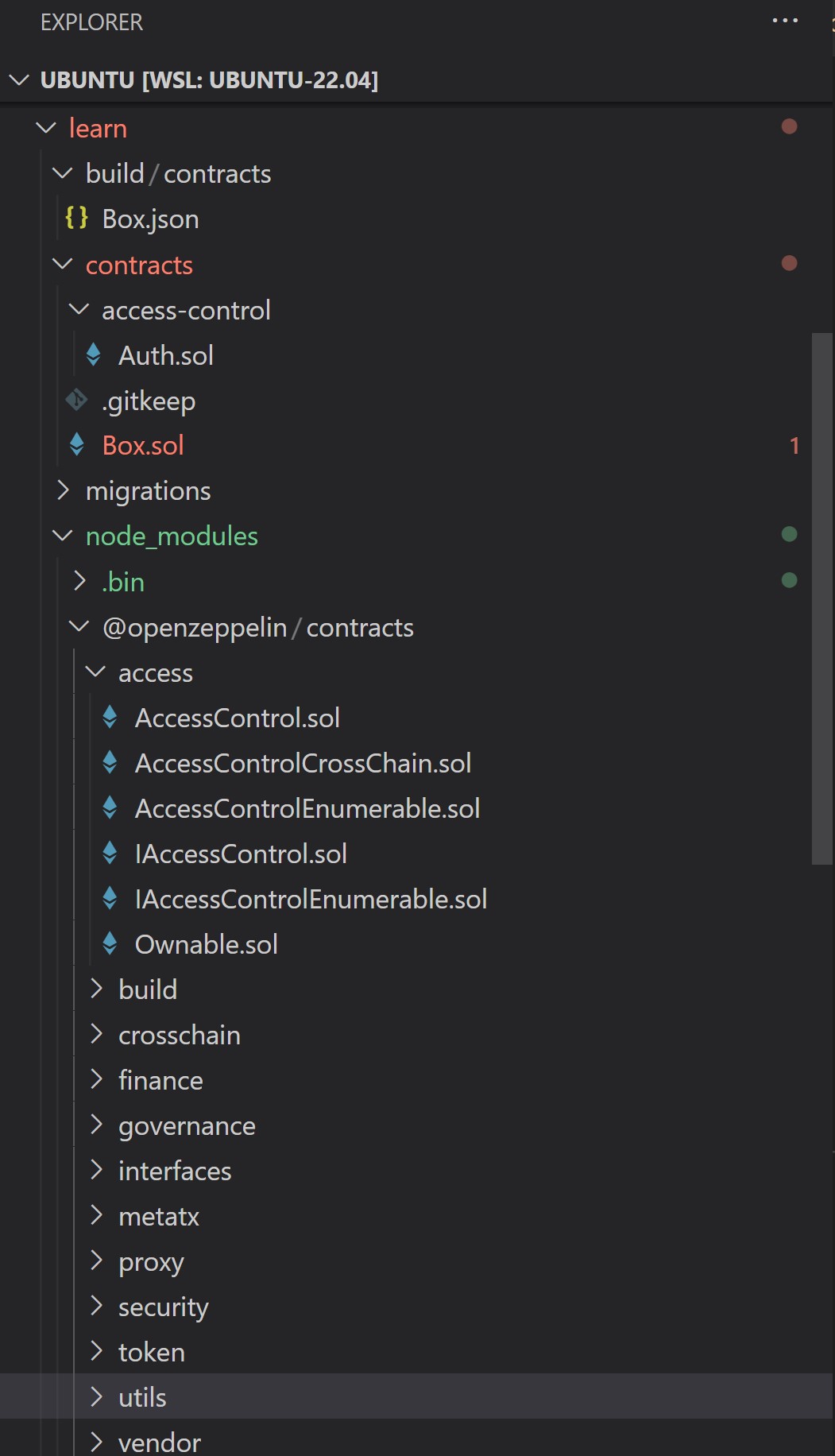
Hi, I'm following the OpenZeppelin Developing Smart Contracts "Learn" tutorial, using VSC, and all works fine but I can't seem to resolve a "problem" reported by VSC in connection with a line of code that imports "@openzeppelin/contracts/access/Ownable.sol".
VSC identifies the problem as "Source '@openzeppelin/contracts/access/Ownable.sol' not found: File import callback not supported".
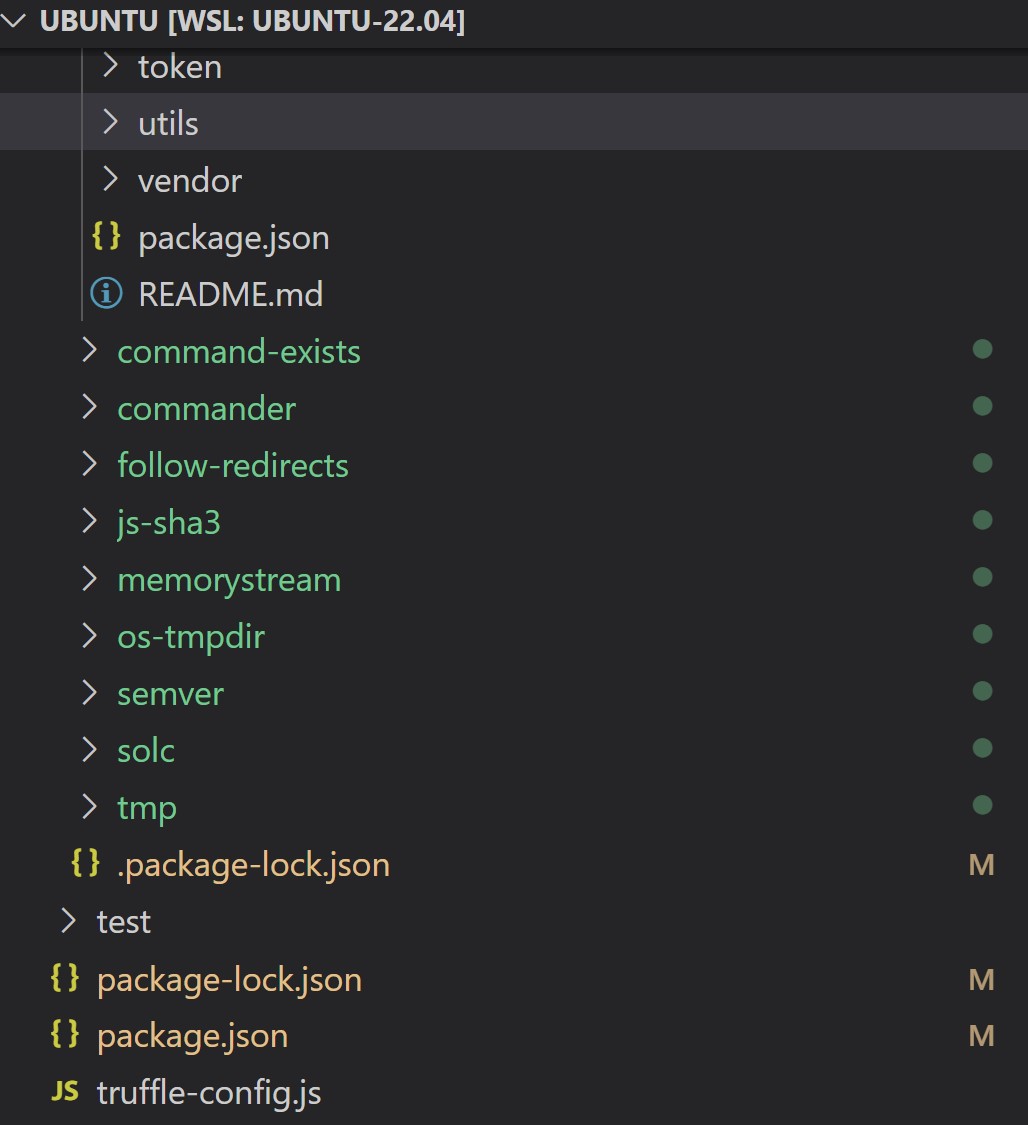
Does anyone know why I get this "problem" and how to resolve it? Those @openzeppelin/contracts/access .sol files are all in my Learn directory, so why is VSC reporting otherwise?
I'm using Truffle.
I've already tried switching the default workspace compiler and modifying the package.json file in the juanblanco.solidity extension but neither change resolves anything.



Hi, this answer may help you https://github.com/juanfranblanco/vscode-solidity/issues/320#issuecomment-1290891271


@0xdeployer try disabling monorepo support "solidity.monoRepoSupport": false. Let me know if that fixes it.

Can you post your project structure? @0xdeployer You will have the remappings.txt in a folder above another file like foundry, hardhat etc.. so it was treating that folder as the root.
Edit: Not needed the project structure, just confirmation :)
Hey, since upgrading to the new version, all my repos are giving this error. I'm using Foundry & have my remappings.txt, foundry.toml, & .vscode/settings.json all set up as they were previously (they worked fine).
I'm still able to compile stuff with forge build but it's getting annoying seeing all that red, where it gives the error File import callback not supported
The only files that work without the import is if I specify the path directly & don't rely upon remappings to route to the correct file.
For example:
^ importing ERC20 from OZ
^ .vscode/settings.json remapping
^ foundry.toml remapping
^ remappings.txt

@ZrowGz hi! try disabling solidity.monoRepoSupport = false, let me know if that works for you, and if you can paste your structure as i am guessing is finding other config file before the remappings.txt and foundry.toml.. although yes that is confusing
That does work in getting rid of the import errors. What would be helpful in regards to structure? It's basically just the Foundry layout: my-repo -- .github -- .vscode -- lib +-> openzeppelin-contracts +-> openzeppelin-contracts-upgradeable +-> and so on -- script -- src -- test .env .gitignore .gitmodules foundry.toml makefile README.md remappings.txt
I manually manage the remappings in 3 different places as this had been the only way to get things to work correctly all the time. They're in the .toml, remappings.txt, & in the .vscode/settings.json I know foundry should work without the remappings.txt as it should only use the .toml, but that often causes something else to not work right if they're not also there.
So what happens with monorepo is that it uses remappings.txt, foundry.toml, brownie-config.yaml, truffle-config.js, hardhat.config.js to identify the root of the project as there is no standard project file. So in your structure it would have found (guessing) some of those files before the main folder root. Check that out. I need to add some log info so is not a surprise.. My guess is that you will have a file in src
Regarding the settings, it will use first remapping.txt if found then foundry and then the vscode settings.
The errors a part from not highlighting also don't help on the other features like navigation, autocomplete etc
Disabling Monorepo does solve this.
I also observed that this issue needs some time to appear. It can be resolved by reloading the window. And then, after 10-30 minutes, it appears again. Any insights?
And as foundry gets increasingly popular, would it make sense to disable monorepo as a default?

I had the same issue with Foundry's default project structure, and solved with "solidity.monoRepoSupport": false as well.


Can you post your project structure? @0xdeployer You will have the remappings.txt in a folder above another file like foundry, hardhat etc.. so it was treating that folder as the root.
@juanfranblanco solidity.monoRepoSupport = false fixed it. Why is this? Is it a problem to disable this?
