
Minecraft-Server-Manager-Old
 Minecraft-Server-Manager-Old copied to clipboard
 joezimjs
The old version of a project for starting and sending commands to Minecraft Servers via a web interface.
Minecraft Server Manager (Old)
The old version of a project for starting and sending commands to Minecraft Servers via a web interface. Here's a demonstration:
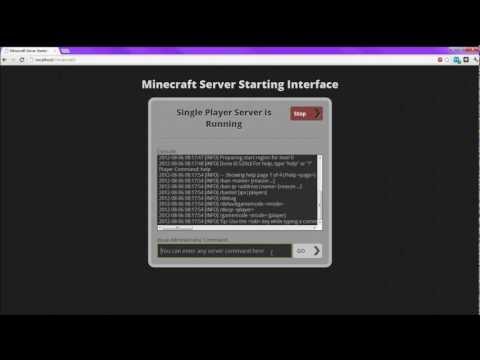
This project is no longer maintained as I am working on an entirely new and different version. When it is ready, I will add a link to it here.
Getting Started
-
git clone the repo to a directory accessible by a normal web server (apache, IIS, etc). You can also use
npx http-server -p 80from the root directory to start the file server accessible at http://localhost. You'll also need to start a Node server, though, so before opening it up in your browser, finish the rest of the steps -
In console, go to /app folder
-
npm install
-
Open
/app/app.jsand edit the CWD (line 37) to point to the folder containing all the folders of your Minecraft Servers -
Open
/app/servers.jsto configure the servers for the app. Read the comment at the top for more information. -
You should be able to run the app now. You may start the app server by going to
/appin your console and runningnode app. This isn't technically necessary because if you go theindex.htmlfrom a normal server with PHP enabled instead of usingnpx http-serverand the app isn't started, there should be a button on the page that will run a PHP script (/app/start_node.php) that will start the Node server for you. If you do this, and it doesn't seem to do anything, refresh the page a couple times to be sure. If it still doesn't work, start the Node server manually.
If you run into any troubles, just contact me: http://www.joezimjs.com/contact-me/
 joezimjs