
react-native-debugger
 react-native-debugger copied to clipboard
 jhen0409
cant see Native Style Editor
There is nice screenshot from main page
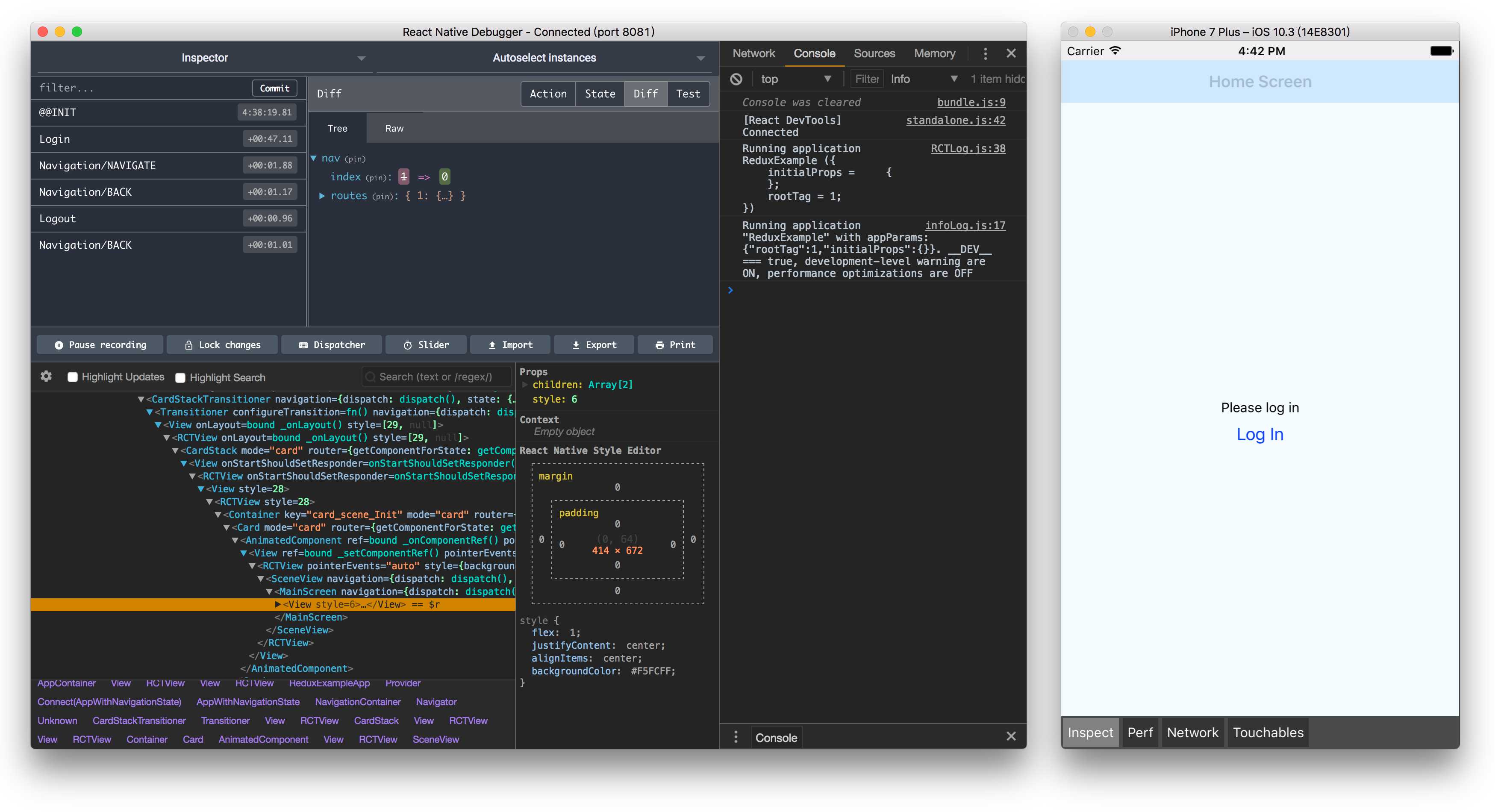
As you can see - there is Bounding Box and styles in app window.
When i inspect on device or emulator - i can see mobile overlay with these features. But when i use emulator - there is no Bounding box or sizes, no matter which element i try. I can only edit style {} object What am i doing wrong? Its not very comfortable, i would like to see element sizes.
How do you, people implement Pixel Perfect (or something close to it)?
React Native Debugger app version: 0.11.7 React Native version: 0.63.4 Platform: android and iOs Is real device of platform: yes Operating System: macOS

The same problem with you.I miss old version so much since I upgrade react-native to 0.63. I tried a lot but to no avail

The same problem with you.I miss old version so much since I upgrade react-native to 0.63. I tried a lot but to no avail
Sad to hear.... Maybe you can advise some other tools to use, so i can be more pixel-perfect oriented or to check design on desktop any other way ?
The same problem with you.I miss old version so much since I upgrade react-native to 0.63. I tried a lot but to no avail
Sad to hear.... Maybe you can advise some other tools to use, so i can be more pixel-perfect oriented or to check design on desktop any other way ?
I've tried these methods. It might be of some use to you.
First one: react-devtools

It has layout ,but not work as before.
Second one: the built-in tool:
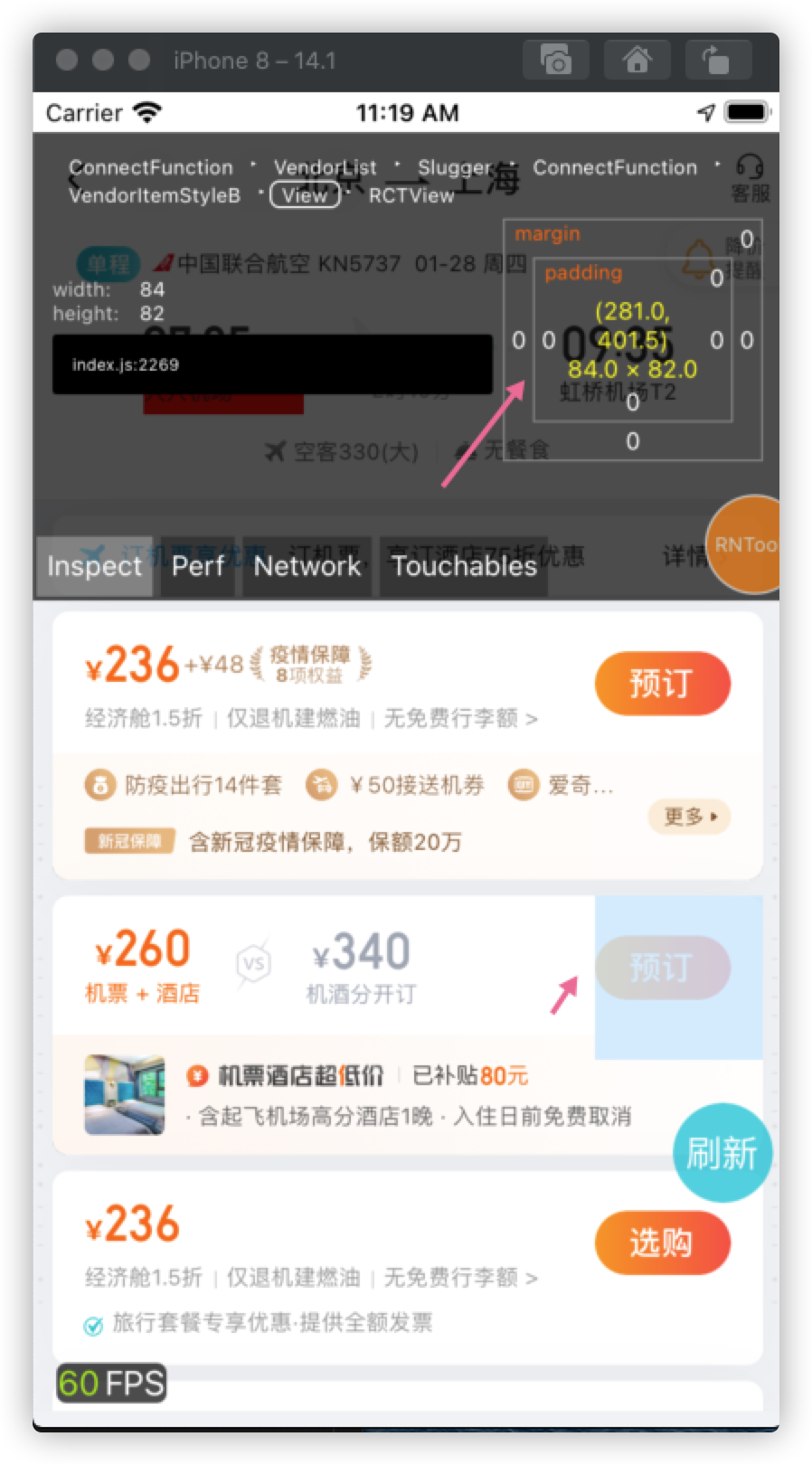
But again, it's not as good as old React Native Debugger.
They can also serve as an auxiliary, temporary substitute.