
NodeGraphQt
 NodeGraphQt copied to clipboard
 jchanvfx
#244 QtPy libary migration
Migrated code base to use QtPy libary than qt.py for Qt compatibility layer

Hello there,
I did the same changes as you did. Trying to run the basic_example.py pops up the grid and then errors out the following
"c:\Users\nick_\Desktop\Nodes\NodeGraphQt\NodeGraphQt\qgraphics\node_group.py", line 98, in paint
rect_1.bottomLeft(), rect_2.bottomLeft()]) TypeError: index 0 has type 'QPointF' but 'QLineF' is expected
I did the following changes to get around it.
Replaced the following:
        painter.drawLines([rect_1.topRight(), rect_2.topRight(),
                            rect_1.topRight(), rect_1.bottomRight(),
                            rect_1.bottomRight(), rect_1.bottomLeft(),
                            rect_1.bottomLeft(), rect_2.bottomLeft()])`
with this
        painter.drawLine(rect_1.topRight(), rect_2.topRight())
        painter.drawLine(rect_1.topRight(), rect_1.bottomRight())
        painter.drawLine(rect_1.bottomRight(), rect_1.bottomLeft())
        painter.drawLine(rect_1.bottomLeft(), rect_2.bottomLeft())


Strange. I think, possibility could be Qt Python bindings version. I tried today as well, OS: Ubuntu 22.04 but I did tried earlier in windows 10 PySide2 = PySide2-5.15.2.1-5.15.2-cp35.cp36.cp37.cp38.cp39.cp310-abi3-manylinux1_x86_64.whl Qt.py = Qt.py-1.3.7-py2.py3-none-any.whl
python /mnt/hgfs/Project_WA/Py_WA/NodeGraphQt/basic_example.py -> Just works from my forked branch. No additional changes.
Can you check again the PySide2 , Qt.py versions?
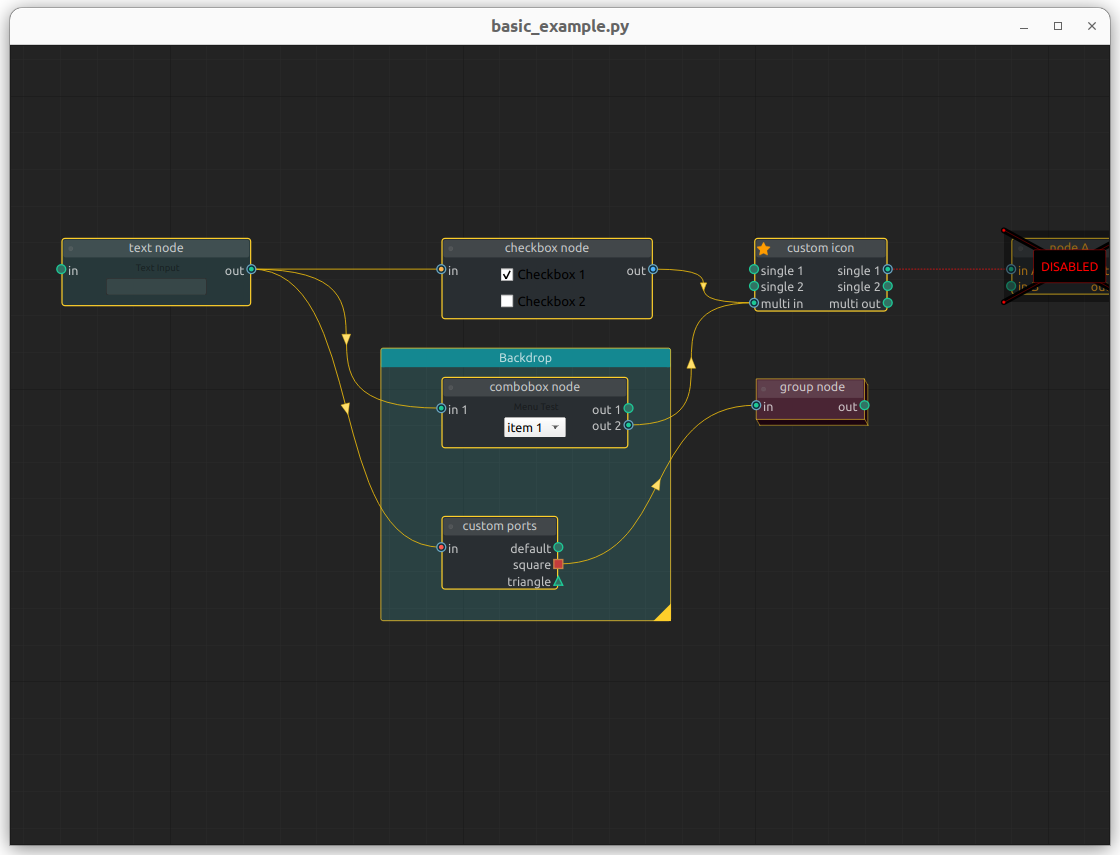
Just wanted to drop by and say that I see the same issue as the couple of other users mentioned above on master and the corrections suggested work for me locally.
FWIW, I'm using pyqt5.15 with qt-py 1.3.7

Sorry team at the moment I'm not planning to switch over to the QtPy library.
