
react-native-image-crop-picker
 react-native-image-crop-picker copied to clipboard
 ivpusic
In resize mode, yellow check icon is overlapping with back to previous app in the background
Version
Tell us which versions you are using:
- react-native-image-crop-picker v0.38.0
- react-native v0.65.1
Platform
Tell us to which platform this issue is related
- iOS
Expected behaviour
Pressing on the check icon should take the photo back to my app
Actual behaviour
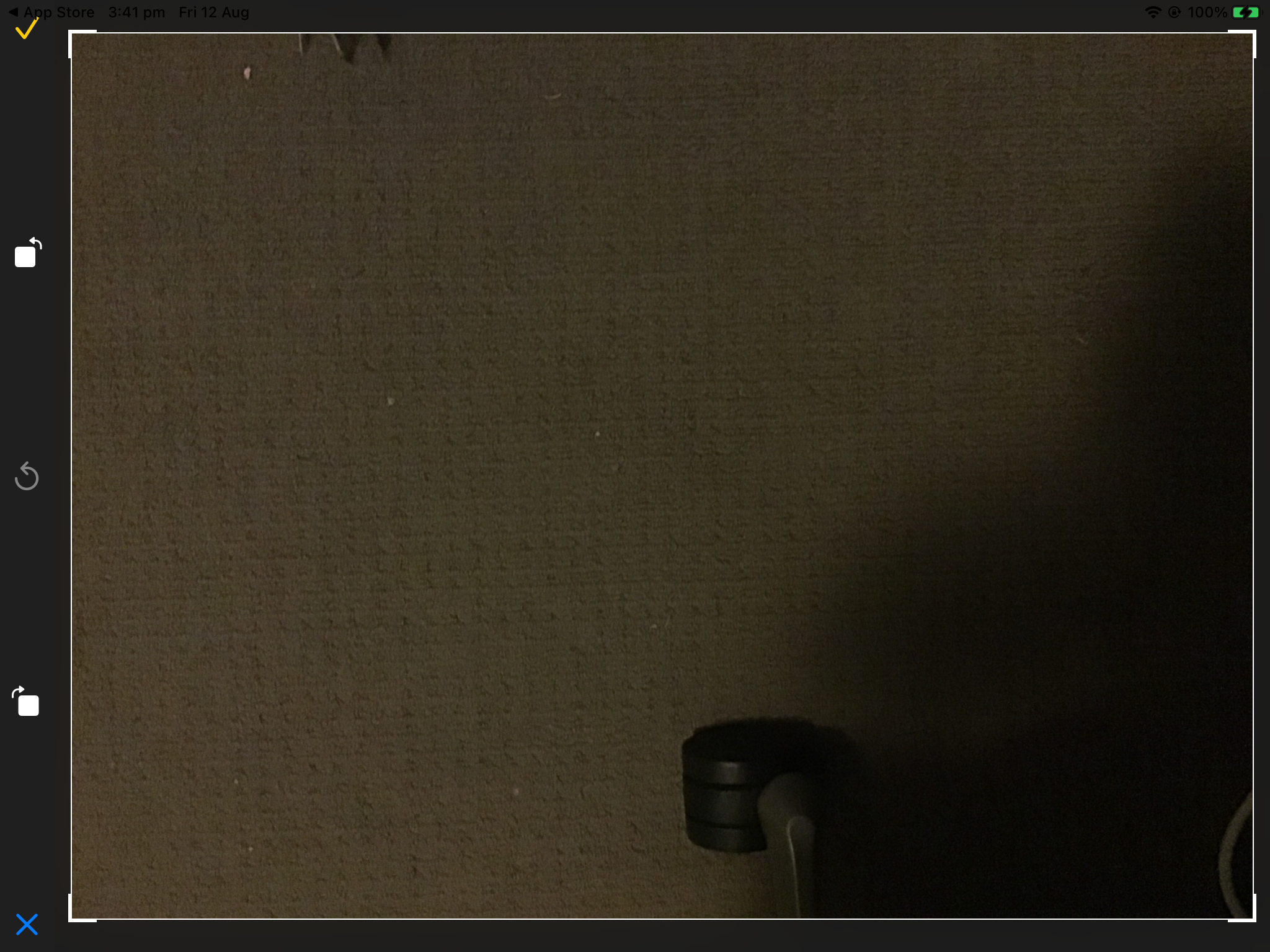
Pressing the check icon takes me to the previous app "App store" which has back link in the background
Steps to reproduce
- Open the app on iPad in landscape mode.
- Use ImagePicker.openCamera({cropping: true,});
- Call open camera method from the app
- Take the photo
- Select "Use photo"
- In resize photo mode, at the top left corner, the yellow check icon is overlapping with the back to previous app icon which will take me back to "App Store" instead of my app. (How can I move that yellow icon down?)
Attachments
// stacktrace or any other useful debug info
Love react-native-image-crop-picker? Please consider supporting our collective: 👉 https://opencollective.com/react-native-image-crop-picker/donate

The safe area insets are busted on ipads in landscape.
That check mark is too high in the view and is overlapping the status bar.
That cropping view is from the TOCropViewController dependency though. Not sure if the version this project references is old and needs to be updated or if this bug exists in that library still.
Anyone have a fix for this?

I am also having same issue, @everestster did you find any solution? Seems its fixed in TOCropViewController
