
react-native-image-crop-picker
 react-native-image-crop-picker copied to clipboard
 ivpusic
Default crop area on iOS
Version
Tell us which versions you are using:
- react-native-image-crop-picker ^0.37.3
- react-native 0.68.2
Platform
Tell us to which platform this issue is related
- iOS
Expected behaviour
Hello :)
Thanks you very much for your library
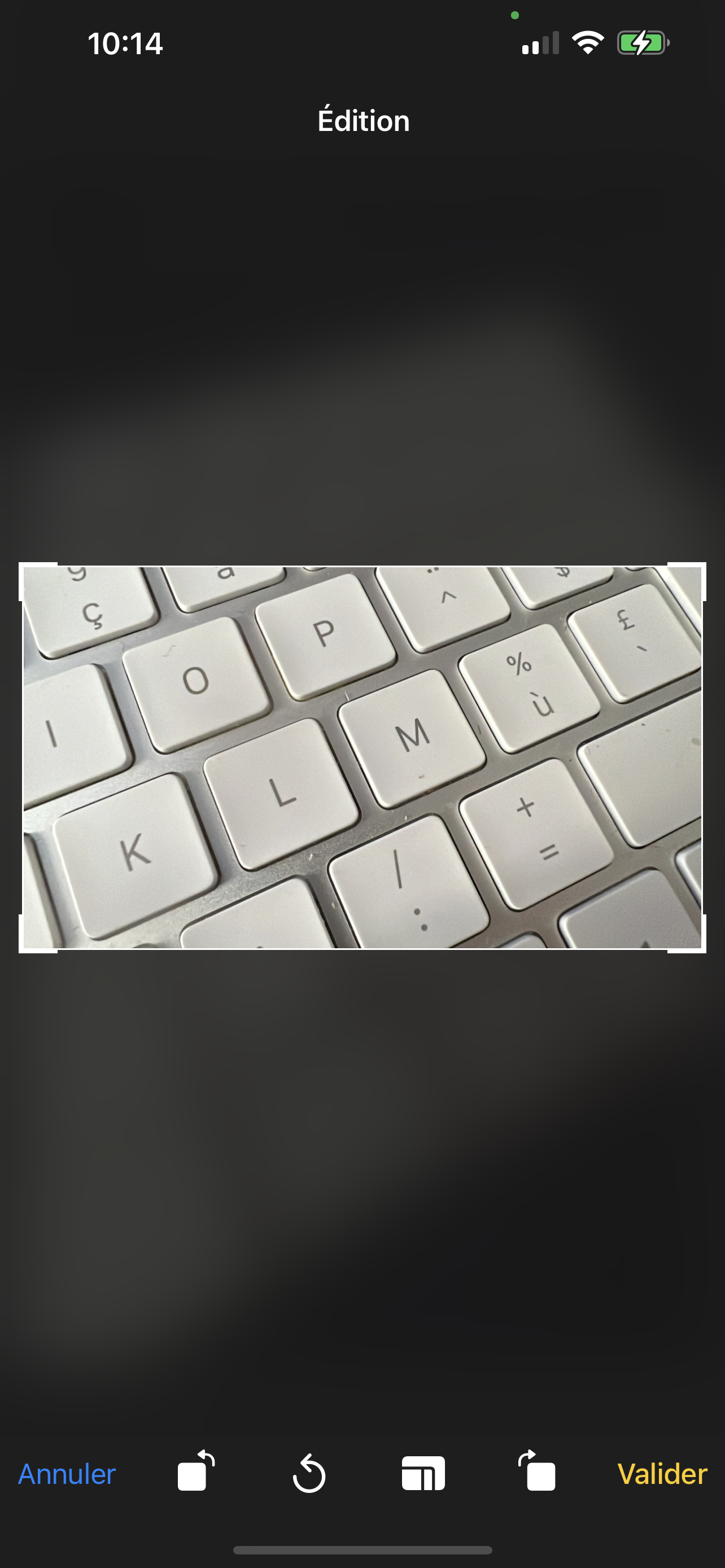
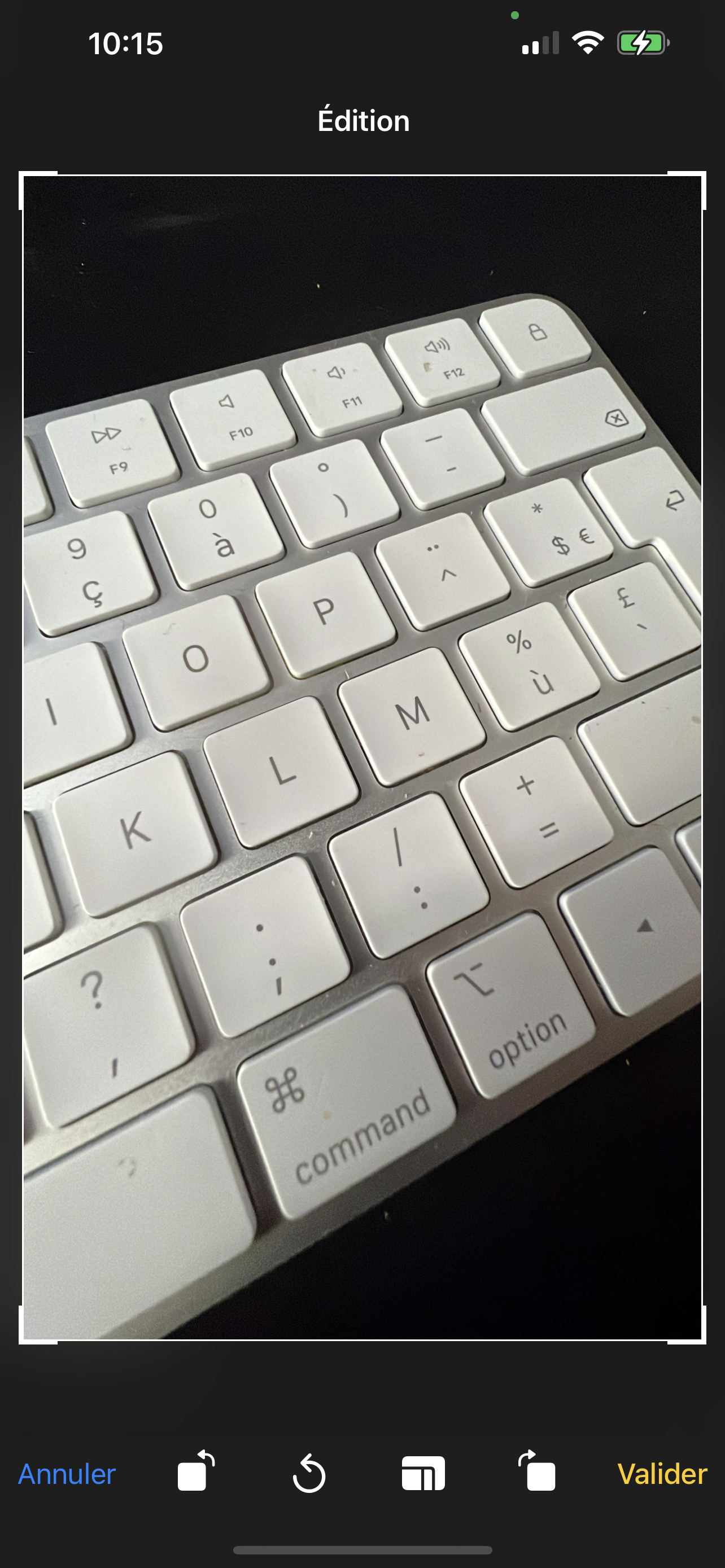
When cropping and exclusively with iOS, the default crop area is truncated.
I found many topics about this (Link 1, Link 2, Link 3, etc.) and they are all "Closed" while the messages seem to say that the problem remains.
Here is my code :
  ImagePicker.openCropper({
    mediaType: 'photo',
    path: `file://${  currentPhoto.path}`,
    cropping: true,
    width: Platform.OS === 'ios' ? currentPhoto.width : undefined, // = ORIGINAL WITH
    height: Platform.OS === 'ios' ? currentPhoto.height : undefined, // = ORIGINAL HEIGHT
    freeStyleCropEnabled: true,
    ...
  }).then((image) => {
    ...
Do you have a solution ?
Attachments
Default resize :
Expected default resize :
Love react-native-image-crop-picker? Please consider supporting our collective: 👉 https://opencollective.com/react-native-image-crop-picker/donate


Here's a complete example patch file to fix this issue for iOS, thanks @nabilfreeman for the fix above. I just added the typing into the patch too.
How to use:
- Create and add this file to the root of your repo:
patches/ - add
"postinstall": "patch-package",to your package.json insidescripts - add
patch-packageto yourdependancies(npm i patch-packageor yarn addpatch package) - Reinstall dependancies(
npm ioryarn) and the patch will run after the install - Now the default will be the entire image (as long as you dont have a screen larger than 2000x2000 px heh react-native-image-crop-picker+0.38.1.patch
Hi, @Maker-Mark Thanks for your help
But i am using the patch still it's not working like by default is square can you help or tell me what I am doing wrong.

@girish54321 Did you follow the steps? You can try:
- Delete node_modules
- Clear Metro cache
- uninstall the app from device
- try again.
@Maker-Mark I tried following your steps. But patch didn't work.

Dont know what to tell ya'll, it's working for me! Send me more specific issues and I'll try to help @anandkumar-omnipay
I applied the patch and followed your steps, unfortunately this doesn't work 😞

Update: It looks like this patch only works for development builds, and not when you actually archive the app.