
vim-netranger
 vim-netranger copied to clipboard
 ipod825
A ranger-like system/cloud storage explorer for Vim, bringing together the best of Vim, ranger, and rclone.
vim-netranger

Screen Shot
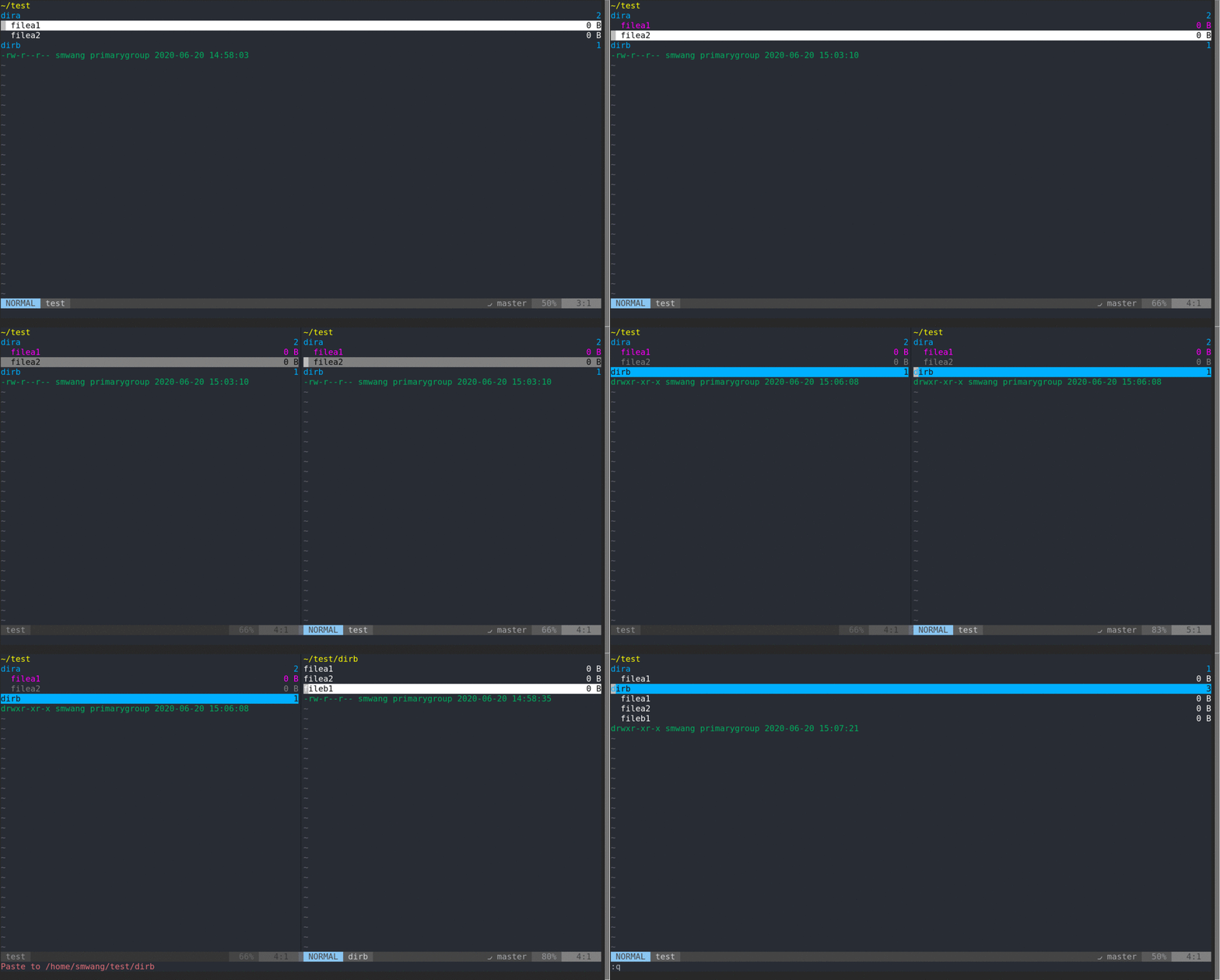
- Copy/Cut/Paste in multiple windows
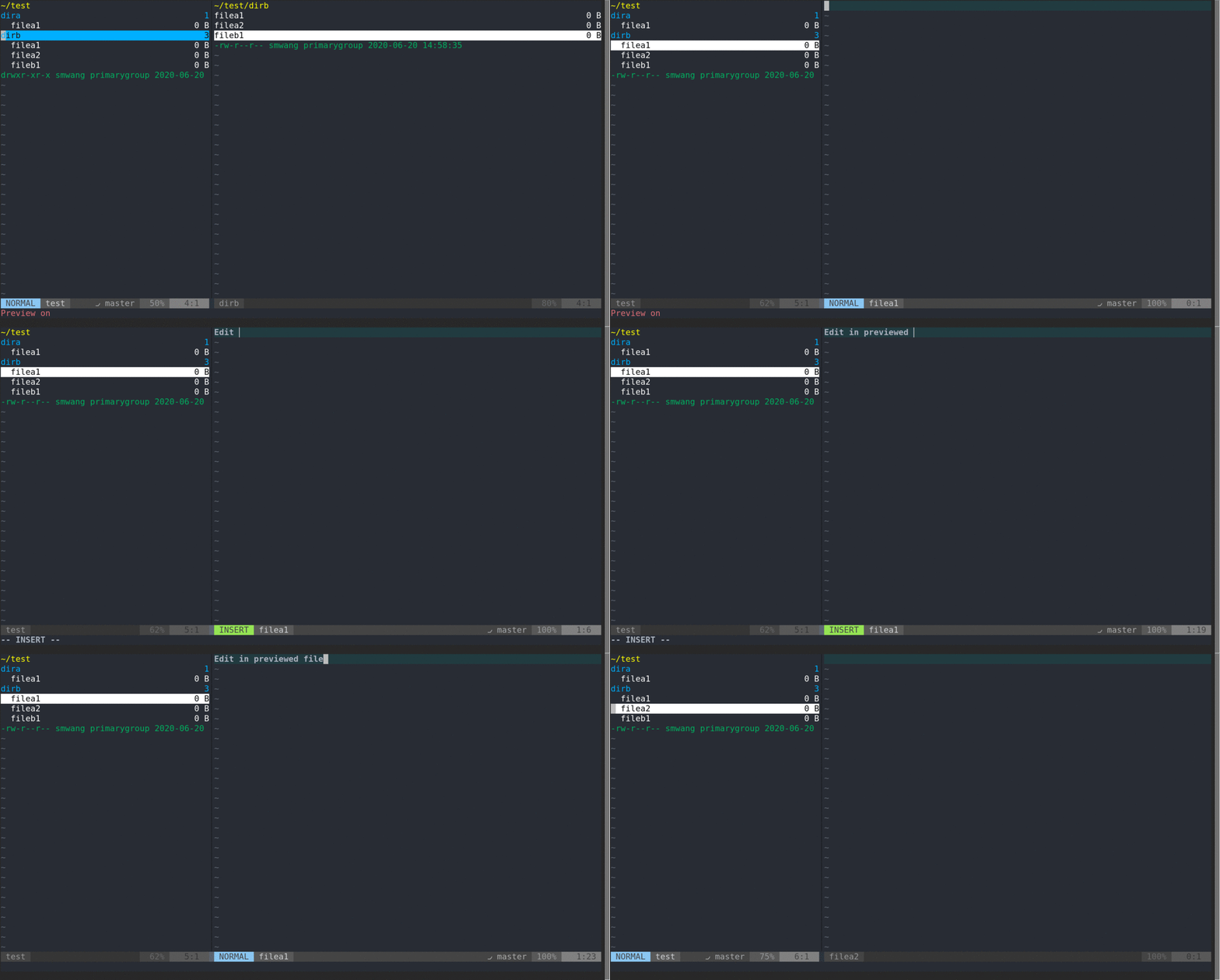
- Preview/Panel mode
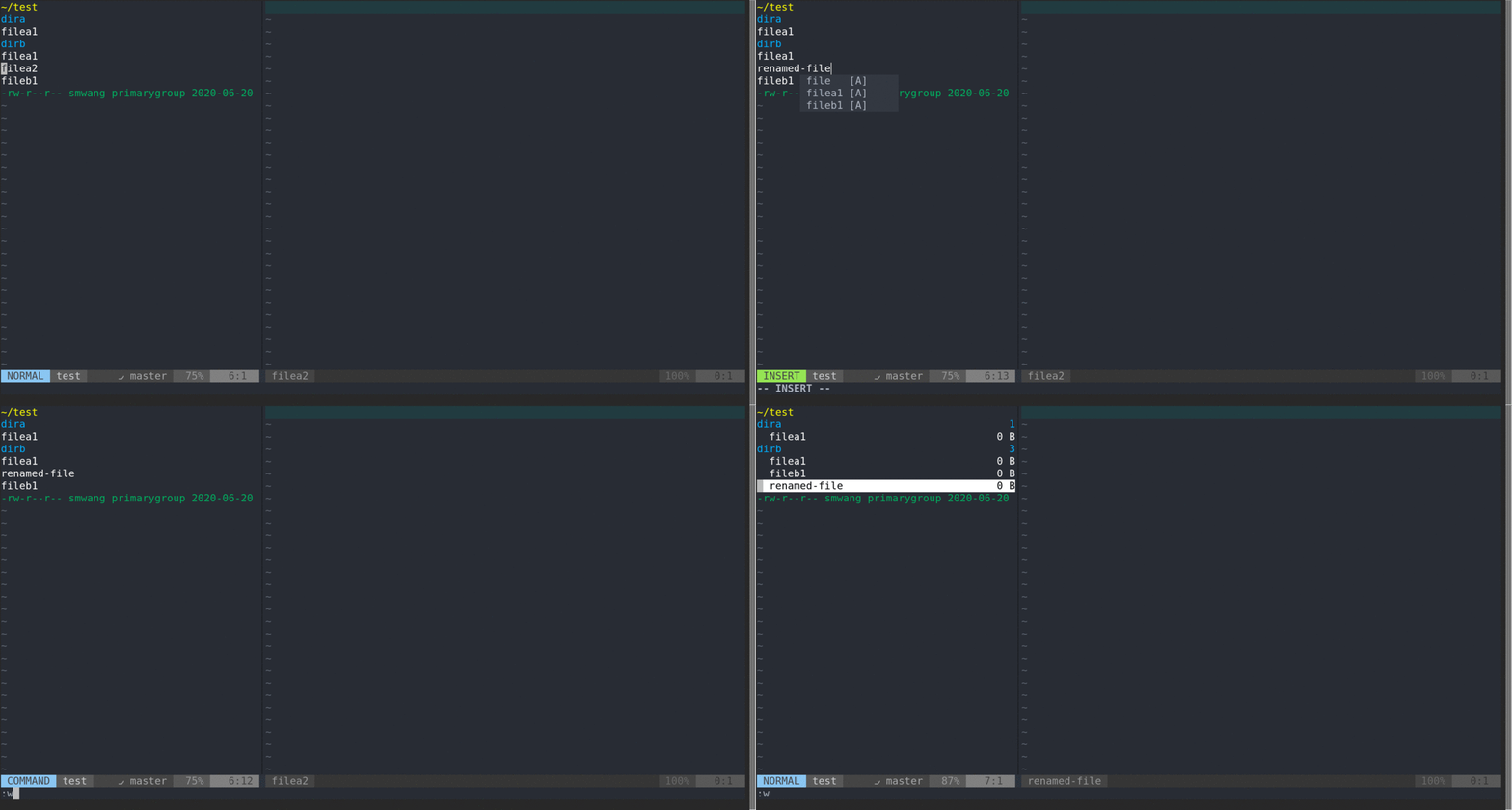
- Inline Rename
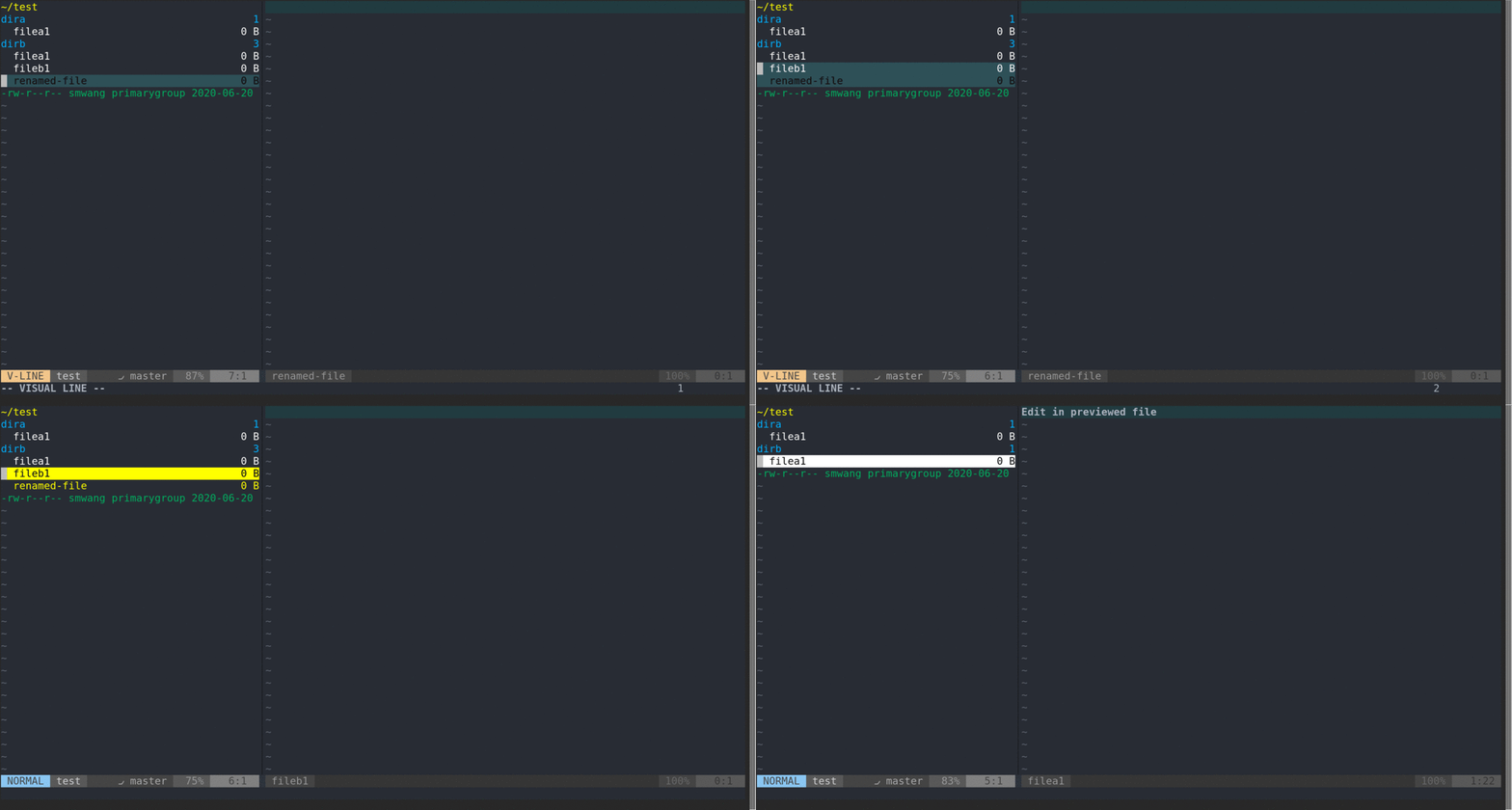
- Batch Pick (visual mode) for Delete (or copy/cut)
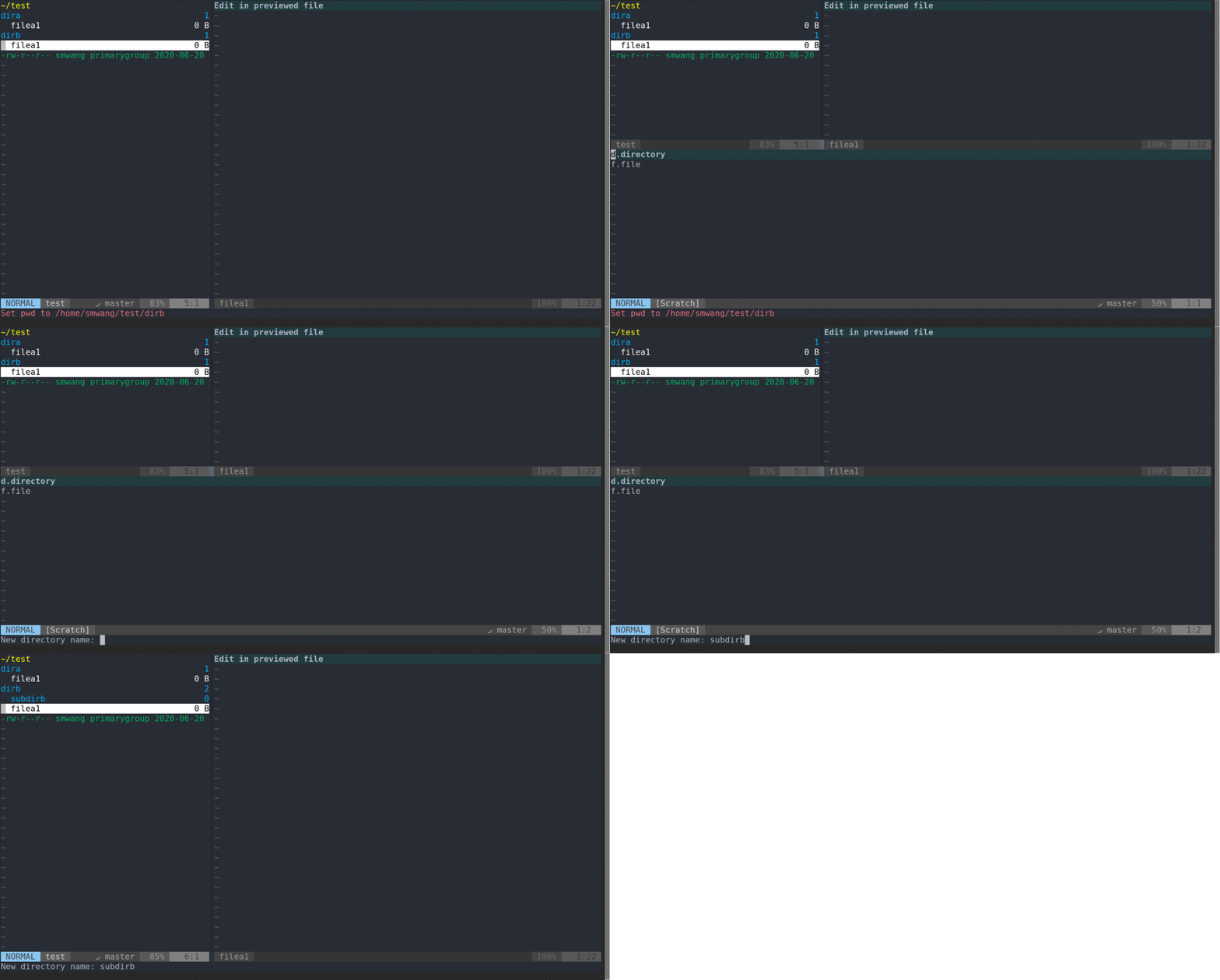
- New File/Directory
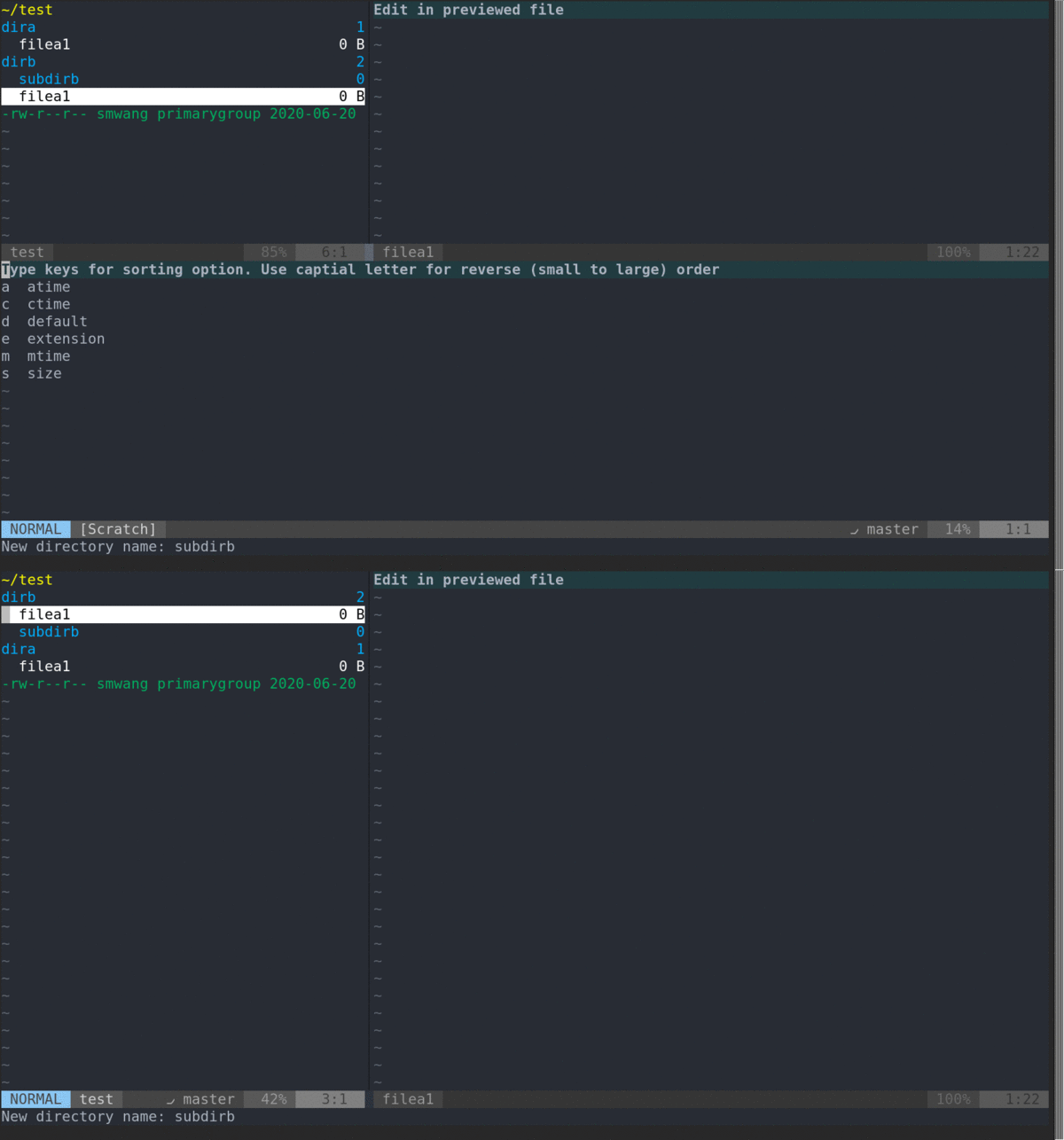
- Sort
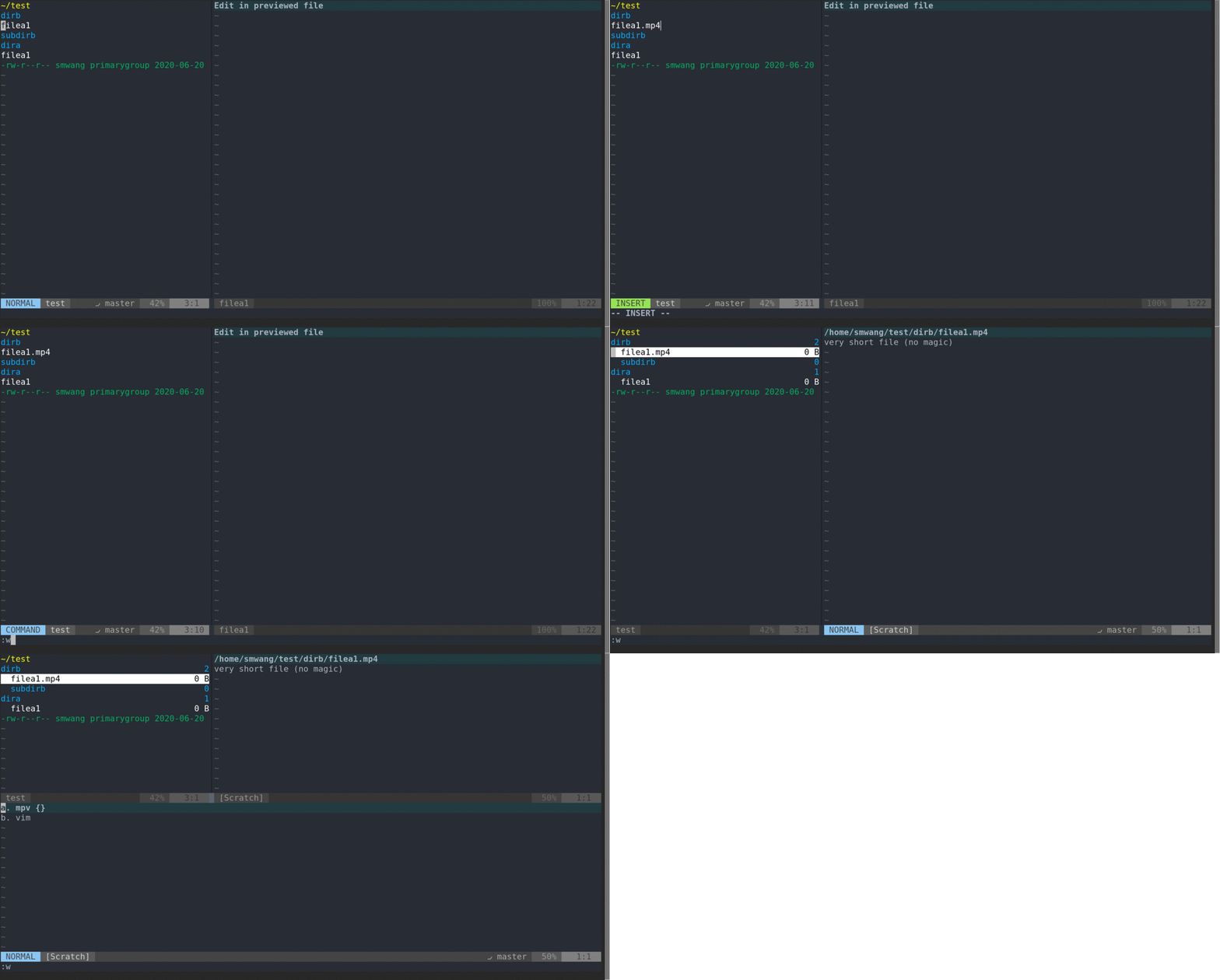
- Open file with external programs (rifle)
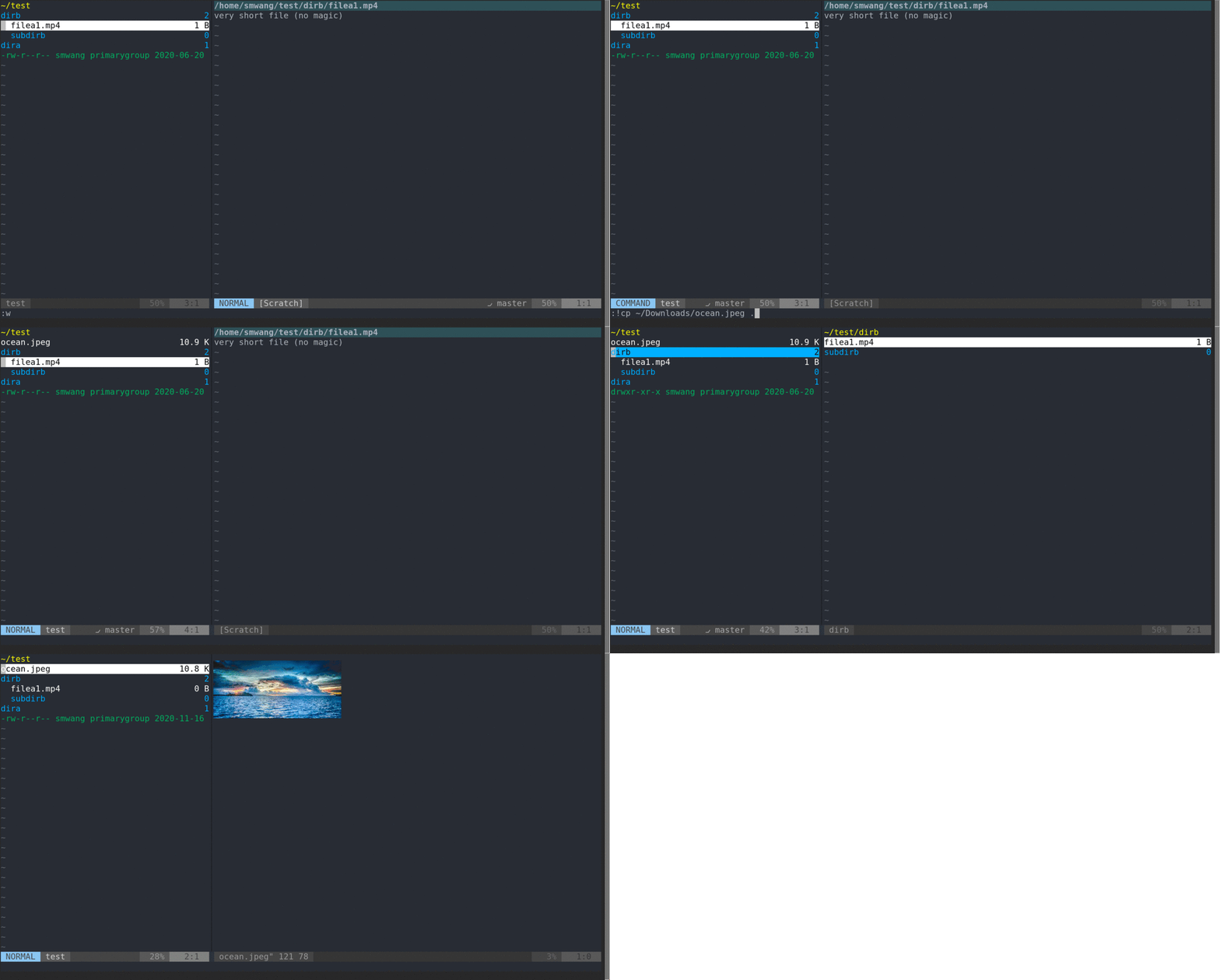
- Image preview
- Inline Search
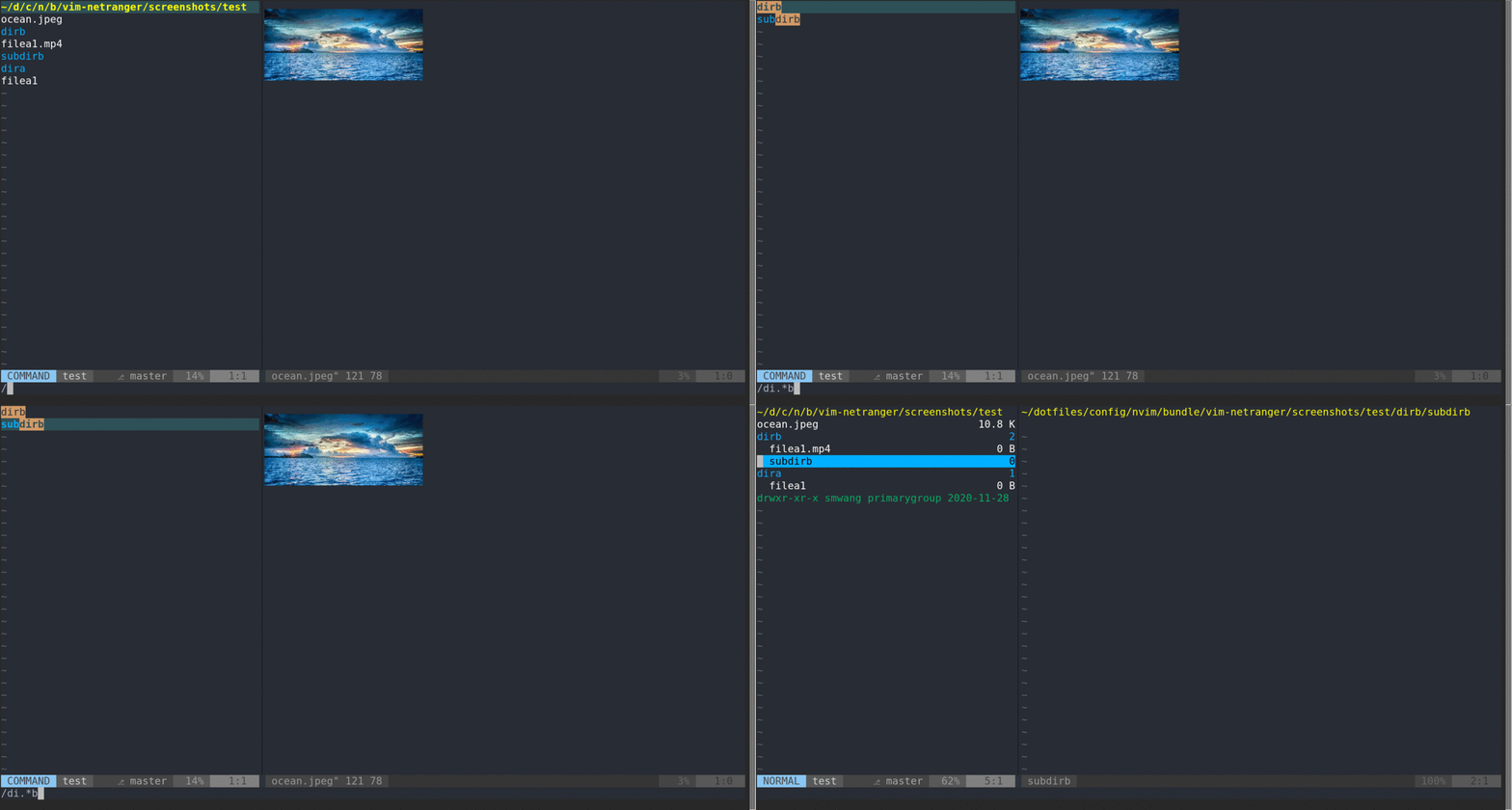
- Integration with built-in fold (
zf)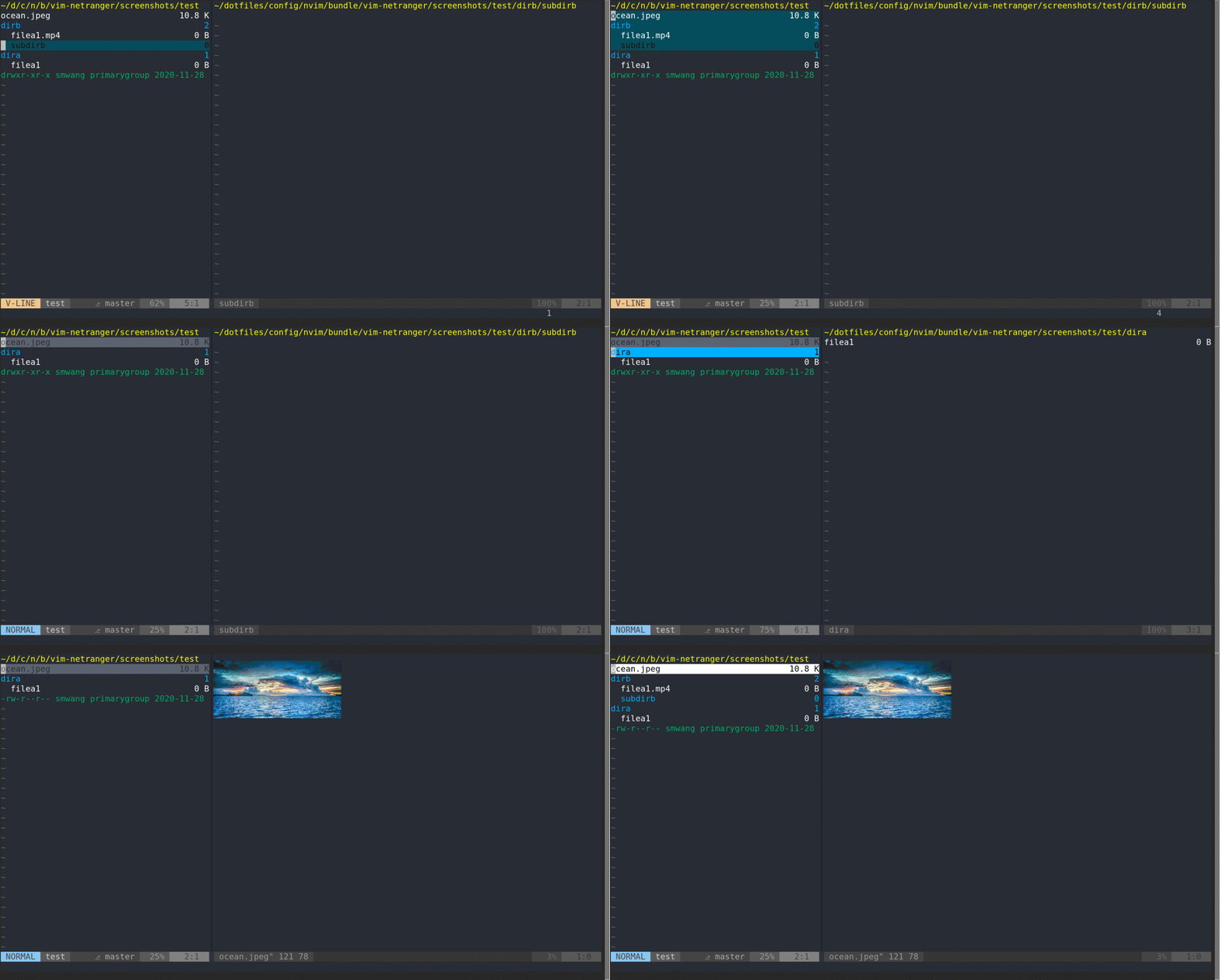
Recent Update
- Image preview is supported (Linux, X11). Please install ueberzug:
pip install ueberzug - Bookmark functions are deprecated. Please use thirdparty plugins such as ipod825/vim-bookmark.
- The setting
g:NETROpenCmdis now set toNETRNewTabdrop, which close the netranger buffer. If you prefer the old behavior, you can havelet g:NETROpenCmd=NETRTabdrop. - Preview window is on now by default. To turn it off, set
g:NETRPreviewDefaultOn=v:false.
Vim-netranger is a ranger-like system/cloud storage explorer for Vim/Neovim. It brings together the best of Vim, ranger, and rclone:
- Against Vim (netrw):
- Fancy rendering
- Supports various cloud storages (via rclone)
- Against ranger:
- Native Vim key-binding rather than just mimicking Vim
- Against rclone
- Display/modify remote content without typing commands in terminal
Installation
Using vim-plug
Plug 'ipod825/vim-netranger'
Note: Other explorer plugins (e.g. NERDTree) might prohibit vim-netranger. You must disable them to make vim-netranger work.
Requirements
-
vim&neovimecho has('python3')should output 1echo has('virtualedit')should output 1
-
rclone: v1.4.0(v1.3.9) or newer (1.4.0 not yet published, see Known Issues).rcloneis needed if you use remote editing features. However, it will be installed automatically on the first time runningNETRemoteListcommand.
Workflow preferences
- If you are more used to tabpages, and want to always keep a netranger buffer for the project folder. Have
let g:NETROpenCmd = 'NETRTabdrop'in your vimrc. - If you are more used to tabpages, but want to close the netranger when openning a file. Have
let g:NETROpenCmd = 'NETRNewTabdrop'in your vimrc. - If you are not used to tabpages,
let g:NETROpenCmd = 'NETRNewTabdrop'is still a good option for you. Otherwise, customize it to your favorite command.
Usage
:help vim-netranger-usage
Remote storage
:help vim-netranger-rclone
Customization
:help vim-netranger-customization-mapping
:help vim-netranger-customization-option
Advanced Key mappings:
:help vim-netranger-functions
Colors
:help vim-netranger-colors
Python Api
:help vim-netranger-api
Known Issues
- When remote directory is empty, it will not be copied to remote. It is an rclone [bug] (https://github.com/ncw/rclone/issues/1837), which is expected to be fixed in next release.
- In some cases when
listcharsis set,vim-netrangerbuffer does not display correctly. For possible solutions, see the comment in this issue. - taboo.vim incompatibility.
Contributing
Pull request is welcomed. However, please run tests before sending pull request.
Testing
$ cd test
$ bash test.sh  # test with visualization, xterm required
$ python test.py # test without visualization
Acknowledgements
Inspiration/codesnippet from other projects
NETRSearchfilter in place inspired by fin.vim
 ipod825