

 intersystems-community
"Show CCR Control" has stopped working
Hi,
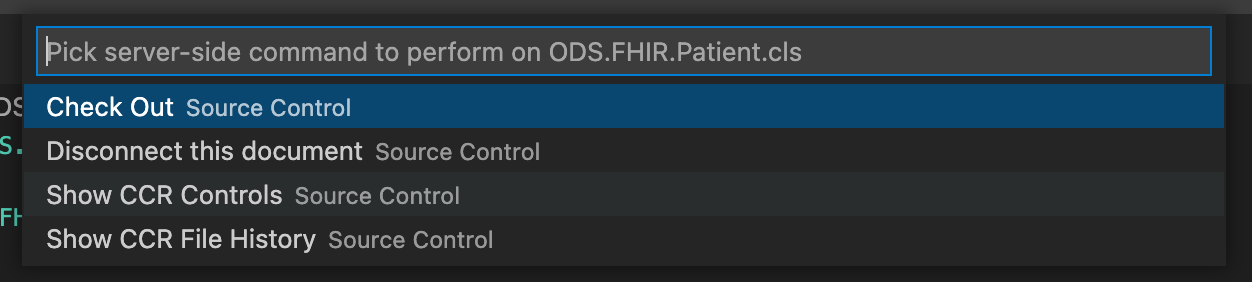
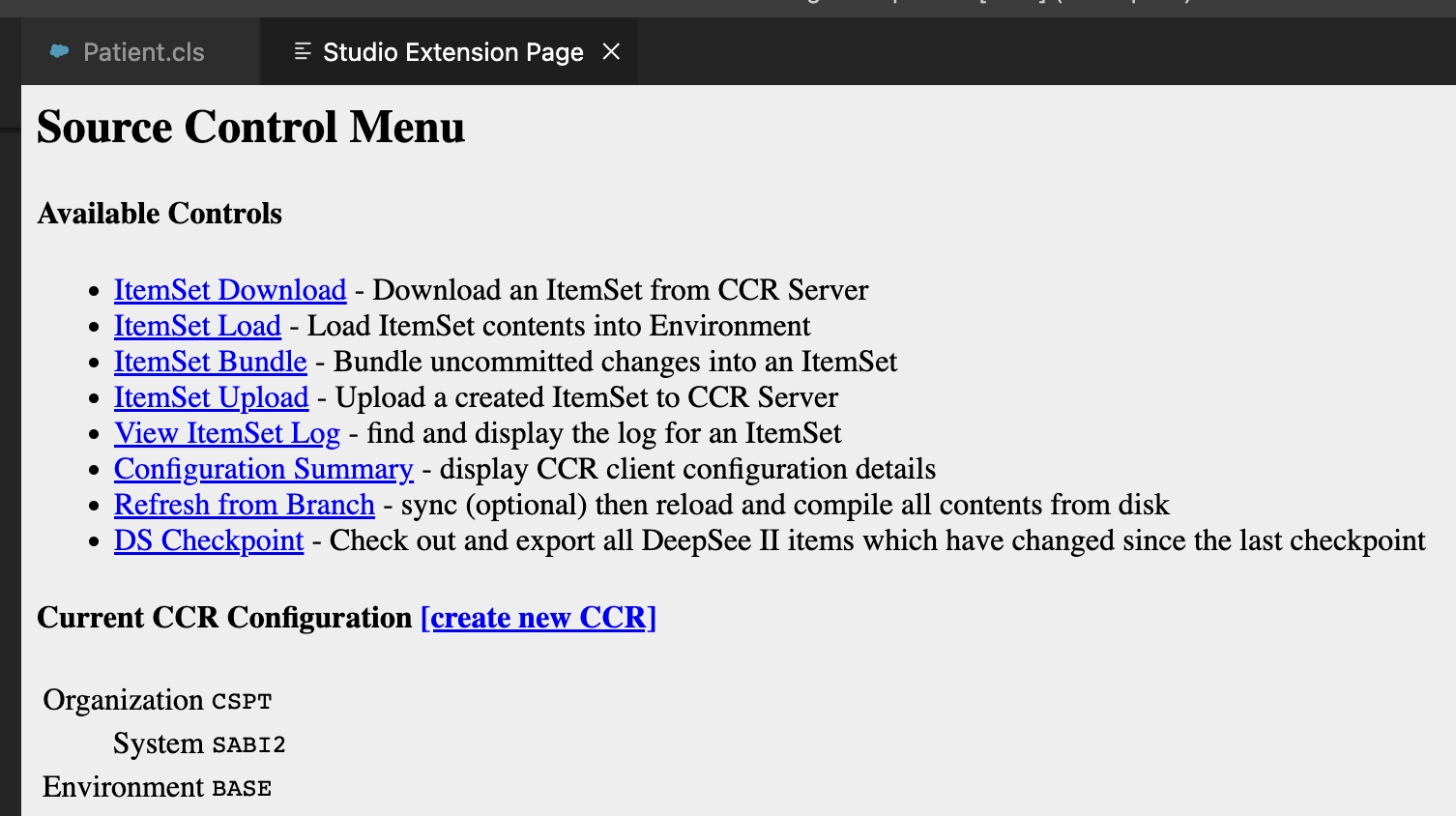
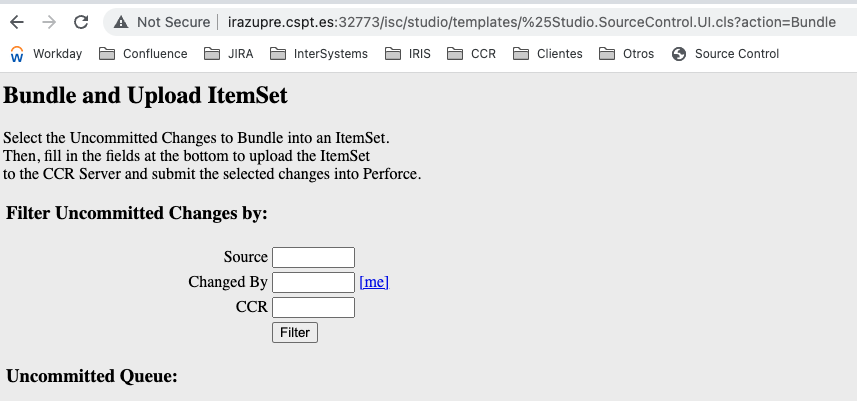
After the last update, the option "Show CCR Controls" has stopped working. It redirects to Source Control Menu.
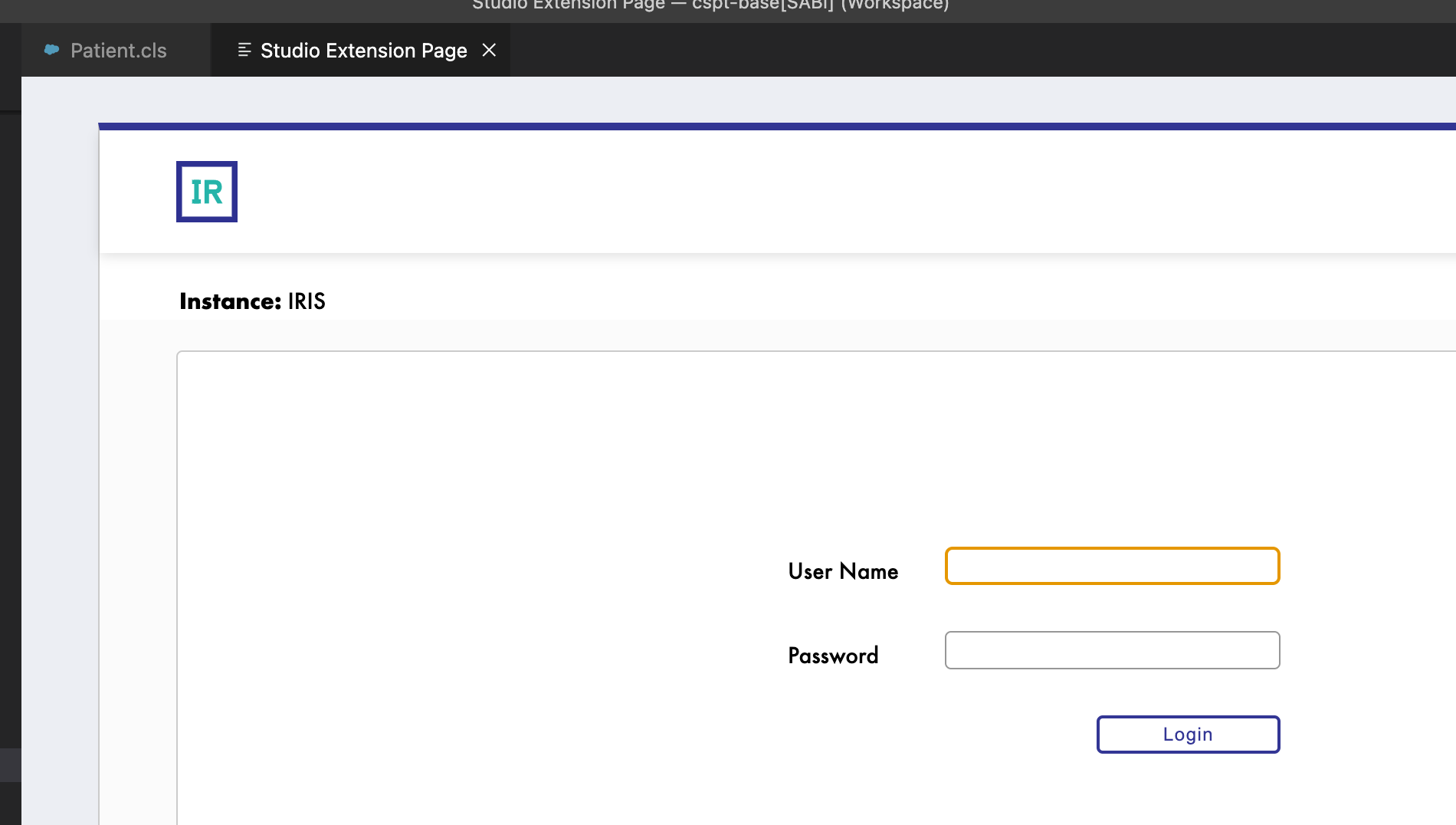
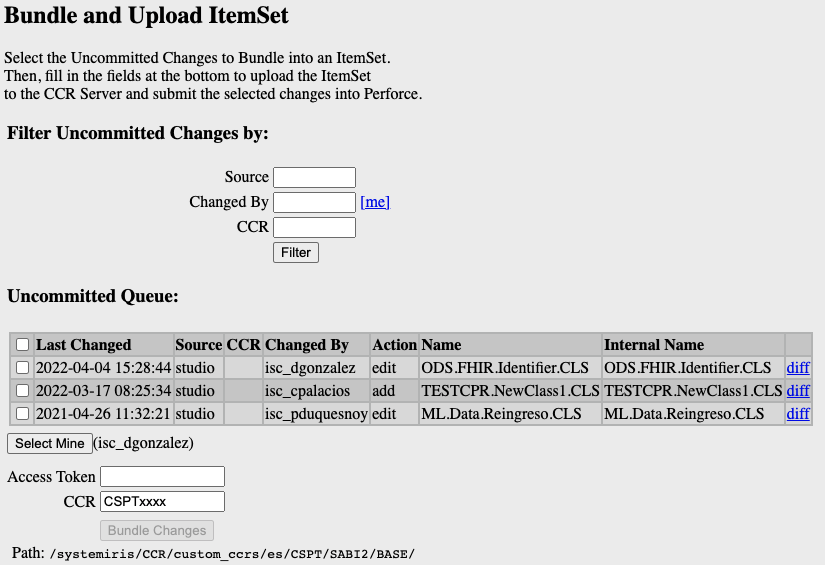
When clicking on "ItemSet Bundle", it redirects to log in page, but, after introducing user and password, log in page is shown again (no error message displayed).
Thanks!

@dgonzalez-intersystems What's the expected behavior in this case?
@gjsjohnmurray Wasn't there an issue in the past related to authentication using the VS Code simple browser? I can't find an issue link for it though

Hi Bret,
The problem is that when you introduce your username and password you're not logged in, and this same page appears again. You should be redirected to this page (this is an example of one of our clients)
I don't usually use this feature. It's been reported to me by one of our clients who use it regularly, and he assures me that up to the last update it was working correctly. In fact, another colleague of his who does not have the latest update can use this feature without problems.
Thanks!
@dgonzalez-intersystems Are those two clients using the same IRIS version and VS Code version? Also, what version of this extension is the client using that reports this feature working? I can look at all commits since that version to see what the cause may be but I don't remember anything in this area changing recently.
Hi Brett, I understood one of them didn't update VS Code version... But he did it too. Firstly, he tested it with the version he had, and it worked. Then, he updated the VS Code version and now it doesn't work for him either. That's why he told me that with the previous version he had it worked. He's trying to find out which version he had before (if possible). I'll let you know when he tells me something. Anyway, they have a workaround and they can work without any problem. It's not a blocker at all. It's just that they were used to using this option.
Thanks!
@dgonzalez-intersystems Do you mean that the client who had it working updated their VS Code version, or the version of this extension, before it broke?
@isc-bsaviano The client updated the version of the InterSystems Language Server extension, not the version of the InterSystems ObjectScript extension. I didn't understand him when he told me the problem, sorry. I guess this extension is a different project, isn't it? In case it could help, the version of the InterSystems Language Server extension he currently has is v2.0.1.
Thanks!
@dgonzalez-intersystems The Language Server update won;t affect anything related to source control or authentication for the built-in browser so unfortunately that's not our culprit.
@isc-bsaviano Ok! He tells me he didn't update anything else... As I said, I don't use this option, so I can't assure it worked previously, but I trust him 😅 I keep on investigating and I'll tell you something as soon as I have more info. Thanks for your help!
@gjsjohnmurray Is it possible that this is caused by the same cookie issue as with the simple browser?

@dgonzalez-intersystems Can you follow the steps here for the web app that you're trying to access and see if that helps?
@isc-bsaviano I'm afraid this has not solved the problem. I keep getting redirected to the login page (even after entering my credentials).
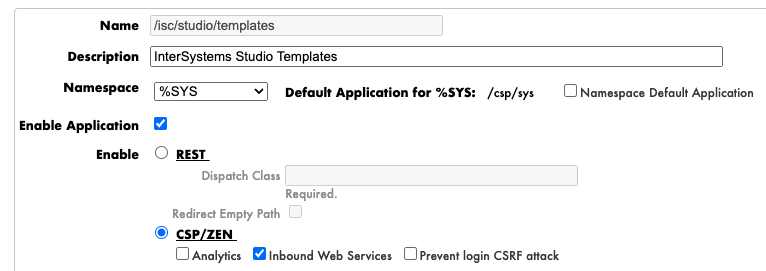
@dgonzalez-intersystems does the webapp definition have a "Prevent login CSRF attack" checkbox? If so, and if it is currently checked, please uncheck it, save the change and try again.
Hi @gjsjohnmurray,
Sorry, I received your message when I was on holiday and, when I came back, as it's an option I don't use, I completely forgot to reply.
The WebApp has this checkbox, but it's currently unchecked. So I'm afraid this is not the problem.
Thanks for your help!
Hi, i just found the following settings in IRIs made this work, You need to modify the studio templates application.

@isc-lindensc Thanks for your comment, but it still doesn't work. Could it have to do with the fact that they connect via http instead of https?
Anyway, if it doesn't happen to anyone else, don't worry, it must be something from this particular client. They are already used to accessing from the browser, so they can work without any problem.
Thanks again for your help!
Since this is only reproducible on a particular client's system and they have a workaround, I'm going to close this.