
immich
 immich copied to clipboard
 immich-app
Video keeps upload and fail
The bug
A video that is 179MB keeps failing on upload and retry everytime
The OS that Immich Server is running on
Debian
Version of Immich Server
v1.49.0
Version of Immich Mobile App
v1.49.0
Platform with the issue
- [X] Server
- [ ] Web
- [X] Mobile
Your docker-compose.yml content
I have not access to the Server now
Your .env content
Same here
Reproduction steps
1. Try to upload any video over 170MB
2. Enable auto-backup
Additional information
None

Can you describe the action of
- Deleting from Immich Server
- Deleting the media file from the gallery
I am not clear what are you trying to accomplish

Can you describe the action of
- Deleting from Immich Server
- Deleting the media file from the gallery
I am not clear what are you trying to accomplish
- Deleted from the Immich App
- Deleted from the Gallery App
Summary: I deleted the video file while it was uploading to Immich Server, and now it keeps backing up the "broken" file, so the app reads until it loads and then fails.
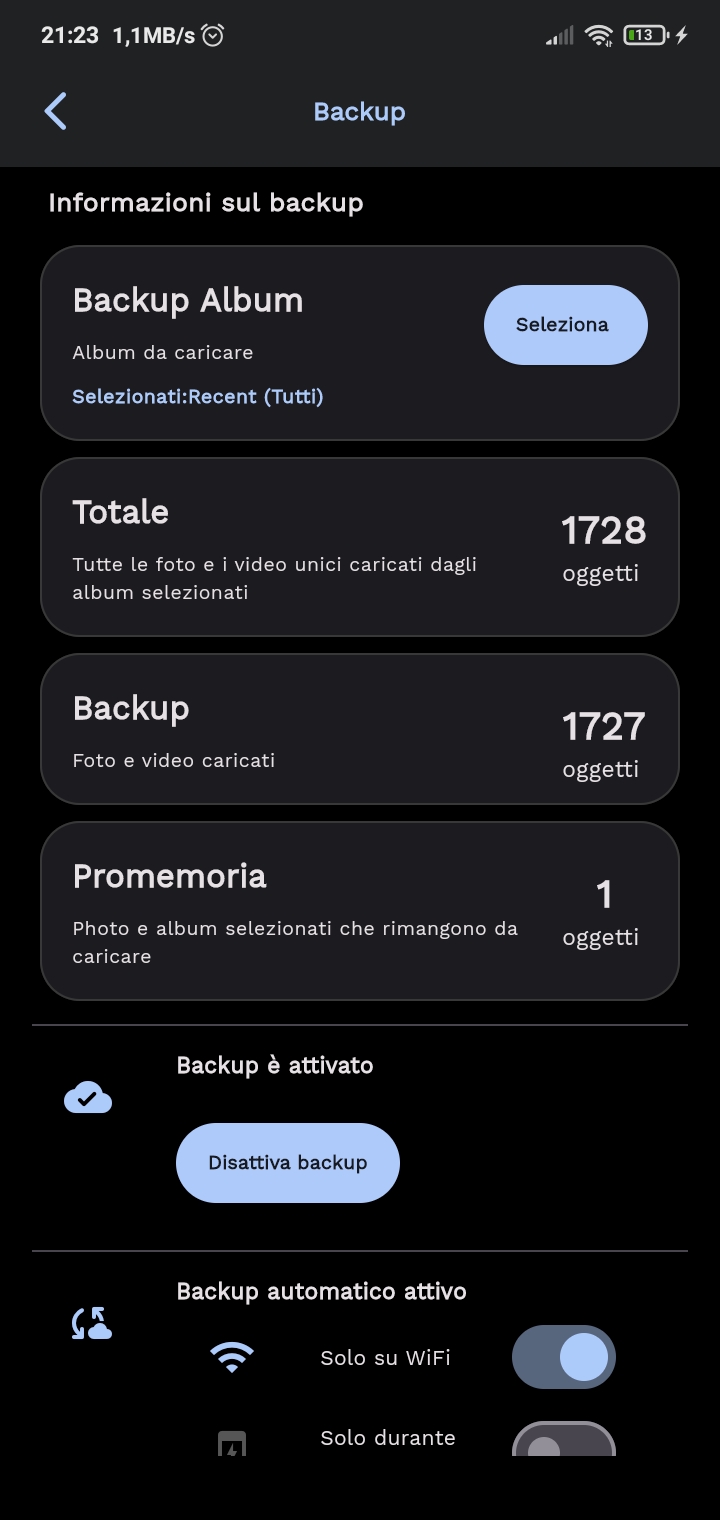
Can you scroll down and confirm that the file it is trying is upload is the video?
Can you scroll down and confirm that the file it is trying is upload is the video?
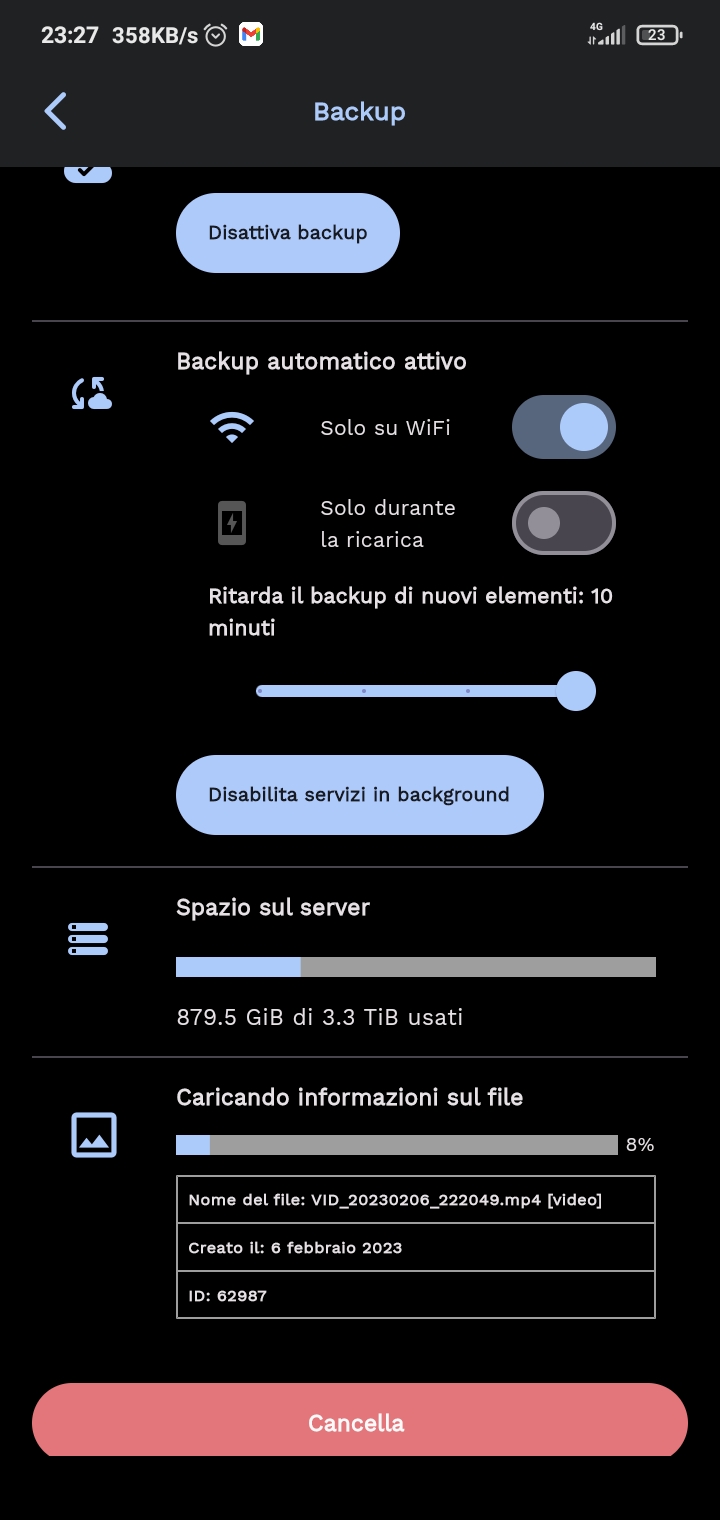
Yes, it's always the same video, when starts in background I can confirm by the siza, always 170MB
Can you click on the photo icon logo next to the upload file? It will show you the thumbnail of the video. Can you help confirm that it is not existed in the gallery?
Can you click on the photo icon logo next to the upload file? It will show you the thumbnail of the video. Can you help confirm that it is not existed in the gallery?
I'm sorry, you're right, the video is another, but there is a limit on the upload? This other video is 179MB and keeps failing at less than 10% https://user-images.githubusercontent.com/51356760/221410152-362d33e6-7c6f-4e8c-ab94-85ffd3856726.mp4
If you are using dns, and maybe cloud flare tunnel there is a known limitation of 100MB upload. Also it could be your reverse proxy too, if you are using Nginx, please check max body size setting
If you are using dns, and maybe cloud flare tunnel there is a known limitation of 100MB upload. Also it could be your reverse proxy too, if you are using Nginx, please check max body size setting
I use ArGuard as dns, and cloudflare + nginx on my home server, if I use the same WiFi of the Server the upload is limited anyway by cloudflare?
If you are using your local ip, there would be no limitation. If the image you showed was using local ip then this is a bug of upload the last file
I will close this issue as this is probably related to proxy server setup and configuration.
I ran into this same issue due to a client_max_body_size 50M; in the nginx proxy for the server. This caused the upload of videos larger than this size to fail silently and constantly retry. Increasing the limit to half a gigabyte allowed the existing videos to sync, but this just pushes the problem off till later -- if a larger video is ever set to be sync'ed then it will fail again and cause the constant retries.
