
immich
 immich copied to clipboard
 immich-app
[BUG] strorage migration job doesn't take timezone value from `TZ` env
Describe the bug
As seen below, 221026_103248.heic is the filename generated by Immich storage migration job:
❯ exiftool -j 221026_103248.heic | grep DateTime
  "DateTimeOriginal": "2022:10:26 18:32:48",
  "ProfileDateTime": "2022:01:01 00:00:00",
  "SubSecDateTimeOriginal": "2022:10:26 18:32:48.809+08:00",
and it's generated without taking timezone value from TZ env (see below) into account:
/usr/src/app # env | grep TZ
TZ=Asia/Singapore
Task List
Please complete the task list below. We need this information to help us reproduce the bug or point out problems in your setup. You are not providing enough info may delay our effort to help you.
- [x] I have read thoroughly the README setup and installation instructions.
- [ ] I have included my
docker-composefile. - [ ] I have included my redacted
.envfile. - [x] I have included information on my machine, and environment.
To Reproduce Steps to reproduce the behavior:
- Set
TZenv for the docker container - Run the Immich apps (db, server, web,...) then configure the path template with both date & time
- Log into the container, verify that the TZ env is set correctly
- Run the storage migration job & wait until it finish
- Check the filename & compare with EXIF info & TZ value to see the mismatch
Expected behavior
Filename generated by the storage migration job should use timezone value from TZ env
Screenshots If applicable, add screenshots to help explain your problem.
System
- Phone OS [iOS, Android]:
<version> - Server Version:
v1.42.0 - Mobile App Version:
<version>
Additional context Similar functionality has been implemented here: https://github.com/immich-app/immich/pull/618

We don't use the timezone of the container anymore, it is inferred by the exif-vendor library

@alextran1502 if it doesn't use the timezone from TZ, I guess it's using the system's timezone value? How should I configure the system to have this desired filename 221026_183248.heic (local) instead of 221026_103248.heic (UTC)?
I'm running TrueNAS-SCALE-22.12.0 (k3s) with a timezone selected (set to TZ value) for the deployment/pod
@MichaelBui hmm this is an interesting problem since the file is uploaded and moved to the corresponding location before the EXIF extraction corrected the timezone.
During the upload, the TZ is used, hence the correct filenames but once the storage migration is running, all files are converted to OS timezone.
We can try to install tzdata for our docker images but since the uploading process is using TZ, it will be consistent to use TZ for the storage migration job as well
The date specified during upload is more of a hint, since we fully rely on the time returned from exiftool-vendored library to finalize the datetime for the picture. To see how it calculates the date and factors in timezones, see: https://github.com/photostructure/exiftool-vendored.js#dates.
Do these images not have any timezone, offset, or gps tags included in the exif?

Can you help confirm that the timezone in the file when viewed on either the web or mobile is correct?
I can confirm that the timezone in the stored file is incorrect, while on the web it is correct. This happens to all my files.
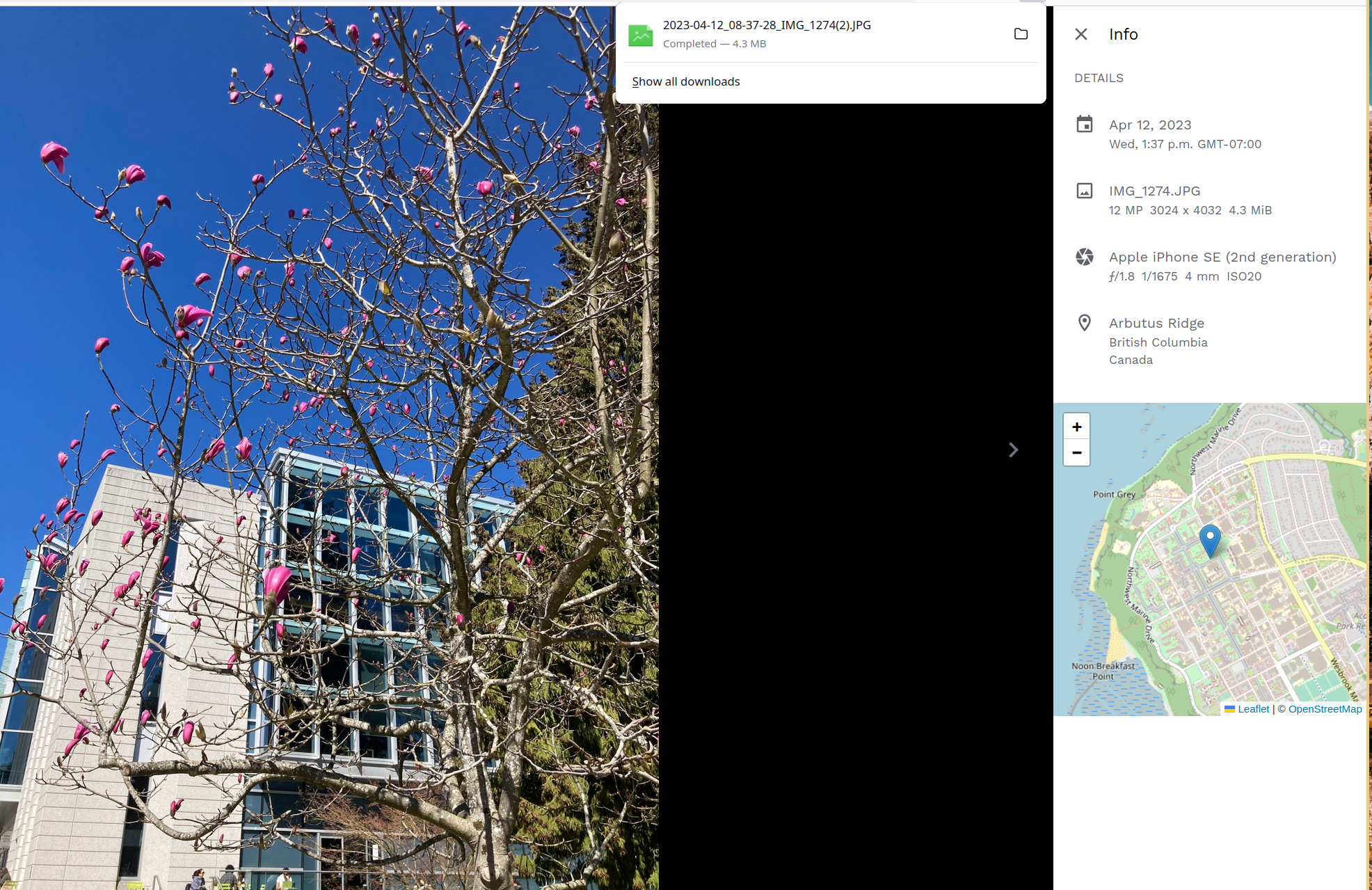

@akoen @alextran1502 I stumbled upon the same problem. I noticed that when I go into the immich_server container's CLI and do a 'date' command, it only lists the UTC time.
I'm in the CEST timezone so doing the same command in the CLI of my server (so not in the docker containers) I get a 2 hour offset compared to the time of immich_server.
When I check the time details in web or app it is displayed correctly according to my timezone. The file that lives in the library folder however has a UTC timestamp.
Can I conclude that the storage template always looks at Universal time and the local system time is always ignored? Is this by design? I would expect the timestamp in the filenames to be matching with the time the pic was taken to more easily find photos of a certain time when browsing outside of the image UI.
Great work on the whole project btw, I'm really loving it!

@sadrov I believe this happened because we are not using the exif date data for the template but use the file creation time instead, so the timezone isn't taking into consideration here
Thanks @alextran1502 for your quick reply! It makes sense.
When I browse the files on the iphone directly (connected by usb), in the DCIM folder the creation time of the file shows correct, but maybe that's just Windows displaying it with the 2 hour offset to match the timezone?
Would it make sense to request the feature to also have the option of using the exif date in the storage template? I believe nextcloud did that by default.
I believe we use exif date, we just are using the UTC timestamp, not the TZ adjusted version of it.
ok cool, I understand now where the time offset comes from and that it is intended this way and not something wrong on my side. Thanks a lot for the answers
It might be easy enough to add options here so that it uses the timezone information if available.
https://github.com/immich-app/immich/blob/main/server/libs/domain/src/storage-template/storage-template.core.ts#L152
I'm not so comfortable with adjusting source code and compiling but I guess it could be nice to try when I have some spare time :) Thanks for your answer!
