
immich
 immich copied to clipboard
 immich-app
[BUG] Doesn't show DNG file when duplicately-named JPG exists despite both being uploaded
Describe the bug When you take photos in pro mode on Samsung phones you're unable to avoid a low res .jpg copy of the DNG file. Immich then uploads both files, compares them and then only shows the low res .jpg in both the Immich app and on the web. Both files have the same name except for the extension. When you take the photo both images are shown in the app, but after uploading only the jpg remains.
Expected behavior I would expect it to upload both files since they're different filenames (if you include extension)
System
- Phone OS [Android]:
<13> - Server Version:
<1.43.1> - Mobile App Version:
<1.41 build.66>
Additional context Might be a feature to toggle whether you want both raw and jpg of a file with the same name.

Can you help me understand how you determine where can you see the two files' versions, i.e low res vs high res on Android?

With low res I just meant "lossy" as in the difference between a raw and jpg. The actual resolution is identical. An example is photo "20230128_163255.jpg" and photo "20230128_163255.dng", both are 3000x4000 pixels, but due to the format one is ~23MB and the other is ~3.5MB
Can you actual see two files on the album/folder/file system on the phone?
Yes, I've taken 3 screenshots. One of the files in the folder structure and one of how it looks in Immich before and after upload. I also have the log file exported if needed.
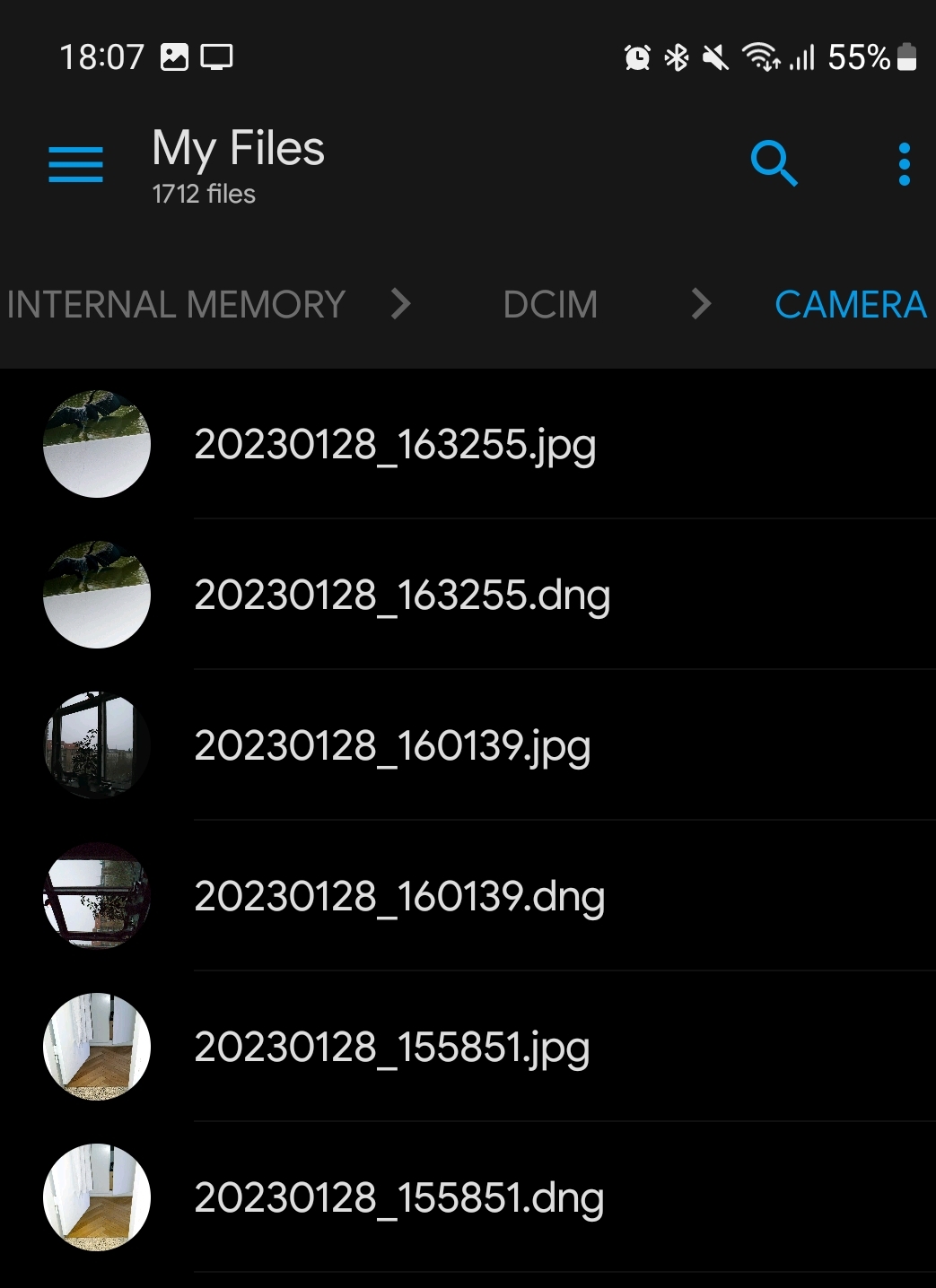
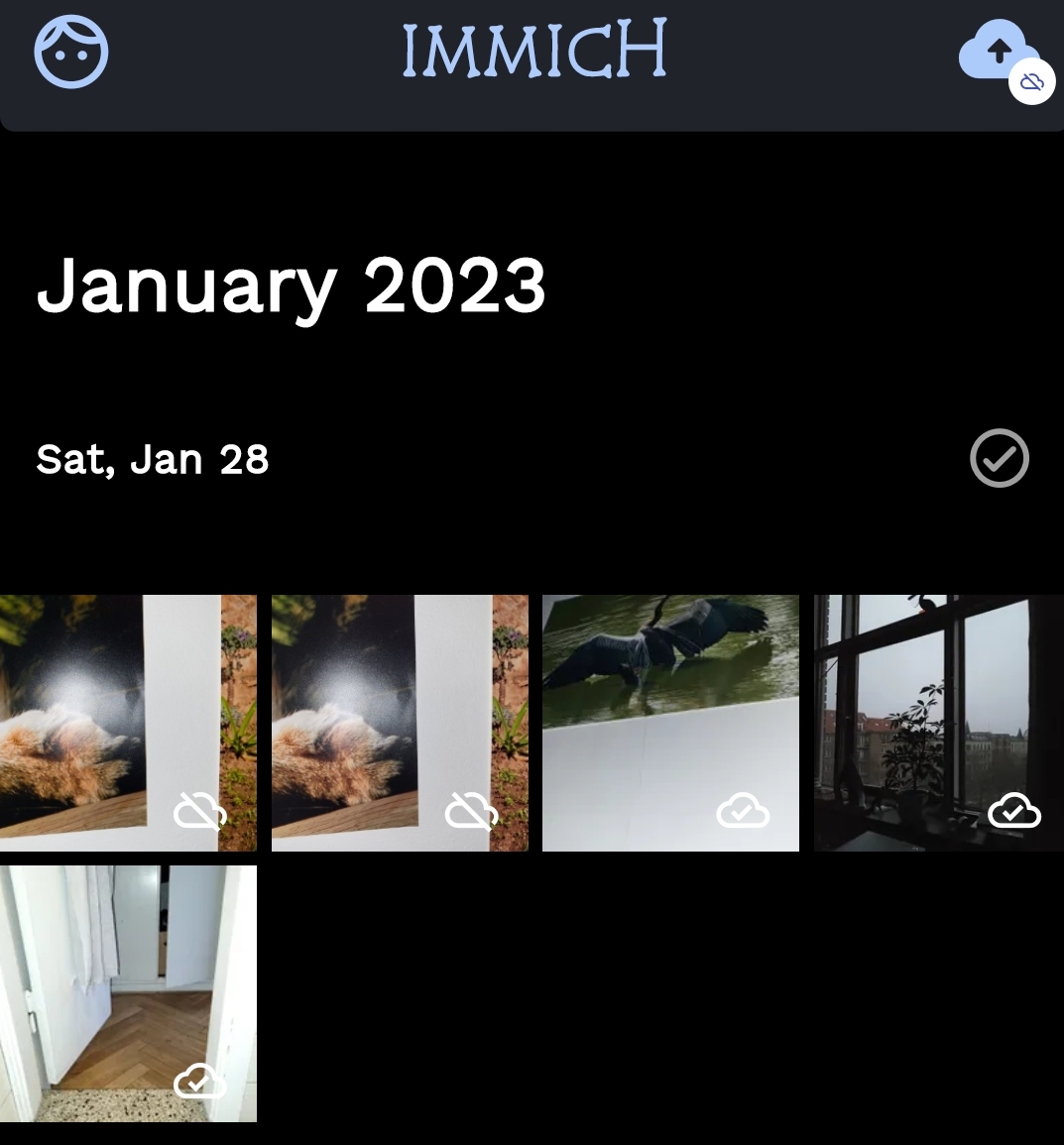
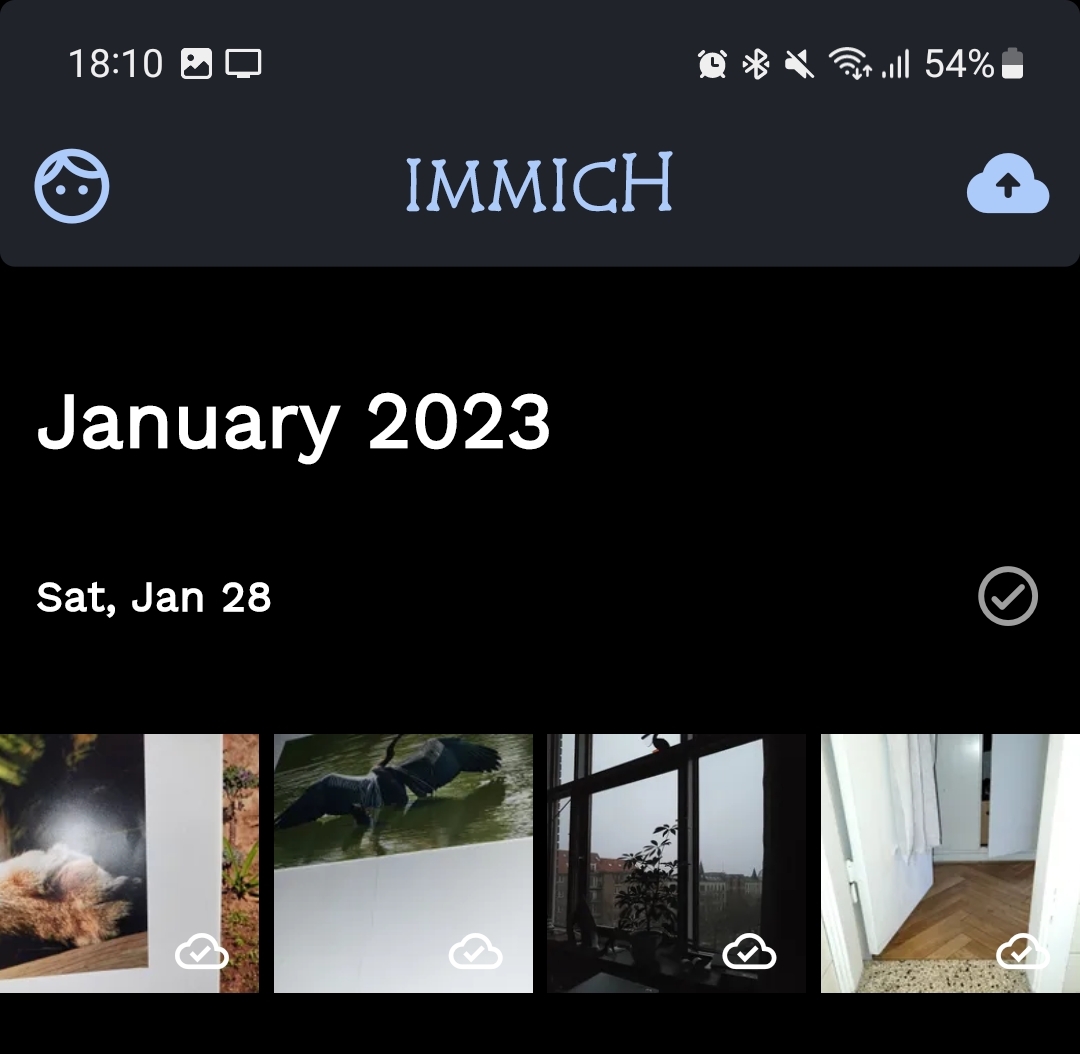
Can you help me check if both files are uploaded to Immich UPLOAD_LOCATION directory?
It looks like they are indeed both uploaded and it's the client that doesn't show both files.
Updated the title to reflect that it's uploaded but not shown.
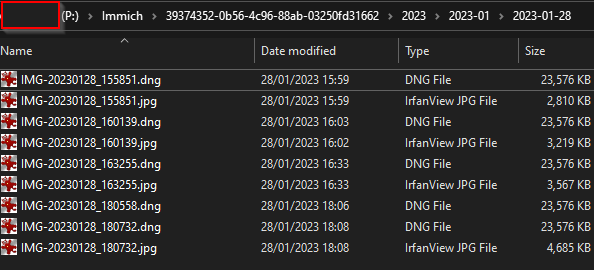
Can you help shared a set of files? I can use them to troubleshoot and see what is going on here
Here's an imageset of raw (dng) plus jpg files from a recent Galaxy S series phone. Nextcloud imageset
So, the problem is the thumbnail generation library cannot handle DNG files, which is strange because Apple also has DNG raw files and the thumbnail can be generated. So only the JPEG file gets thumbnail generated so it is displayed on the app.
Please follow #1414 because that would potentially fix this issue.