
Amethyst
 Amethyst copied to clipboard
 ianyh
ianyh
Implementing a "Desktop View" layout to quickly interact with the Desktop
I've been using Amethyst for about six months now and I absolutely love it. The issue I find myself frequently having with it is interaction with the Desktop is very difficult. Often you want to use the Desktop for simple quick tasks, such as taking a screenshot and quickly dragging and dropping it, or maybe saving a quick file then opening it.
Currently with Amethyst, you have to select the application Finder, open a new tab, and click Desktop in the Finder navigation shortcuts. This kind of sucks and is a lot of steps, plus you're not interacting with the Desktop directly.
I propose a new tiling mode called "desktop view" layout. This would be a mode that shows only the currently focused window on the left, and on the right there is blank space, allowing us to interact with the Desktop. Users could set a convenient keybinding allowing them to very quickly drag and drop files to the focused window then switch back to their previous tiling mode.
I also propose that a new "quick toggle" keybinding be added. This would allow users to set bindings to temporarily toggle to a layout, and then toggle back to their previous layout once pressed again. This is a useful feature in general (for example if you quickly want to toggle to a column view to reference documentation but then toggle back to whatever you were in before) but it also would work quite well with this Desktop view.
I will try to submit a PR for this myself, but as I don't know Swift very well, I'm not sure how long this will take me.

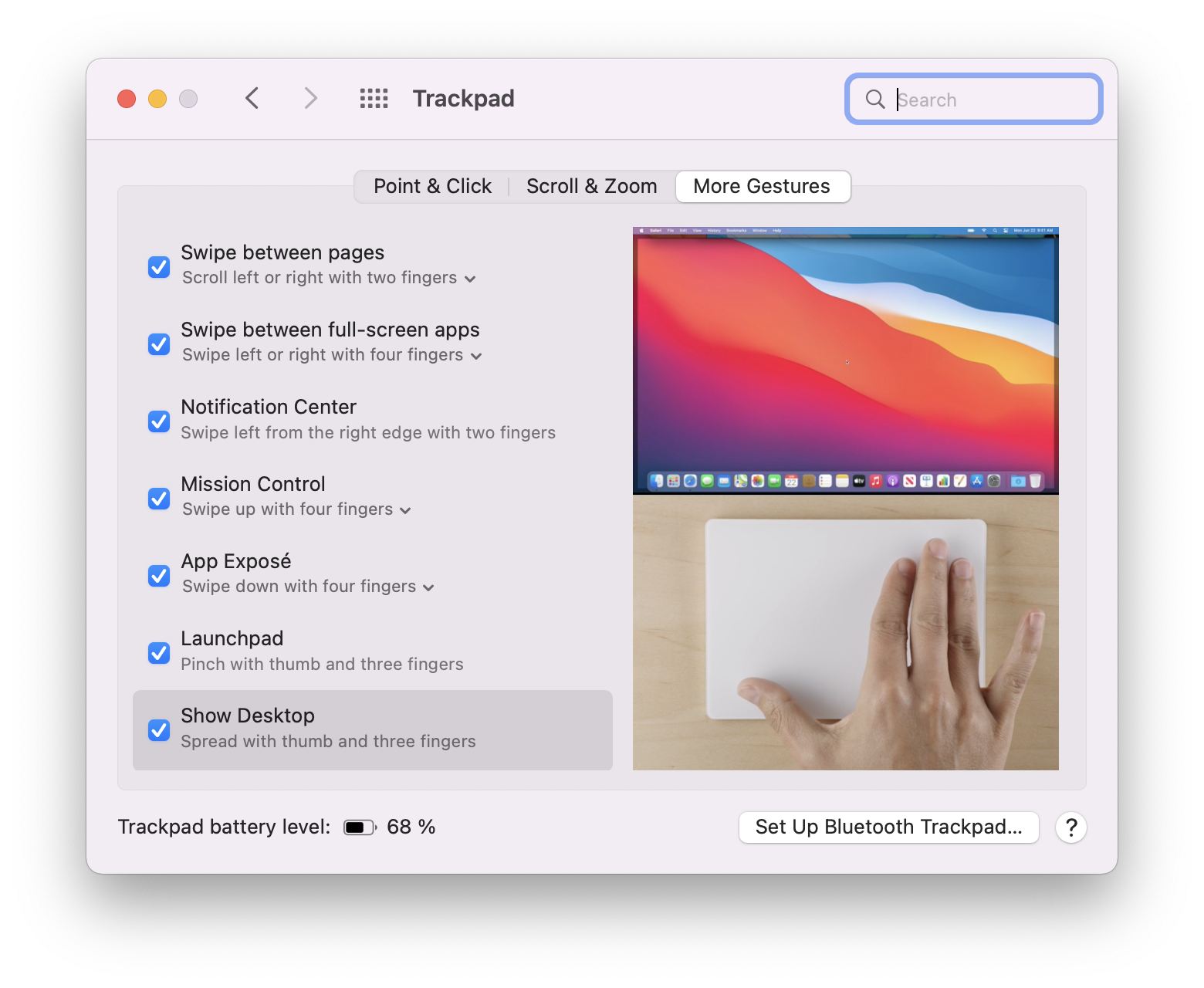

It's possible to set the keyboard shortcut to show desktop on OSX, probably that's what you're looking for.

Adding to that, the default in Apple's keyboards is Cmd+F3, but that can be customizable

As others have said, the system has a configurable command for displaying the desktop.
Additionally, layout toggling has been implemented in #1358.
