

 home-assistant
Show state updates in Wear OS shortcut tile
Is your feature request related to a problem? Please describe. No way to know if light bulb is on or off when using tile.
Describe the solution you'd like Icon color change like in home-assistant web app.
Additional context
What multiple light groups shows now:


Hi, I'm not see tile hass on my tiles list both phone app and wear app (I'm using Xiaomi Watch LTE and iPhone Home Assistant app). How to add it?

Hi, I'm not see tile hass on my tiles list both phone app and wear app (I'm using Xiaomi Watch LTE and iPhone Home Assistant app). How to add it?
Open the wear app, go to settings. Then at the bottom setup the tile. Then add the tile like you normally do.

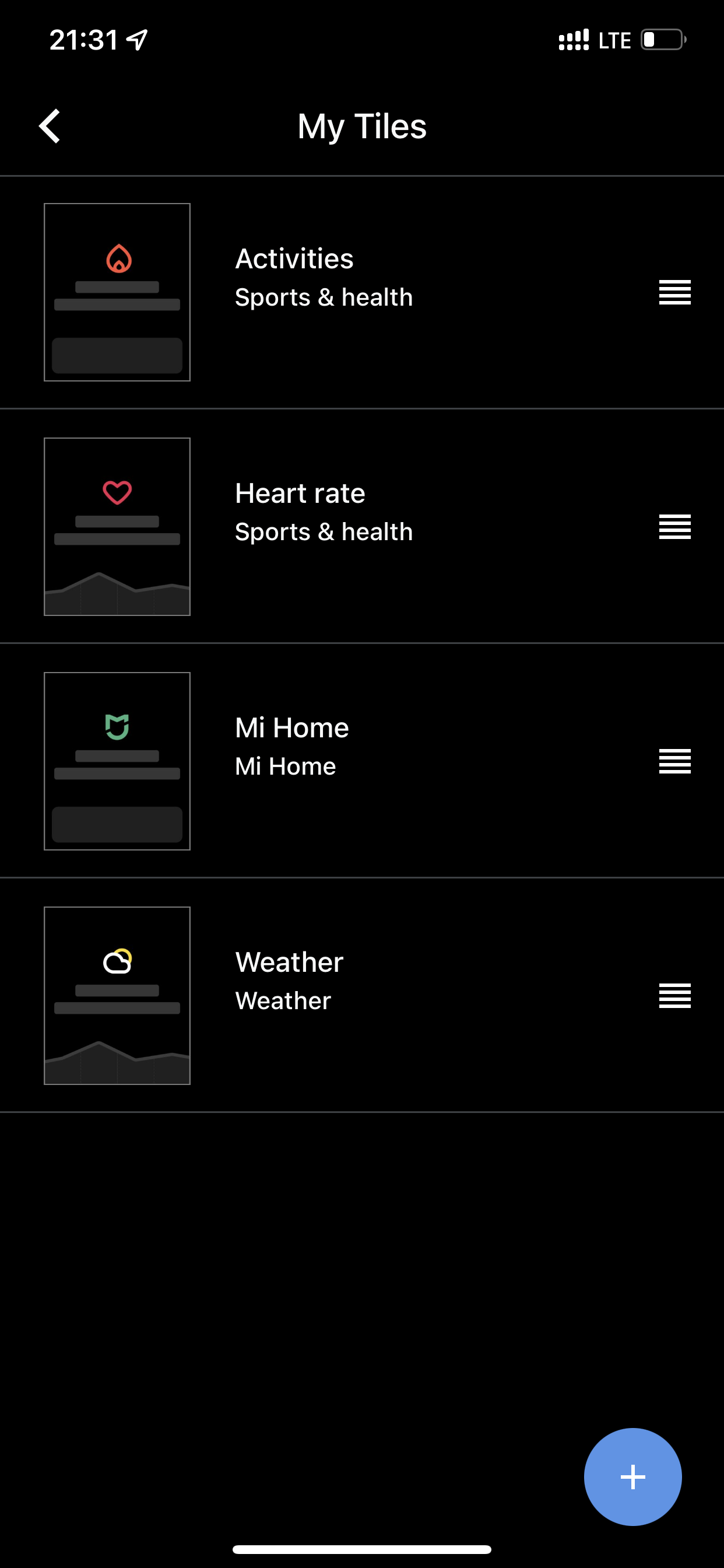
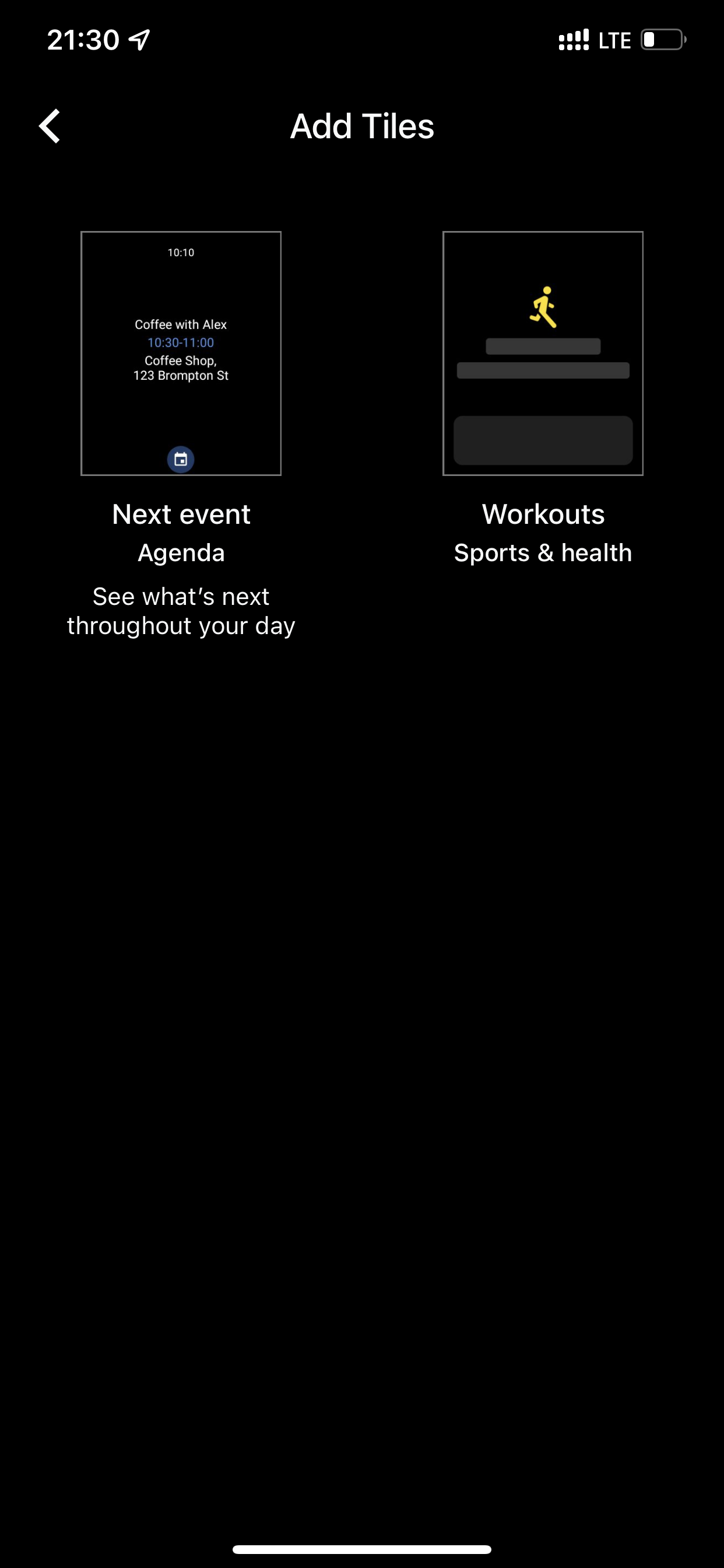 Nothing on this
@cpanel10x lets not use an enhancement request to troubleshoot your separate issue. As this is support related hop on discord or the forums. Make sure you are on the latest version of the app. If you are still stuck create a new issue.
Have been thinking about this issue. Officially tiles are not meant to update frequently, but in this case the added value is obvious.
@dshokouhi do you think we can listen to changes on the websocket to update the tile or will it take too much battery? Only other alternative would be to have a refresh interval of a few minutes, right? Would that be acceptable?

@dshokouhi do you think we can listen to changes on the websocket to update the tile or will it take too much battery?
well the websocket would only be active when the screen is on, I dont see a wearable having the screen on for a long period of time. Does the tile have an active state that the app can read so we can make pinpoint the updates?
well the websocket would only be active when the screen is on, I dont see a wearable having the screen on for a long period of time. Does the tile have an active state that the app can read so we can make pinpoint the updates?
Okay, if it's only with the screen on it might not be too bad. But unfortunately, the tile can only be updated as a whole, so simply regenerated
Does the tile have an active state that the app can read so we can make pinpoint the updates?
I was thinking the same, this would be best choice. No need for frequent background checks and update state only when user is actually using the tile.
Ik afraid that it is not possible to update like that with the current API. We cannot know the state of the Tile itself or interact with it directly
Is this still not possible? I saw the new feature 'Show entity state on chip background' #2634 and was about to submit a feature request.

We now have background updates for the complications, so I guess something similar is possible for this FR.
Still needs to be investigated. It also depends on whether the tile updates quickly enough for it to be useful
This could possibly be solved using push notifications (messages) sent from the server to command the watch to update the Tile (whenever the selected entities change).
But I don't know if it would be possible/feasible to use push messages in the Wear OS app. And this would require modifications on the server.

I have been looking into this a bit, but so far have been unsuccessful to show status in a good way. I'm being limited by the options of the Tiles API... Two directions I tried below.
First I wanted to give a color to the icon. In the Tile API the idea is that the images are loaded once and then reused in every layout update. So I tried to add a color filter to LayoutElementBuilders.Image.Builder(), but this doesn't seem to do anything. Now the documentation also mentions that .setFilter() only works for Android image resources, so I guess this is not an option.
Next I tried to change the color of the circular button background instead. However, here I run into the limitation that the image resource can only be saved in the IMAGE_FORMAT_RGB_565 format, which does not support transparency. So the background of the square icon will have a different color than the rest of the button. Really don't understand why transparency cannot be supported here...
So the only remaining option I see, would be to somehow save the entity states along with the entity IDs in Resources.Builder().setVersion() to trigger a regeneration of the icons each time. However, this would really be misusing the intended purpose of the API.
Any thoughts on way forward are welcome @dshokouhi @jpelgrom
Can't you set the state color for the icon here?
That still doesn't solve the problem of cached images by itself. Is it possible to update/invalidate the tile state in onStartListening or similar, like how updated template tiles are handled? (I haven't tried this myself, so sorry if I'm missing something obvious.)
Edit: basically, I think I'm proposing ignoring the cache if possible when the system indicates the tiles should be updated.

Yes that should be possible, but that will indeed result in recreating the icon cache on every state change. So going against the intended purpose.
But while I'm writing this I realize I missed an obvious solution myself! I could just save the icon in both colors and then in the layout choose which one to use 😅
But there can be a lot of different colors, not just two, when using lights with a color temperature and even more with full color (RGB), right?
That is true. I was thinking of just doing on/off. Would you propose to use the actual light color?
I think I would, as that would be more consistent with the entity chips which also show the light color if known
Is this possible with the new WearOS 3.5? Just got my Pixel watch and the tile works great.
Btw I have to connected via nabu casa url, can I change it to the local URL so no internet or is that not supported?

I've tried implementing this, but it proves to be impossible to get this to work reliably... The first problem is that the system only allows updates of tiles every ~20 seconds, so multiple presses will come through with a delay. Pressing a button on the tile will already trigger a refresh, because that is the way to be able to trigger the action. Then it will only correctly show the state of the pressed button if re-rendering the tile takes longer than e.g. turning on the light. I've tried mitigating this by also refreshing the tile again after the light has actually be toggled, but here the 20s limitation comes in again. Finally, I tried adding a state change listener in the tile rendered for the entity that was last clicked, but here the state change would still be missed sometimes because of the small time it takes to set it up.
I'm unfortunately going to give up on this. If anyone wants another try, please check my branch here: https://github.com/leroyboerefijn/ha-android-wear/tree/state_on_shotcuts_tile
How about "faking" the icon state/color after it's being pressed? That way it would be instant (for user). And then update tile correctly after that ~20s delay.
And I personally would be just fine if there was single on/off color for lights. It's just a tile so RGB seems to be useless, as you cannot even control that from the tile.
You could also send out notification if state change fails for some reason, just to be sure user sees that if something doesn't go as planned.
How about "faking" the icon state/color after it's being pressed? That way it would be instant (for user). And then update tile correctly after that ~20s delay.
I agree with this, it at the very least also gives visual confirmation the tile has been tapped. If the status change fails for what every reason, knowing after 20 seconds is perfectly fine.
And I personally would be just fine if there was single on/off color for lights. It's just a tile so RGB seems to be useless, as you cannot even control that from the tile.
Same. Not fussed knowing what colour a light is, just want to know if it is on or off. Often my lights will change colour once they've turned on after a few seconds, so not going to capture that change anyway.
You could also send out notification if state change fails for some reason, just to be sure user sees that if something doesn't go as planned.
Yer a small banner notification, like how you have now to say the icon has been tapped to say failed would be more than adequate.

I also tried to implement it myself (without much success) and faced the exact same challenges and problems you mentioned, @leroyboerefijn. I only realized that this conversation exists after working on it for a while :laughing:
However, I have something else interesting to show you:
There's an open-source Wear OS app called SimpleWear (which is a great app btw, try it!). It has a Tile where it displays controls for the phone for things like WiFi, Bluetooth, DND, torch, ... And it works like a charm! The toggles on the Tile are updated instantly and stably. It updates reactively even when I toggle the WiFi on the phone and I didn't even interact with the Tile! We should figure out how the developer solved this. :thinking:
For a starting point, we could take a look at the DashboardTileProviderService class(es) in the project. Weirdly, there are two classes in the project called DashboardTileProviderService:
- there's one based on the official AndroidX Tiles API: https://github.com/SimpleAppProjects/SimpleWear/blob/master/wear/src/main/java/com/thewizrd/simplewear/wearable/tiles/DashboardTileProviderService.kt
- and there's one based on the old unofficial Tiles API: https://github.com/SimpleAppProjects/SimpleWear/blob/master/wear/src/main/java/com/thewizrd/simplewear/wearable/tiles/unofficial/DashboardTileProviderService.kt
Apparently, the one based on the unofficial API is being used, according to the manifest.
After quickly reading through the code, this stood out the most for me, and I think this is the key: https://github.com/SimpleAppProjects/SimpleWear/blob/679ed408d3342e932389cda755035fef2fc4b09a/wear/src/main/java/com/thewizrd/simplewear/wearable/tiles/unofficial/DashboardTileProviderService.kt#L122
There's a method called sendUpdate in the unofficial Tiles API...