
helix
 helix copied to clipboard
 helix-editor
Package for Ubuntu
I've tried to find a repo with a .deb package for Ubuntu but failed.
Is there a community-maintained repo for Ubuntu?
If the answer is no, then I'd like to help even though I don't have an experience of creating/maintaining a PPA repo(but I was able to compile Helix from sources for my Linux Mint).

Afaik there is not currently a PPA or anything in apt. If you'd like to create and maintain a PPA, that would be great!

How should it be packaged? Is https://crates.io/crates/cargo-deb a good option? If yes, i would give it a try :)

@uwearzt, creating a Debian package via cargo-deb is easy, I did it on my local machine and it worked fine. The harder thing is packaging it in Ubuntu PPA according to all their rules. I've stuck on this step and never had a time to finish this.
Good thing is Pop!_OS team is hosting Alacritty Ubuntu packages on PPA so it's possible to download their packaging code and adjust it to suite our needs.
And since maintainers of helix don't want to have any packaging code in this repo it should also be fairly simple to setup a repo with a GitHub action that'll pull the latest release from helix, add packaging code and upload it to PPA.
That was my plan but I'm going through serious life changing events at the moment so sorry that haven't done it yet.
@kirillmorozov Yes, cargo-deb was easy :). I will look into the ppa in the next weeks. Thanks for your help.
I tested creating a ppa, but i would prefer a package repo on github pages.
Main points:
- We could also provide packages for non Ubuntu (in my case Raspbian)
- The build infrastructure on github is much faster
- Everyone could provide patches via pull requests
The actual alacritty builds are also non ppa now: https://github.com/barnumbirr/alacritty-debian
If that's OK for you, assign me the issue, i will create the package repo in the next two weeks.
Possibly related but Debian/Ubuntu let you set a default terminal based editor with sudo update-alternatives --config editor which provides a /usr/bin/editor symlink pointing to user's command-line editor of choice. It doesn't currently recognise Helix as an option though (at least when installed from source via Cargo). Would a .deb solve this?

@baarkerlounger Yes, that is normally done in the postinst/postrm script. If you would like to have it after a cargo install you can do (set the correct path according to your directory):
sudo update-alternatives --install /usr/bin/editor editor /[mypath]/hx 100
see https://wiki.debian.org/DebianAlternatives
The actual alacritty builds are also non ppa now: https://github.com/barnumbirr/alacritty-debian
I used this repository as a reference to build my own deb package for Helix: https://github.com/maveonair/helix-ppa

@maveonair will you be looking to get that submitted to debian repos?
@maveonair will you be looking to get that submitted to debian repos?
I am using PopOS and was rather considering to setup a PPA for it since PopOS is based on Ubuntu.
If someone wants to step in and help me to do it properly for Debian then I would be interested to make it happen.
@archseer looks like you have a placeholder on crates.io for this https://crates.io/crates/helix-editor. I gather uploading to Debian repos is a lot easier if a crate is published - would you be willing to do so?
See https://github.com/helix-editor/helix/issues/42, publishing Helix to crates.io is not planned
I created my own PPA for Helix: https://launchpad.net/~maveonair/+archive/ubuntu/helix-editor
@maveonair, could you please also add a helix package for Ubuntu 20.04 to your PPA?

@maveonair I have added your repository to the official documentation that I am currently rewriting / refactoring.
Please can you confirm this info is correct:
- Your repo works for Ubuntu / PopOS? Which versions?
- Any other OS's it works on, and any specific versions of the OS's?
Thanks, I don't know any Debian distro terminology :)
Installing Helix on Linux via Third-Party Repositories
If Helix is not available through your distribution's official repository, you may need to use a third-party repository.
Ubuntu/Pop!_OS PPA Repository
Helix is available via Fabian Mettler's PPA:
sudo add-apt-repository ppa:maveonair/helix-editor
sudo apt update

@maveonair I have added your repository to the official documentation that I am currently rewriting / refactoring.
Please can you confirm this info is correct:
- Your repo works for Ubuntu / PopOS? Which versions?
- Any other OS's it works on, and any specific versions of the OS's?
Thanks, I don't know any Debian distro terminology :)
Currently I have published only for Ubuntu 22.04 (codename Jammy).
Installing Helix on Linux via Third-Party Repositories
If Helix is not available through your distribution's official repository, you may need to use a third-party repository.
Ubuntu/Pop!_OS PPA Repository
Helix is available via maveonair's PPA:
sudo add-apt-repository ppa:maveonair/helix-editor
sudo apt update
Would it be ok for you to use my "internet" name instead?
@maveonair Cheers! I have changed it to the below. If you publish for other versions or distributions please could you ping me to update the docs.
Ubuntu 22.04 PPA Repository
Helix is available via Maveonair's PPA:
sudo add-apt-repository ppa:maveonair/helix-editor
sudo apt update
@maveonair Cheers! I have changed it to the below. If you publish for other versions or distributions please could you ping me to update the docs.
Sorry, I forgot to tell you that the actual installation command above is missing:
Ubuntu 22.04 PPA Repository
Helix is available via Maveonair's PPA:
sudo add-apt-repository ppa:maveonair/helix-editor
sudo apt update
sudo apt install helix
@maveonair, could you please also add a helix package for Ubuntu 20.04 to your PPA?
@kirillmorozov @David-Else Helix is now also available via my PPA for Ubuntu 20.04 (codename focal) 😊:
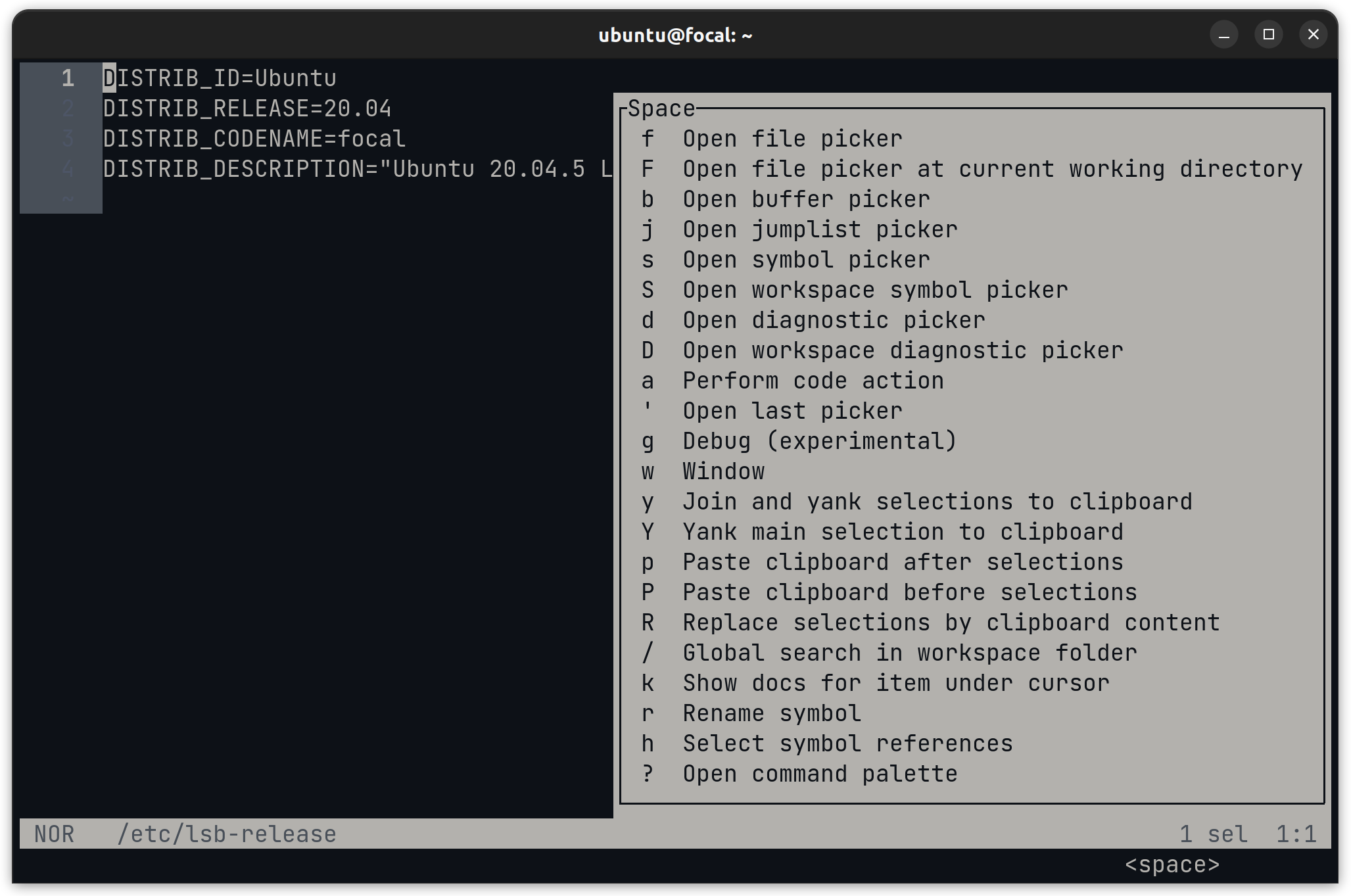
Ubuntu 20.04 LTS (Focal Fossa) / 22.04 Ubuntu 22.04 LTS (Jammy Jellyfish) PPA Repository
Helix is available via Maveonair's PPA:
sudo add-apt-repository ppa:maveonair/helix-editor
sudo apt update
sudo apt install helix
Ubuntu PPA Repository for 20.04 LTS (Focal Fossa) and 22.04 LTS (Jammy Jellyfish)
Helix is available via Maveonair's PPA:
sudo add-apt-repository ppa:maveonair/helix-editor
sudo apt update
sudo apt install helix
What do you think about this instead?
I just committed hopefully the final revision of the installation section, it ended up as this format, when you see the entire document I think you will love it :) :
Installing Helix on Linux via Third-Party Repositories
If Helix is not available through your distribution's official repository, use a third-party repository.
- Ubuntu
Helix is available for 20.04 LTS (Focal Fossa) and 22.04 Ubuntu 22.04 LTS (Jammy Jellyfish) via Maveonair's PPA:
sudo add-apt-repository ppa:maveonair/helix-editor
sudo apt update
sudo apt install helix
- Fedora/RHEL Linux
Helix is available via copr:
sudo dnf copr enable varlad/helix
sudo dnf install helix
...
@maveonair I could leave out the link to your repo and just say PPA like the Fedora one, I only linked as I thought there might be more info for people trying to make it work on Ubuntu based distros, what do you think?
@maveonair , Thanks for the package! Could you create a package for 22.10 too please?

I don't know why is this issue is closed. It's a perfectly valid and active issue. It is prejudicial, in my opinion.
@David-Else
Hit:1 http://in.archive.ubuntu.com/ubuntu kinetic InRelease
Hit:2 http://security.ubuntu.com/ubuntu kinetic-security InRelease
Hit:3 http://in.archive.ubuntu.com/ubuntu kinetic-updates InRelease
Ign:4 https://ppa.launchpadcontent.net/maveonair/helix-editor/ubuntu kinetic InRelease
Hit:5 http://in.archive.ubuntu.com/ubuntu kinetic-backports InRelease
Err:6 https://ppa.launchpadcontent.net/maveonair/helix-editor/ubuntu kinetic Release
  404  Not Found [IP: 185.125.190.52 443]
Reading package lists... Done
E: The repository 'https://ppa.launchpadcontent.net/maveonair/helix-editor/ubuntu kinetic Release' does not have a Release file.
N: Updating from such a repository can't be done securely, and is therefore disabled by default.
N: See apt-secure(8) manpage for repository creation and user configuration details
@xsbee I am afraid I have no idea about the messages, I think you meant to ping maveonair who created the repository.
@xsbee I am afraid I have no idea about the messages, I think you meant to ping maveonair who created the repository.
@David-Else I see. It is that the PPA isn't working. @maveonair Can you please fix for jellyfish?