

 hackmdio
Scrolling broken
I am not sure what causes this, but scrolling seems broken: it often jiggles up and down while I scroll, sometimes it goes back to the beginning of the document and often code and preview are not aligned. This doesn't happen unless I am in split screen with code and preview side by side.
My document is quite big and contains many images, which I suspect might have to do with this issue. Whatever it is, it makes it unusable. Often I cannot even get to the point I want to edit, because the page scrolls back to the beginning of the document or scrolls up and down randomly. The document that causes the issue is private, but I'm happy to share it with you if you want to investigate.

Hi @fvisin, Thanks for reporting to us. So yes, I think the jiggles are caused by the big document which affecting the performance of calculating the scroll positions.
Could you share your note link to [email protected]? Thanks!

As a workaround, you can unlink the sync scroll by clicking the button hovering on the resize handle.
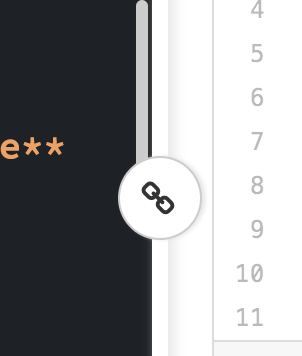
Interestingly, even after unlinking scrolling the code is still jiggly to the point that scrolling downwards sometimes results in the code window moving upwards instead. Could it be due to the performance of syntax highlighting? Preview is instead very steady now.
Apologies for the number of comments - I thought this information might be of use, but I will leave you some time to debug it now!
I found it actually relates to the MathJax rendering. The default rendering was set to use HTML/CSS and that leads to bad browser layout performance. So I tried switch the renderer to SVG and disable the fast preview which results a huge improvement.
Could you right click on any math equation on the view side and setup as I mention above?

It improves the performance on the rendering, but I still have issues with the code window. When I scroll the code, especially when I scroll fast, the code window still jiggles a lot (even when it's unliked from the preview).
Hi @fvisin, Thanks for providing such details to me, it helps a lot!
Unfortunately, if you disable the sync scroll and adjusted how MathJax rendered, the only thing left that might affect the scrolling is the editor itself. I've looked to their issue tracker it seems their is a issue matching what you've encountered? https://github.com/codemirror/CodeMirror/issues/5463
We can tweak up the viewportMargin a bit, as the content was loaded on demand and you have a big document.
But maybe this only helps a little bit, could you also try to browse your note under Firefox?
Hi @jackycute, the issue you linked seems indeed related. I tried opening the website with safari and I can scroll perfectly. I am happy to help more if you need more information!
I have been using Safari for a while now. While scrolling is much smoother and usable than Chrome, it still has troubles linking the right part of the code to the visualization and viceversa at times.
Also, writing is super-laggy, the words appear in the code window 1 sec or more after I hit the keyboard. It lags so much behind that it takes a few (5-10) seconds to show the sentence (in the code window!) after I'm done writing. I'm not sure whether this should be filed as a separate bug - feel free to do so if you feel it's best.
Hi @fvisin Since you're writing a large document, it produces thousands of DOMs (maybe more) in a page. It won't be fast due to the browser rendering pipeline and to show the editor and preview the result at the same time. I would suggest change to edit mode for writing and then change to view mode for the result in turns.
Hi, I've been having the same problem but on my phone. This seems to happen only with the book view.
Any solutions?
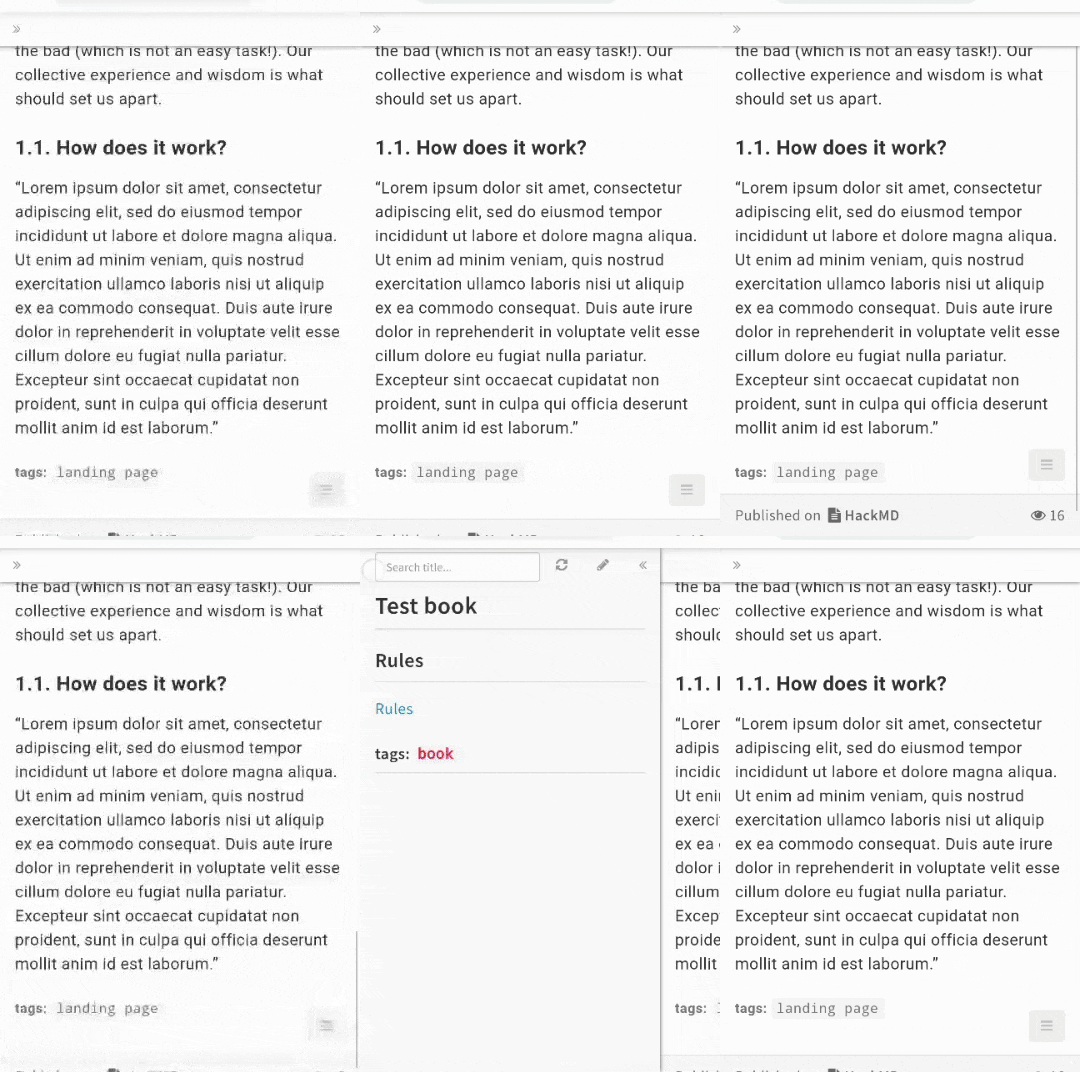

Hi @RedWavez, According the gif you attached, it's another story. Could you open up new issue and include your OS, phone model and browser version? The book mode uses iframe, it might be related to the browser version and I think it might resolve when you refresh the page.
Hi @jackycute ,
I've been running into a similar issue on my macbook (big sur), google chrome, when trying to view hackmd pages written by my professor and pressing the down key. Although refreshing does fix the issue in the short term, it doesn't take very long before the problem crops up again.
(Ignore the first few secs of the video.)
https://user-images.githubusercontent.com/21286812/152629238-da545384-395b-4b64-afc4-e0dea130d4d5.mov
