
grist-core
 grist-core copied to clipboard
 gristlabs
SAML via Authentik Causing Issue cant access Grist.
Hi, I have set up the grist successfully. It's working perfectly on my end without SMAL. today I have added SAML but that is causing issues, I can't use Grist now.
Authentik is installed and I am using auth.mydomain.com with nginx proxy to access it.
For Authentik I have redirected xxx.xxx.xxx.xxx:9000 to auth.mydomain.com via nginx proxy.
This is my setting:-
DEBUG=1
GRIST_SINGLE_ORG=docs
GRIST_HOST=0.0.0.0
PATH=/usr/local/sbin:/usr/local/bin:/usr/sbin:/usr/bin:/sbin:/bin
NODE_VERSION=14.20.0
YARN_VERSION=1.22.19
PYTHON_VERSION_ON_CREATION=3
GRIST_ORG_IN_PATH=true
GRIST_SINGLE_PORT=true
GRIST_SERVE_SAME_ORIGIN=true
GRIST_DATA_DIR=/persist/docs
GRIST_INST_DIR=/persist
GRIST_SESSION_COOKIE=grist_core
GVISOR_FLAGS=-unprivileged -ignore-cgroups
GRIST_SANDBOX_FLAVOR=unsandboxed
TYPEORM_DATABASE=/persist/home.sqlite3
[email protected]
PORT=8484
APP_DOC_INTERNAL_URL=https://grist.mydomain.com/
APP_DOC_URL=https://grist.mydomain.com/
APP_HOME_URL=https://grist.mydomain.com/
GRIST_SAML_SP_HOST=https://grist.mydomain.com/
GRIST_SAML_IDP_LOGIN=https://auth.mydomain.com/application/saml/grist/sso/binding/redirect/
GRIST_SAML_IDP_LOGOUT=https://auth.mydomain.com/if/session-end/grist/
GRIST_SAML_IDP_UNENCRYPTED=1
GRIST_SAML_SP_KEY=/root/persist/Grist_private_key.pem
GRIST_SAML_SP_CERT=/root/persist/Grist_certificate.pem
GRIST_SAML_IDP_CERTS=/root/persist/Grist_certificate.pem
If I don’t use the SAML settings I can work with grist from my grist.mydomain.com but if I add those settings grist.mydomain.com shows "502 Bad Gateway"

And my ip:port (xxx.xxx.xxx.xxx:8484) shows "This site can't be reached"
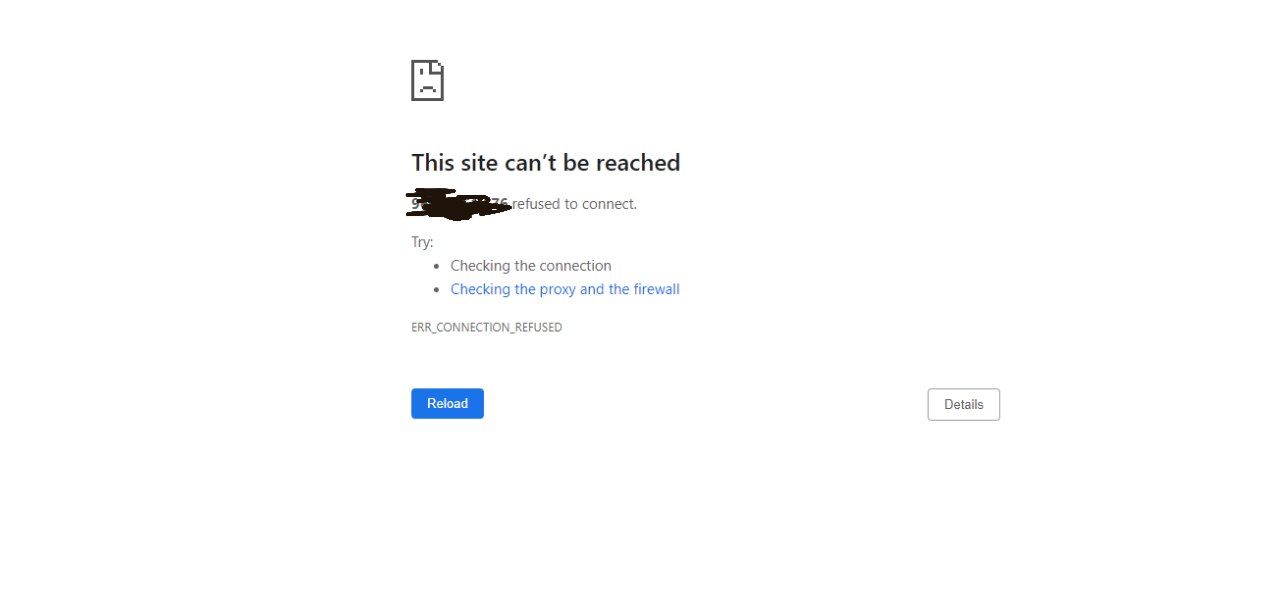
How to solve these issues? I have added the screenshots.

The message "Bad Gateway" is coming from "openresty" -- is that what's used to set up access to auth.mydomain.com? I am guessing that this setup is what's broken, i.e. Grist is redirecting you correctly to the configured SAML URLs at https://auth.mydomain.com/ for authentication flow, but those URLs aren't working.

The message "Bad Gateway" is coming from "openresty" -- is that what's used to set up access to
auth.mydomain.com? I am guessing that this setup is what's broken, i.e. Grist is redirecting you correctly to the configured SAML URLs at https://auth.mydomain.com/ for authentication flow, but those URLs aren't working.
Grist works well, without these settings,
GRIST_SAML_SP_HOST=https://grist.mydomain.com/ GRIST_SAML_IDP_LOGIN=https://auth.mydomain.com/application/saml/grist/sso/binding/redirect/ GRIST_SAML_IDP_LOGOUT=https://auth.mydomain.com/if/session-end/grist/ GRIST_SAML_IDP_UNENCRYPTED=1 GRIST_SAML_SP_KEY=/root/persist/Grist_private_key.pem GRIST_SAML_SP_CERT=/root/persist/Grist_certificate.pem GRIST_SAML_IDP_CERTS=/root/persist/Grist_certificate.pem
Can you please check if I am doing something wrong here?
Authentik is installed and I am using auth.mydomain.com with nginx proxy to access it.
What do you see if you visit https://auth.mydomain.com or https://auth.mydomain.com/application/saml/grist/sso/binding/redirect/ in your browser? If you see "502 Bad Gateway", then something is wrong with the nginx-Authentik setup. Perhaps there is a service of Authentik that should be running but isn't?
Authentik is installed and I am using auth.mydomain.com with nginx proxy to access it.
What do you see if you visit https://auth.mydomain.com or https://auth.mydomain.com/application/saml/grist/sso/binding/redirect/ in your browser? If you see "502 Bad Gateway", then something is wrong with the nginx-Authentik setup. Perhaps there is a service of Authentik that should be running but isn't?
Hi @dsagal , if I visit https://auth.mydomain.com/ it redirects me to https://auth.mydomain.com/if/flow/default-authentication-flow/?next=%2F And if I visit https://auth.mydomain.com/application/saml/grist/sso/binding/redirect/ that redirects me to https://auth.mydomain.com/if/flow/default-authentication-flow/?next=%2Fapplication%2Fsaml%2Fgrist%2Fsso%2Fbinding%2Fredirect%2F
Does that help?
Hmm... So that part works. You said that when you visit "grist.mydomain.com", you get "502 Bad Gateway" error. Is that when you visit https://grist.mydomain.com? (with "https", not "http"?) And when the error is shown, what does the URL bar show? (Interested in seeing if it's https://grist.mydomain.com, or something else after a redirect?)
Also, are you able to see Grist logs? It logs a number of messages at startup that show what configuration settings it is actually using. It may be helpful in case any settings are different from expected, e.g. if the name or value of some environment variable is misspelled.
Hmm... So that part works. You said that when you visit "grist.mydomain.com", you get "502 Bad Gateway" error. Is that when you visit https://grist.mydomain.com? (with "https", not "http"?) And when the error is shown, what does the URL bar show? (Interested in seeing if it's https://grist.mydomain.com, or something else after a redirect?)
Also, are you able to see Grist logs? It logs a number of messages at startup that show what configuration settings it is actually using. It may be helpful in case any settings are different from expected, e.g. if the name or value of some environment variable is misspelled.
@dsagal as my nginx proxy manager is on so I can't browse http://grist.mydomain.com it automatically redirects to https://grist.mydomain.com And url bar says 'https://grist.mydomain.com' and the page title says '502 Bad Gateway' And the page shows '502 Bad Gateway' page, the one I shared the screenshot of above.
And How to see the grist logs?
I suspect that Grist didn't start successfully. That would explain the "Bad Gateway" (that's what nginx says when the server it's proxying to isn't reachable), and it would explain the error accessing IP:8484.
For Grist logs, I meant its console output. If running directly with docker, you can see them with docker logs CONTAINER (where CONTAINER is the name of the running docker container, visible with docker ps -a).
I suspect that Grist didn't start successfully. That would explain the "Bad Gateway" (that's what nginx says when the server it's proxying to isn't reachable), and it would explain the error accessing IP:8484.
For Grist logs, I meant its console output. If running directly with docker, you can see them with
docker logs CONTAINER(where CONTAINER is the name of the running docker container, visible withdocker ps -a).
@dsagal here is the logs
Welcome to Grist.
2022-07-27 05:51:47.839 - info: == Grist version is 0.1.1 (commit unknown)
2022-07-27 05:51:47.850 - info: Loading empty config because /persist/config.json missing
[Error: ENOENT: no such file or directory, open '/root/persist/Grist_private_key.pem'] {
  errno: -2,
  code: 'ENOENT',
  syscall: 'open',
  path: '/root/persist/Grist_private_key.pem'
}
Does that help?
Aha! Try removing /root from paths like /root/persist/Grist_private_key.pem, i.e. change env vars to:
GRIST_SAML_SP_KEY=/persist/Grist_private_key.pem
GRIST_SAML_SP_CERT=/persist/Grist_certificate.pem
GRIST_SAML_IDP_CERTS=/persist/Grist_certificate.pem
The reason is that within Docker where Grist is running, it sees that directory as just /persist/.
``>
@dsagal I did change it. here is the new log file. it's same.
Welcome to Grist.
2022-07-27 06:14:05.856 - info: == Grist version is 0.1.1 (commit unknown)
2022-07-27 06:14:05.870 - info: Loading empty config because /persist/config.json missing
[Error: ENOENT: no such file or directory, open '/persist/Grist_private_key.pem'] {
  errno: -2,
  code: 'ENOENT',
  syscall: 'open',
  path: '/persist/Grist_private_key.pem'
}
Do these files exist that you are telling Grist to use? Like /root/persist/Grist_private_key.pem? Authentik has instructions for generating these. Are the paths spelled correctly? If yes, then we should check how you are starting docker -- it needs a flag like -v /root/persist:/persist to expose this folder to Grist (as here).
If you think this is all done correctly, but still doesn't work, I found these instructions for examining what files are present in a stopped Docker container: https://stackoverflow.com/a/48892801/328565. You can use it to see what's actually in the /persist directory within Docker.
Do these files exist that you are telling Grist to use? Like
/root/persist/Grist_private_key.pem? Authentik has instructions for generating these. Are the paths spelled correctly? If yes, then we should check how you are starting docker -- it needs a flag like-v /root/persist:/persistto expose this folder to Grist (as here).If you think this is all done correctly, but still doesn't work, I found these instructions for examining what files are present in a stopped Docker container: https://stackoverflow.com/a/48892801/328565. You can use it to see what's actually in the
/persistdirectory within Docker.
@dsagal Thank you so much man, everything is working awesomely, except public link sharing. It redirects to Authentik login page. i am not using 'GRIST_SINGLE_ORG' as docs, using something else. So there's no guest page available in my setup. Is there any way to let people see public access documents without changing my 'GRIST_SINGLE_ORG' setting?
I am using nginx proxy manager to manage the proxies. Can you tell me how to fix this?
On Tue, Jul 26, 2022, 11:53 PM Dmitry @.***> wrote:
The message "Bad Gateway" is coming from "openresty" -- is that what's used to set up access to auth.mydomain.com? I am guessing that this setup is what's broken, i.e. Grist is redirecting you correctly to the configured SAML URLs at https://auth.mydomain.com/ for authentication flow, but those URLs aren't working.
— Reply to this email directly, view it on GitHub https://github.com/gristlabs/grist-core/issues/227#issuecomment-1195799713, or unsubscribe https://github.com/notifications/unsubscribe-auth/AXS2XPUIEVKSHO5G7VNQSF3VWAQZ7ANCNFSM54WLS7UA . You are receiving this because you authored the thread.Message ID: @.***>
Hi @oc7opu5 if you have GRIST_SINGLE_ORG set, then access to the site will be limited by the settings in Manage Team (see https://support.getgrist.com/team-sharing/). This limits public access also. You can get around this by adding the special user [email protected] to the team, giving them No Default Access. At that point, link-shared documents should be accessible to users who are not logged in. Sorry that this corner of the product is a little rough.
