
azure-monitor-datasource
 azure-monitor-datasource copied to clipboard
 grafana
log analytics is not working some issue with Oauth2
Hello All,
I'm trying to configure Azure monitor plugin with azure log analytics feature enable.
However I’m not sure about the auth02 configuration which is a last part of it.
Link followed - https://dev.loganalytics.io/documentation/Authorization/AAD-Setup
Steps which I followed are listed below
Created SPN
Created Log analytics work space
Provided reader access on azure subscription
Provided Log analytic reader access in IAM on Log analytics work space
API access provided for SPN in application registration

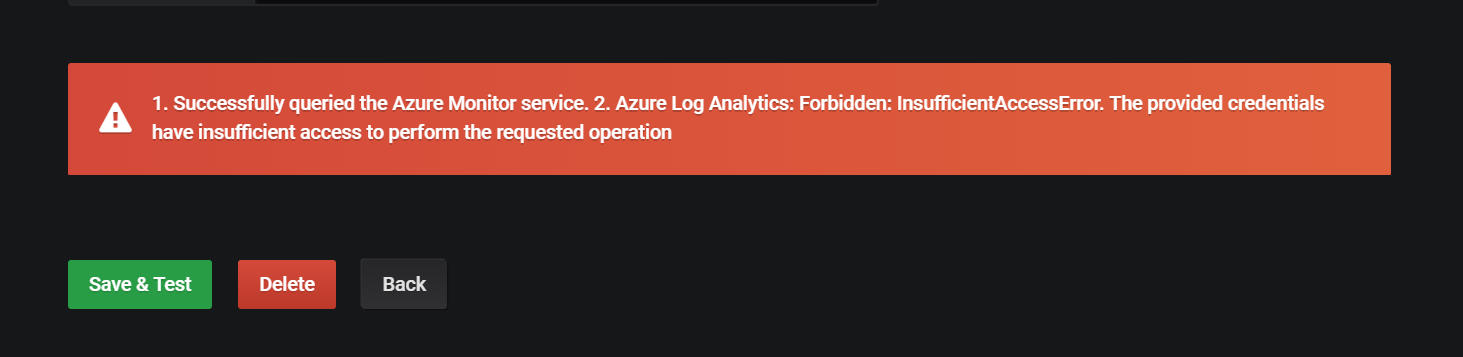
Help will be much appreciated !!

@deepitpro, I had the same problem and I used Grafana image by Grafana Labs from the Azure Marketplace. Solved the issues with below steps
- Thanks to your doc link, I add the "Log Analytics API" Permission to my Active Directory App.
- Upgraded Grafana to 5.4.3 by following steps here.
This announcement mentions that Grafana version 5.3 or newer is required
