
jupyter-book
 jupyter-book copied to clipboard
 executablebooks
Dropdown admonitions do not reduce with fixed-size images
Edit: Published gh-pages of demo repo: https://phispel.github.io/dropdown-height-bug
Describe the bug
Context
The dropdown admonition format is great for our purposes, for example here
Expectation
When including an image in a dropdown admonition, it should collapse fully. This does work with figures:
````{admonition} Click here!
:class: dropdown
Here is an image. The dropdown menu collapsed fully.
```{image} image.png
---
width: 300px
```
````
 .
.
Bug
When I include an image in a dropdown admonition, it only collapses down to the fixed image size.
Reproduce the bug
I demonstrate the issue in https://phispel.github.io/dropdown-height-bug.
````{admonition} Click here!
:class: dropdown
Here is an image. The dropdown menu only collapsed by the height of the test.
```{image} image.png
:width: 300px
```
Here is some more text for demonstration.
````
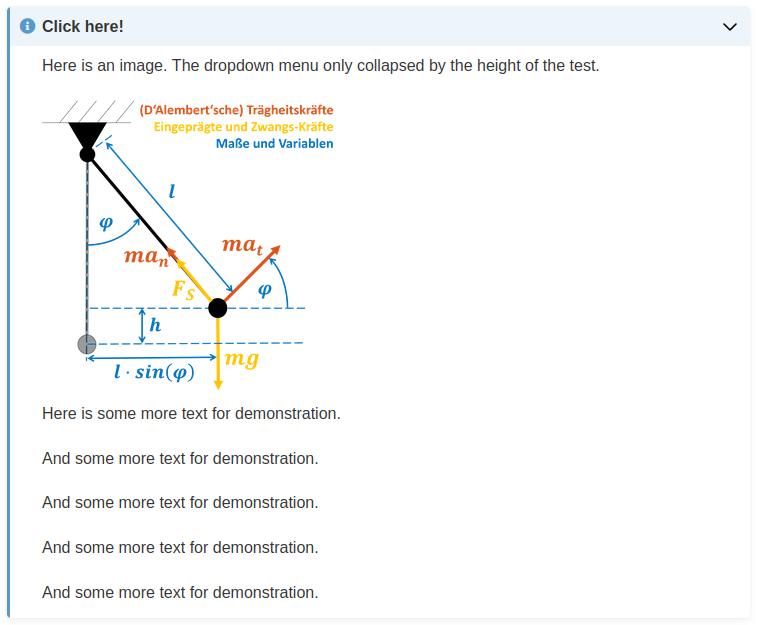

List your environment
I used the example notebook created with
$ jupyter-book create mynewbook/
Jupyter Book : 0.13.2 External ToC : 0.3.1 MyST-Parser : 0.15.2 MyST-NB : 0.13.2 Sphinx Book Theme : 0.3.3 Jupyter-Cache : 0.4.3 NbClient : 0.5.13

Thanks for opening your first issue here! Engagement like this is essential for open source projects! :hugs:
If you haven't done so already, check out EBP's Code of Conduct. Also, please try to follow the issue template as it helps other community members to contribute more effectively.
If your issue is a feature request, others may react to it, to raise its prominence (see Feature Voting).
Welcome to the EBP community! :tada:
![welcome[bot] avatar](https://avatars.githubusercontent.com/in/4141?v=4 "Published by a pub.dev verified publisher")
Tracking this for the jupyterlab-myst plugin as well. Live demo seems to be working ok in this case.
I will let someone else comment who has more experience with the template used in JupyterBook!

I am experiencing the same problem in jupyterbook, which also occurs for tables inside dropdown admonitions. The first example below produces the bug whilst the second does not
```{warning}
:class: dropdown
| a | b | c |
| - | - | - |
| a | b | c |
| a | b | c |
```
```{dropdown}
| a | b | c |
| - | - | - |
| a | b | c |
| a | b | c |
```

hello there
am running into this very same issue as well (specifically with a sized image inside a dropdown admonition)
I am grateful to @ellafm for his workaround !
this does work to some extent for me, as far as jupyter-book is concerned
BUT
because I use this within Jupyter Lab as well, I am facing another issue, because ```{div} is not supported in that context (I take it this is in jupyterlab-myst's space)
is there a way to get this sort of things to work in both worlds ?

We just added div last week (an oversight when we added those unknown directive dropdowns as they used to fall back to divs anyways..!).
We need an update on jupyterlab-myst side to consume this.
hi @rowanc1
thanks for the prompt reply !
would you care to clarify though: when you say you've added div, you mean in jupyter-book ? I am confused because @ellafm published their workaround in May ...
or are you saying that the addition was made in jupyterlab-myst but this is still to be released ?
also, is there a chance for the bug to be fixed without us having to resort to adding an otherwise useless box ?
thanks so much !
I have opened up a PR on the underlying repo with a fix for the CSS. You can potentially patch the togglebutton.css in your build with a small python script (adding display: block) when the div is closed if you want to fix this without waiting on a release. See https://github.com/executablebooks/sphinx-togglebutton/pull/57.
My last comment was focused on the jupyterlab-myst plugin @parmentelat, yes. That has not yet been released.
Hi, Thanks for the solution. The ```{div} directive works only for a single image. If I have multiple images, with text in-between them, then the admonition box does not collapse fully. Can someone help, please?

I do not see this
for me I obtain the following rendered html on readthedocs https://jupyterlab-examples.readthedocs.io/en/main/2-05-images-nb.html#with-workaround
computed from this input https://github.com/parmentelat/jupyterlab-examples/blob/main/notebooks/2-05-images-nb.md?plain=1#L145-L164
which unless I misunderstood does not suffer any of the problems reported by @PhiSpel nor @priyaasrini
maybe it'd help if you published your input as well as your result ?
I still get the "div - Unknown Directive" message in jupyter lab though
@parmentelat Thanks a lot for looking into the issue. Based on the code in the links you shared, I changed ```{div} to ````{div} and the collapsible is working fine! Sorry for the false alarm! I am new to JupyterBook / Markdown :)