
vue-js-modal
 vue-js-modal copied to clipboard
 euvl
euvl
Auto height option to expand only bottom of modal
When setting height="auto" prop the modal is not expanding in the same way as in your gif. Instead, it looks like the top and bottom part of the modal are expanded by the same amount. This is problematic, because my modal (where I'm using https://github.com/dabernathy89/vue-query-builder ) includes a lot of buttons and every time the modal gets expanded, the clicked button shifts away from the pointer. This is annoying, because if you want to press that button repeatedly, you first have to move your mouse to that same button again.
Expected behavior:
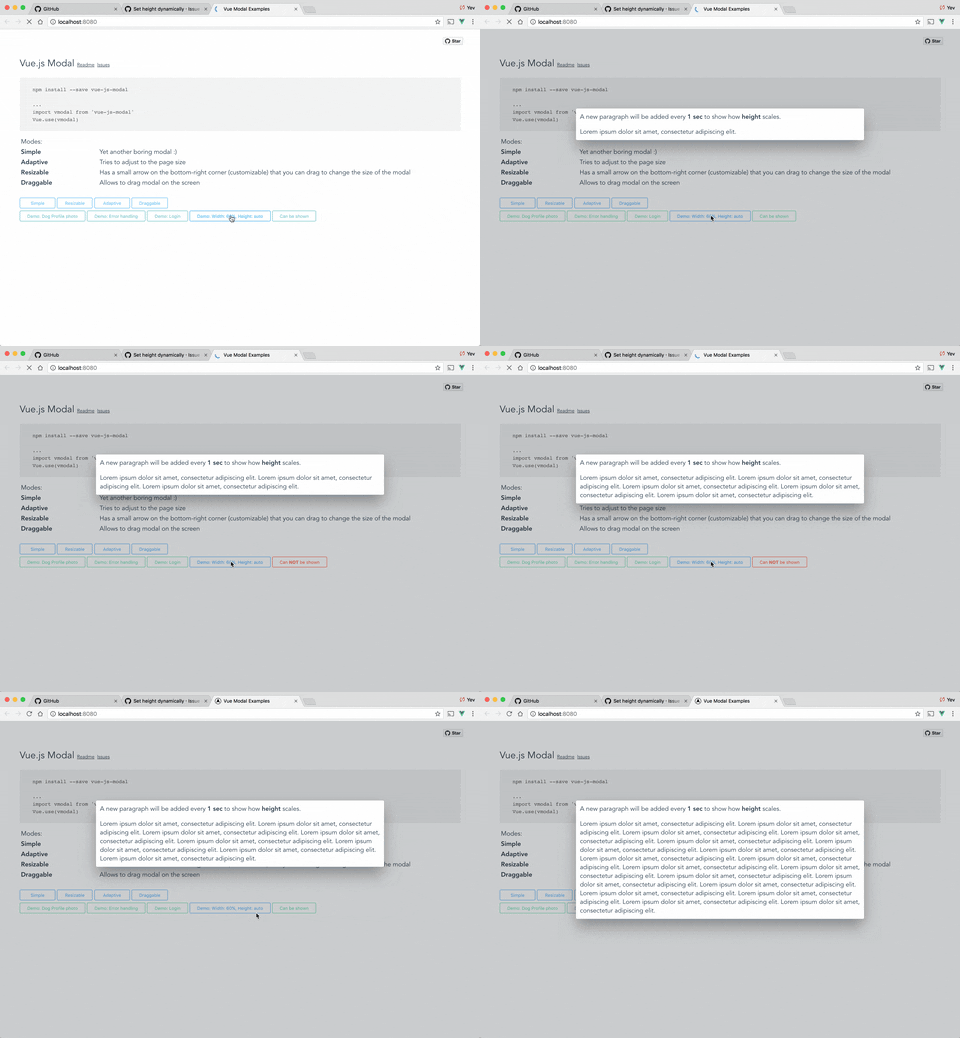
Actual behavior:
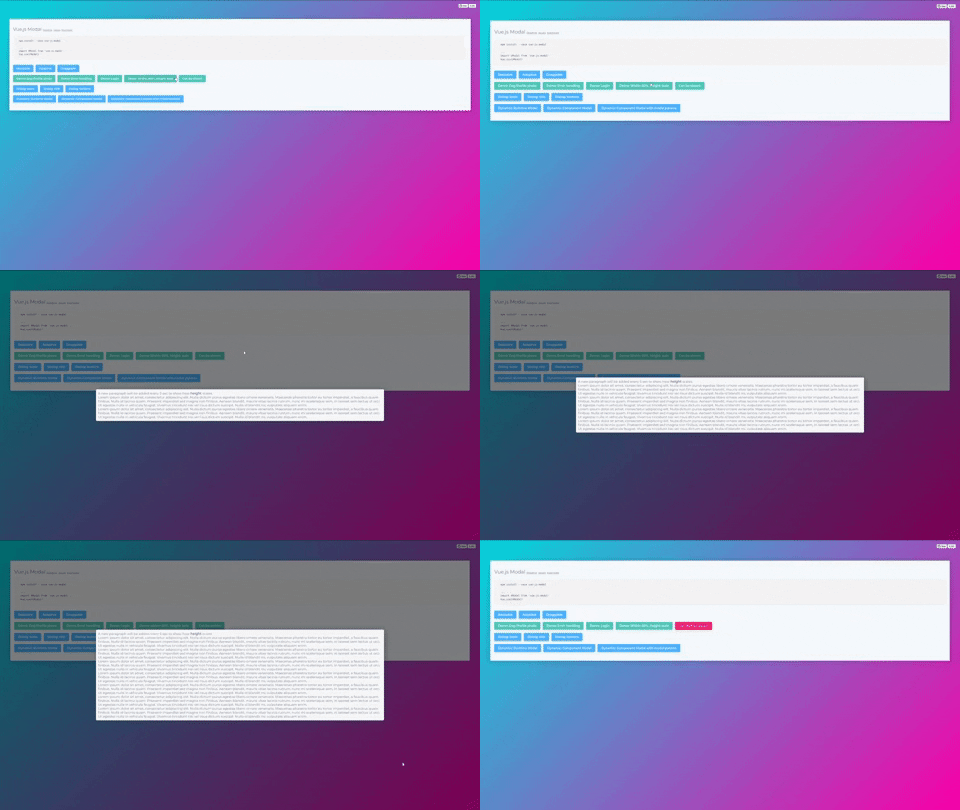

I have the same problem. When you open a modal that is higher than the window height, the modal is centered vertically. I had expected it to "scroll to the top" of the modal content

This issue has been automatically marked as stale because it has not had recent activity. It will be closed if no further activity occurs. Thank you for your contributions.
![stale[bot] avatar](https://avatars.githubusercontent.com/in/1724?v=4 "Published by a pub.dev verified publisher")
Kind of similar issue as @Anoesj for me, but in my case it goes all the way to the bottom of the modal
UPDATE: the issue causing the modal to start from the bottom was caused by a transition we had. Removing the transition though replicates the behavior described by @Anoesj
