
lsp-dart
 lsp-dart copied to clipboard
 emacs-lsp
Debug web app
Describe the bug When using dap-debug and selecting chrome as a device, it gets stuck on launching.
To Reproduce
- Run dap-debug
- Select - Flutter::Debug
- Select - Chrome device
Expected behavior It should open the app in chrome.
Screenshots


Version
Include here the result of: M-x lsp-dart-version
[LSP Dart] 1.18.0 at 2021.04.30 @ Emacs 28.0.50
[Dart SDK] Dart SDK version: 2.12.3 (stable) (Wed Apr 14 11:02:39 2021 +0200) on "linux_x64"

Thank you for the report! It seems we are not registering correctly the debug flags for web development, I can take a look on this soon.

Hey @ps-143, I just tested with my flutter_sample and it worked properly 😕.
 It connects to chrome correctly.
Doom-emacs [LSP Dart] 1.18.1 at 2021.04.30 @ Emacs 28.0.50 [Dart SDK] Dart SDK version: 2.12.2 (stable) (Wed Mar 17 10:30:20 2021 +0100) on "linux_x64"
Could you try adding this config to your emacs and testing again?
(setenv "CHROME_EXECUTABLE" "/path/to/your/chrome")
I tried setting "CHROME_EXECUTABLE" to "/opt/google/google-chrome/chrome" but still it didn't work. Using flutter-run works and dap-debug works when using an android device. I still can't figure out the problem. I'm used snap to install the flutter and dart sdk.
Hum, could you try to rm ~/.emacs.d/.extension/vscode, update both lsp-dart and dap-mode to latest, run dap-dart-setup again and try again?
I'm using doom-emacs and I've tried flutter run and it runs fine using that, I think that dap-debug is better as it provides hot-reload as well.
I tried a new project in flutter with the boiler plate code but its still the same
Really odd, dap-debug just trigger the launch using the debug.js inside the extension, which will run flutter run --machine under the hood, not sure what options left for us here :/
Earlier when I had to work on flutter I used emacs and this worked perfectly fine for me.
Maybe some dap-mode issue @yyoncho ?
Is there anything relevant on dap-output or dap-stderr buffers?
It's odd that works on my side...
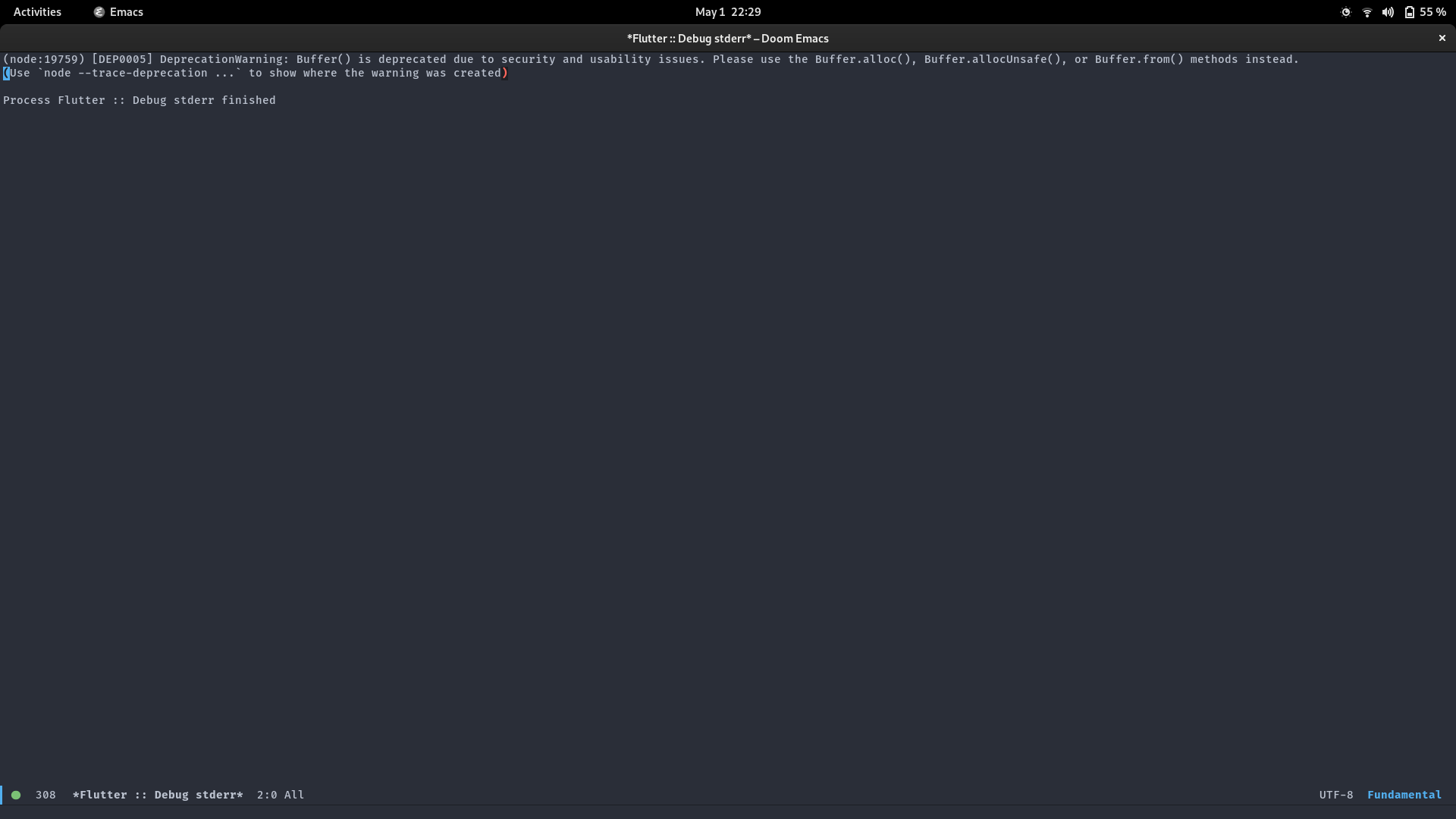
Nothing useful there, I don't think we have any other log besides that buffer unfortunatelly
@ps-143 could you try the same steps from https://github.com/emacs-lsp/lsp-dart/issues/102 ?
Mine's not a flutter one, Dart using web template instead. And dap-debug gives me this:
web/main.dart:1:8: Error: Dart library 'dart:html' is not available on this platform.
import 'dart:html';
From command-line, webdev serve however is fine. was just looking for a way to do it from within emacs.
