
wingpanel-indicator-power
 wingpanel-indicator-power copied to clipboard
 elementary
Wingpanel stops working when on battery!
On elementary OS Juno, when I plug out the laptop wingpanel crashes and not responds and when I plug in the power it comes back to normal quickly!
Want to back this issue? Post a bounty on it! We accept bounties via Bountysource.

Can you share some more information on your hardware? Please share a screenshot of the System Settings > About screen.

Hi I have the same issue. I have Elemantary OS on 3 devices but this issue is reproducible only on one machine. Here is the specs:
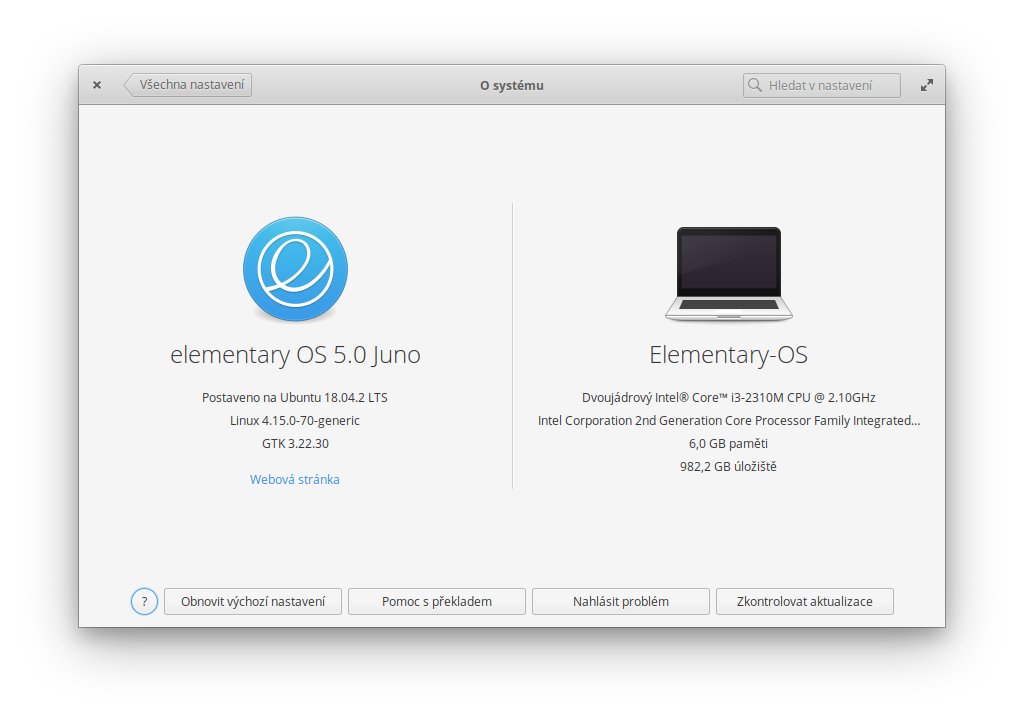

Seems to be related to #95 .
Still doesn't work on Elementary Hera.
Is there a way to debug this power indicator or way how to get logs? I now know about 2 computers that are affected by this.
Hi, Same issue here. I already reinstalled the 3x notebook and the problem persists. Already tested with 5.0 and the new 5.1 and also persists. Just today I noticed that when you insert the notebook into power, WingPanel appears on top, disconnecting the Wingpanel stops responding and disappears again.


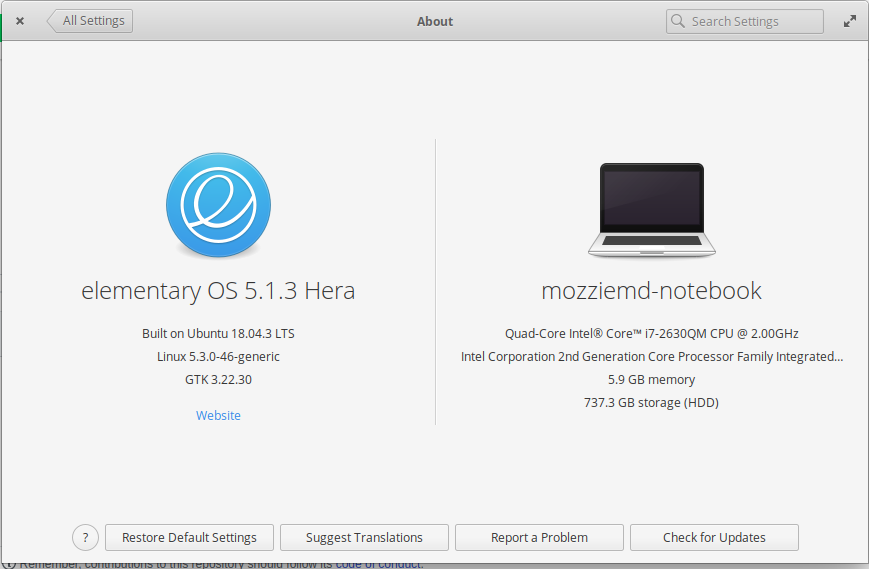

I am also affected by this issue. I'm not sure what details to provide to help troubleshoot or fix this, so please advise.

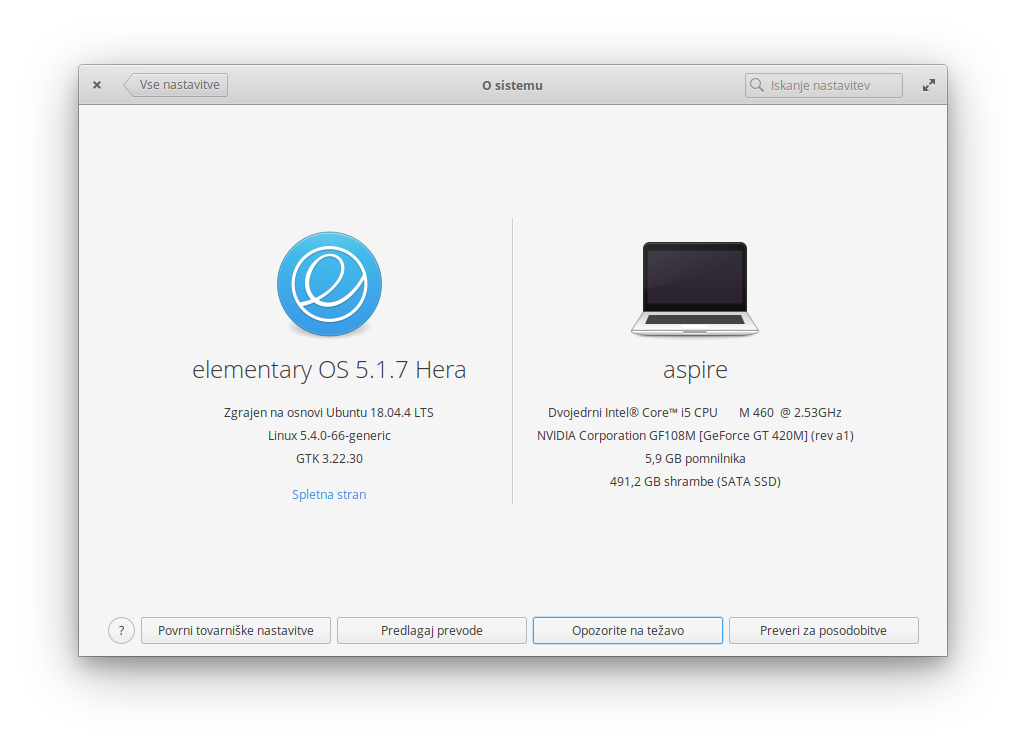

Hi, same here:
 Notebook is an Acer Aspire 5755.
Has anyone come up at least with a workaround? (something besides uninstalling the power indicator as suggested in #95).
Also, I can confirm the behaviour described in #15 is not related since I've been able to test with a Logitech reciever myself.

Unfortunately the Hera version of Wingpanel is no longer being developed. This issue only seems to occur on certain systems (or with certain settings?). You could try changing settings in the Power plug of System Settings to see whether it makes a difference.
If wingpanel crashes and disappears you can try restarting it in from a terminal command line (just type wingpanel) and note any output reported there.
