
ackee-bitbar
 ackee-bitbar copied to clipboard
 electerious
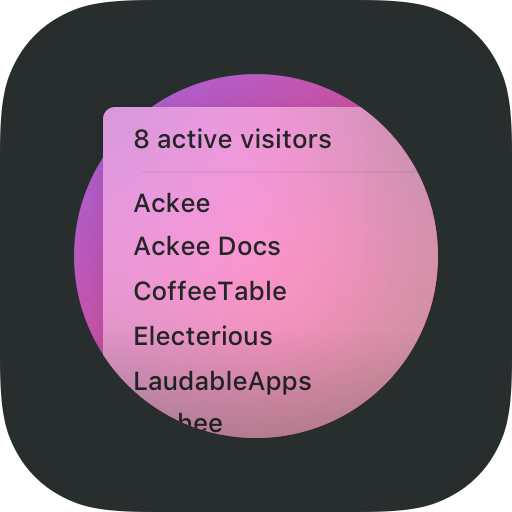
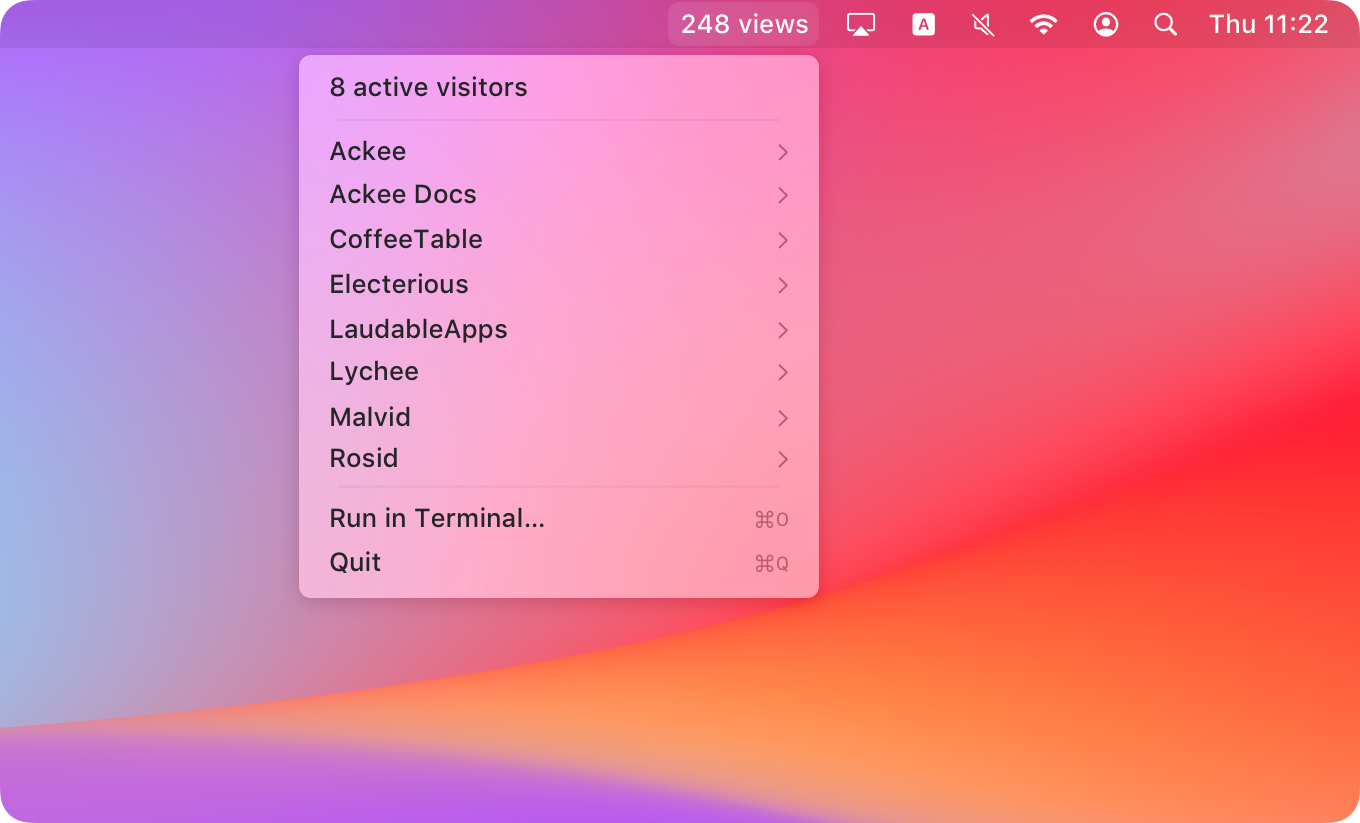
Ackee stats in your macOS menu bar.
ackee-bitbar

BitBar plugin that displays an overview of your current Ackee stats in the macOS menu bar.
🚀 Get started
1) Grab the project
git clone https://github.com/electerious/ackee-bitbar.git
2) Install the dependencies
cd ackee-bitbar
npm install
3) Create a configuration
vim .env
ACKEE_ENDPOINT=https://ackee.example.com/api
ACKEE_TOKEN=5c5411b0-ef80-425b-8e80-e8c4a76fcad6
4) Make it executable
chmod +x index.js
5) Add the plugin to BitBar
ln -s index.js ../BitBar/Plugins/Enabled/ackee-bitbar.5m.js
💭 FAQ
The plugin shows env: No such file or directory
BitBar requires that the script contains a shebang that points to your node binary. ackee-bitbar defaults to /usr/local/bin/node. You might need to adjust the path at the top of the index.js.
Where can I get my Ackee token?
You can create a new permanent token in the settings of Ackee. Make sure to keep the token in a secure place.
Is is possible to adjust the refresh interval?
Sure. Simply change the 5m in the symlink filename to 1h, 1m, 30s or the refresh timing of your choice.
 electerious