
devine
 devine copied to clipboard
 devine-dl
`util crop` only correctly cropping the right side of pillarboxed videos
Describe the bug For example, when trying to crop out pillar boxing from a 4:3 video that was encoded in a 16:9 canvas (black bars on the side), only the left black bar will get removed, while the bar on the right does not. I've known of this for around a year and I don't currently know why it happens. It may be an upstream bug by the decoder or FFmpeg, but I'm not sure.
What's strange is this issue is worse when hardware-decoded (at least on MPV). See screenshots below.
To Reproduce Steps to reproduce the behavior:
- Have MPV installed and added to PATH environment variable.
- Run
devine util crop "C:/Path/to/Pillarboxed/4x3/Video.mp4" "4:3" --pillar --preview - Notice that the left side is not correctly cropped.
- Press CTRL+H to see the difference between Hardware and Software decoding.
Expected behavior It should have cropped the 1920x1080 video to 1440x1080 (or 720x540 at 0.5x scale).
Screenshots
MPV
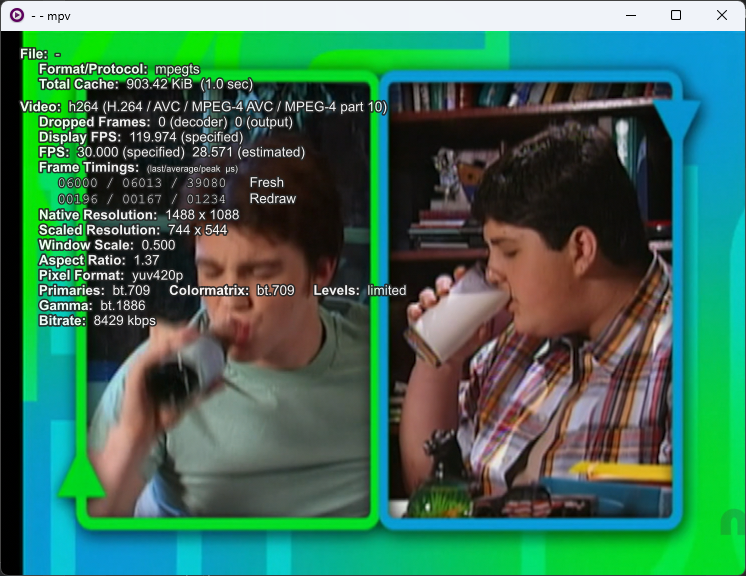
Software-decoded (744x544->740x540, 20px uncropped on the left):
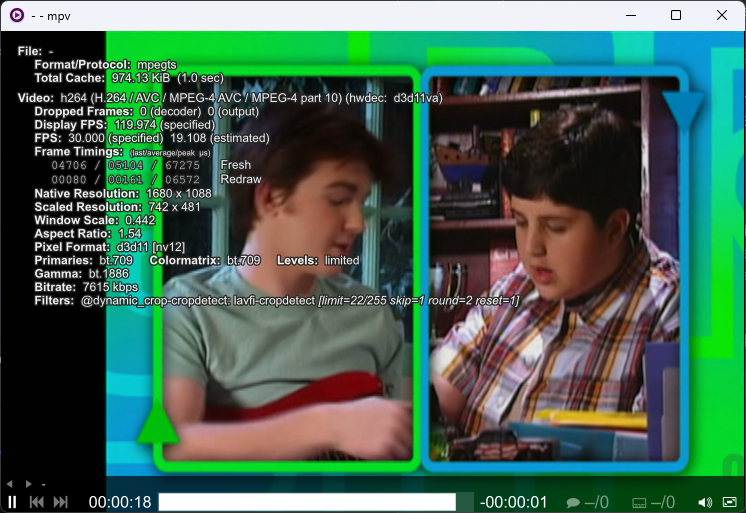
Hardware-decoded (742x481->740x480, 100px uncropped on the left):
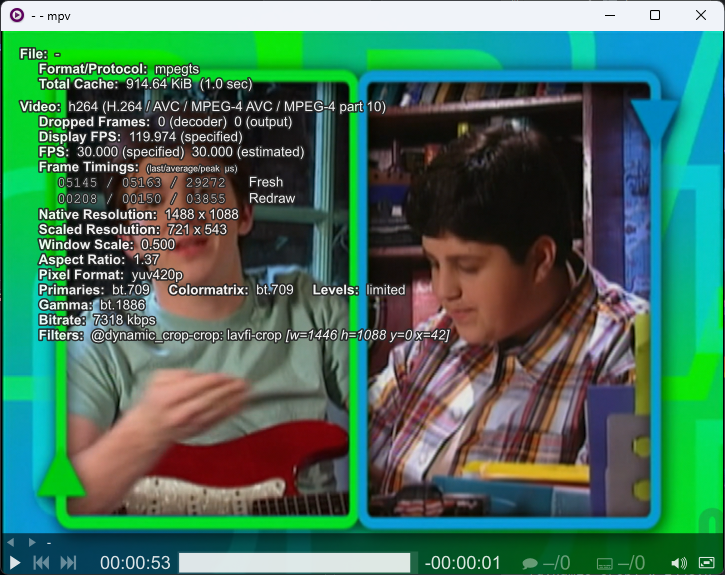
Forced-fix via auto-crop lua script (721x543->720x540, PERFECT!):
FFplay
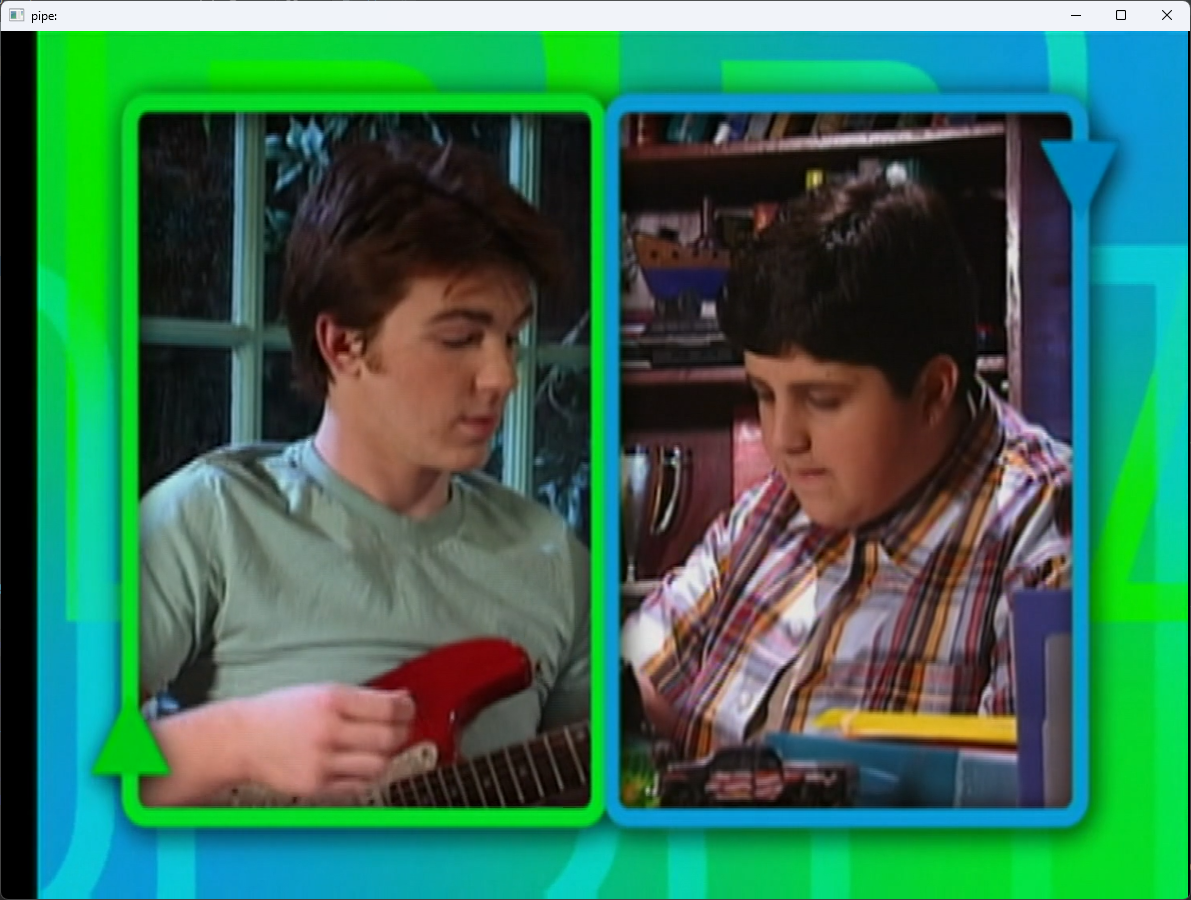
Software-decoded (-codec:v h264)
Hardware-decoded (-codec:v h264_cuvid)
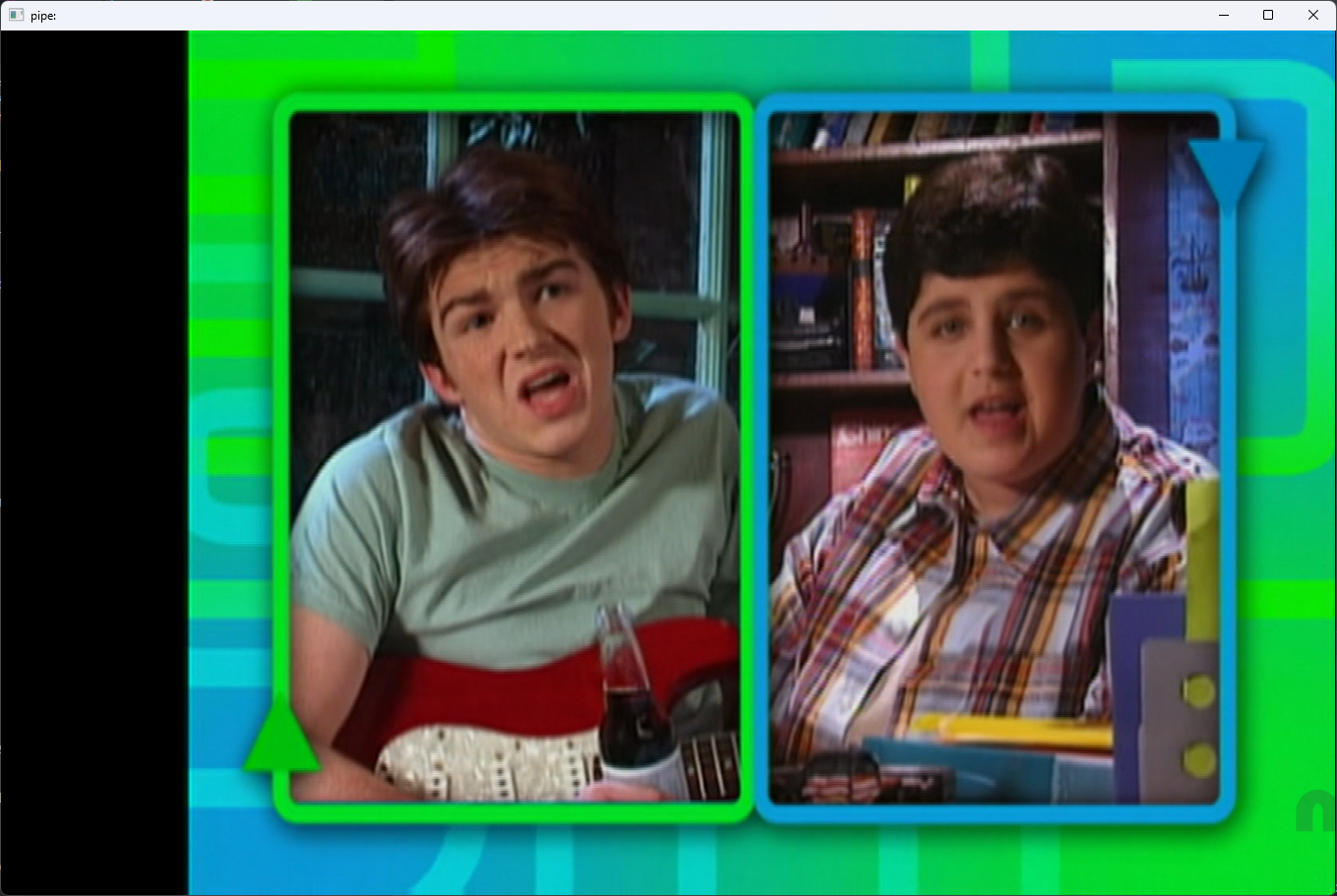
Additional context Notice how the software-decoded video was trying to get 720x540 (4:3 DAR by height), and the hardware-decoded video was trying to get 640x480 (4:3 DAR by width). I wonder what's going on here.
