derivepass-vue
 derivepass-vue copied to clipboard
Published
20 hours ago •
 derivepass
derivepass
Do not show the recommended configuration message if they ain't in the presets file
Describe the bug
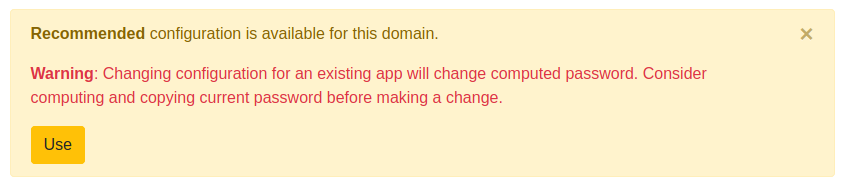
The "Recommended configuration is available for this domain" message appears always when you change the extra settings of a password. This is confusing, as it's being shown always, not only when there really is a specific configuration for that domain stored in the presets file.
To Reproduce Steps to reproduce the behavior:
- Login to derivepass
- Click on Add application
- Click on edit
- Click on ExtraOptions
- Make a change
Expected behavior To show the message only when we really have a specific configuration for that domain.
Screenshots