
deckdeckgo
 deckdeckgo copied to clipboard
 deckgo
Remote app fullscreen toggle
Affected part of DeckDeckGo
- [x] Remote control
Feature Description
Add a fullscreen button in the remote app.
Use Case
Would be nice to have some extra space (about 3-4 cm on my phone). Especially when you want to use landscape mode.
Below should roughly work... But there are some weird scaling issues. Both in Chrome and Firefox. Not sure if this is an ionic problem or what. Seems to be fonts problem.
  private toggleFullScreen() {
    if (!document.fullscreenElement) {
      document.documentElement.requestFullscreen();
    } else {
      document.exitFullscreen();
    }
  }

  private renderHeaderButtons() {
    if (this.connectionState !== ConnectionState.CONNECTED) {
      return (
        <ion-buttons slot="end">
          <ion-button onClick={() => this.toggleFullScreen() }>
          <ion-icon name="resize"></ion-icon>
          </ion-button>
        </ion-buttons>
      );
    }
Screen of fullscreen rendering from FF (roughly the same in Chrome):
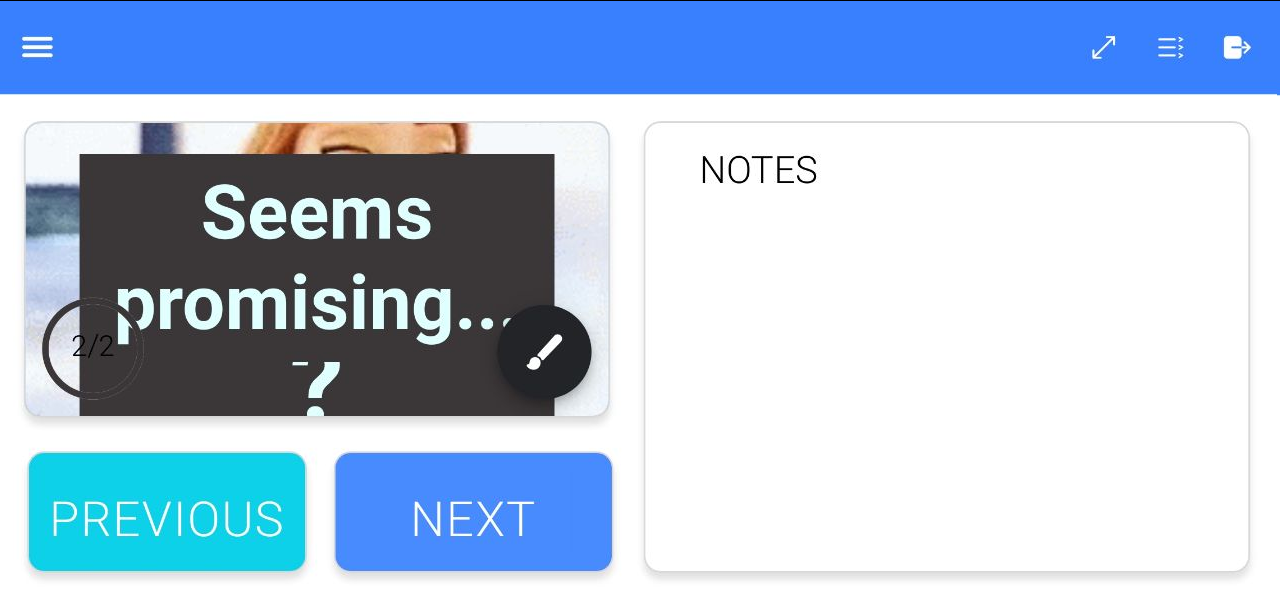

Probably because this use case "deck embedded" use in an app which itself can toggle between standard and full screen mode hasn't be developed so far respectively is not yet supported.
The root font size of the deck is per default set to 32px in full screen mode.
Moreover it would probably also need some enhancement in the core Web Component (and others?).
