
moveable
 moveable copied to clipboard
 daybrush
How to use last circle to increse font size/scale text and right center circle to only resize control so use can wrap the text
How to use last circle to increse font size/scale text and right center circle to only resize control so use can wrap the text
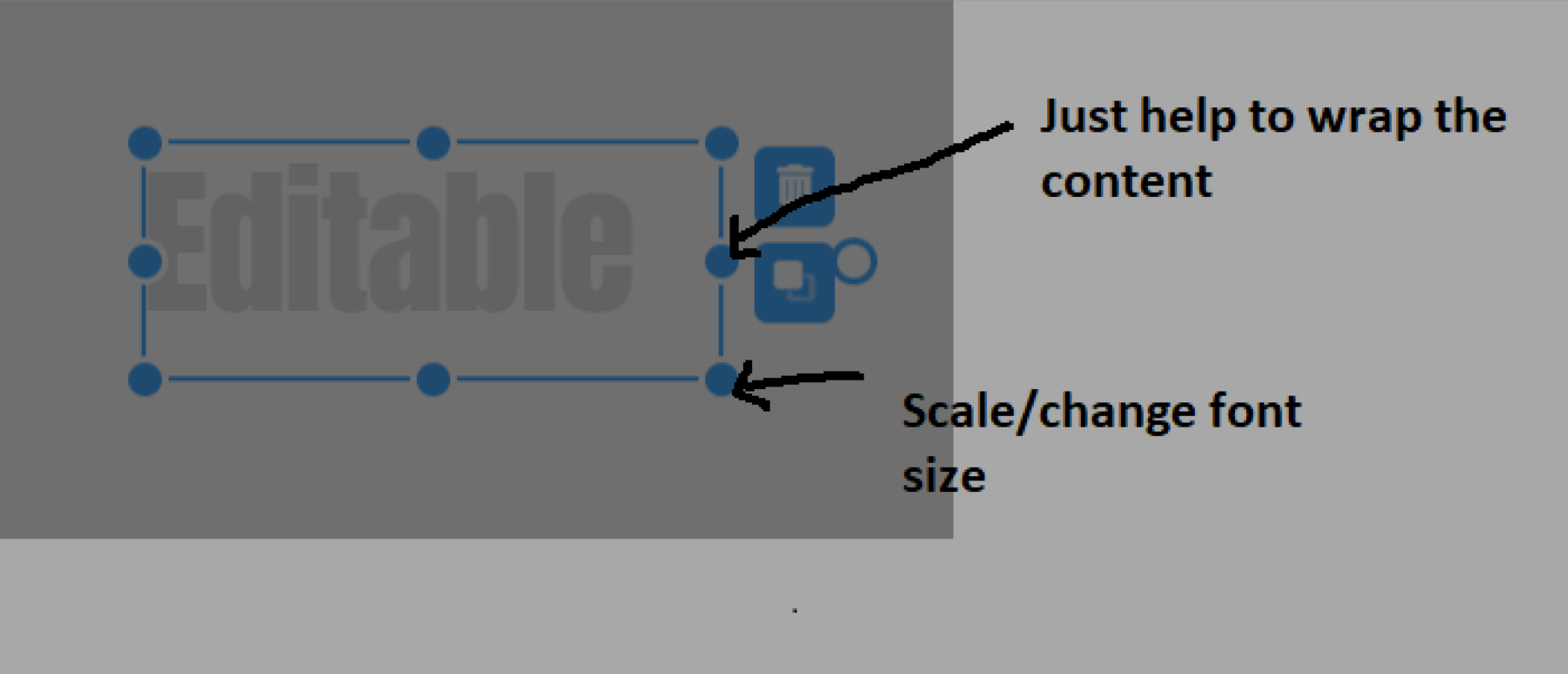

@JigarPrajpati Use resizable, scalable with renderdirections.
    resizable={{
                renderDirections: ["e", "w", "s", "n"],
            }}
            scalable={{
                renderDirections: ["nw", "ne", "se", "sw"],
            }}


Dear sir it means when i press top or bottom circle as scalable, it should be scale a text, the sample you shared sir it just change width not actually scalable.

when i was using just do scalalbe = true and resiable = false than it's do perfect work as i want. see the result sir

but i can't resize control width here, just scale only.
@JigarPrajpati Not sure what do you mean with "can't resize control width here", but you have to set :scalable="true", :resizable="false" and also :render-directions="['nw','ne','se', 'sw']"