
moveable
 moveable copied to clipboard
 daybrush
Moveable control box does not update when it's target element changes
Environments
- Framework name: React
- Framework version: 17.0.1
- Moveable Component version: 0.27.7
- Testable Address(optional):
Description
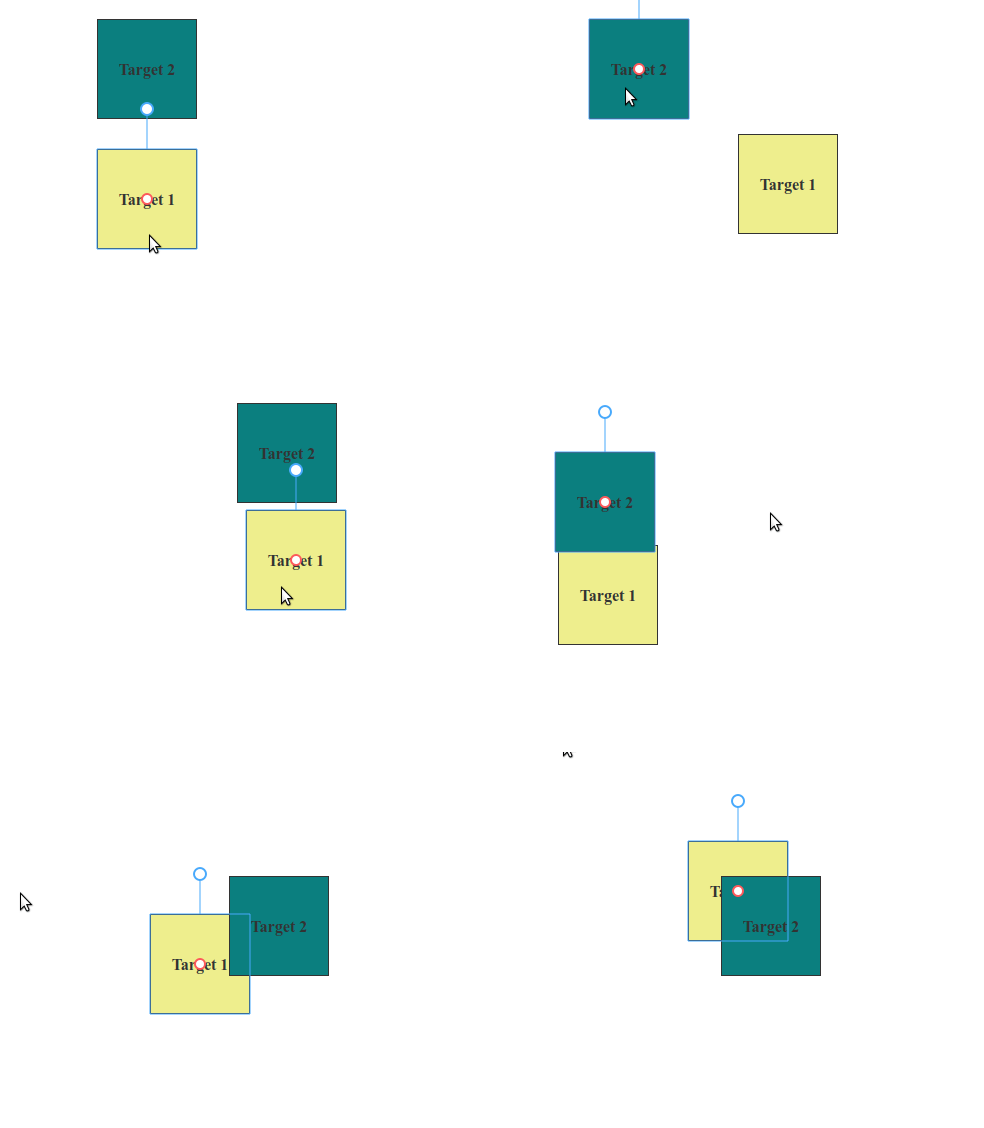
I may be approaching this wrong but I have an edge case for needing the Movable's target element position and width to change from a global state control. When I update the Moveable target's top & left position or width and height the control box does not move with it until I click on it, then it catches up with its target element.
Unless I am mistaken, it seems the only way I can get the Moveable control box and its target element to render in an initial position on page load is by setting the target elements default position. I've tried passing these values to the top/left/width/height props on the Moveable component but it doesn't seem to do anything.
Here's an example of my edge case: https://codesandbox.io/s/react-moveable-demo-forked-1xb6o?file=/src/index.js
Clicking the update dimensions button will in fact update the target element's dimensions but the moveable control box does not appear to change with it.

@nickqweaver
If you change the target from outside, call the updateRect method of the moveable instance.

Actually there is a problem
https://codesandbox.io/s/nostalgic-wilbur-f5v4y

@Darkside73
You change the target but only 1 frame. Each target needs a frame.