
seq-input-healthcheck
 seq-input-healthcheck copied to clipboard
 datalust
Periodically GET an HTTP resource and write response metrics to Seq
Seq Health Check 

Periodically GET an HTTP resource and write response metrics to Seq. These can then be used as a basis for alerting and diagnostics.
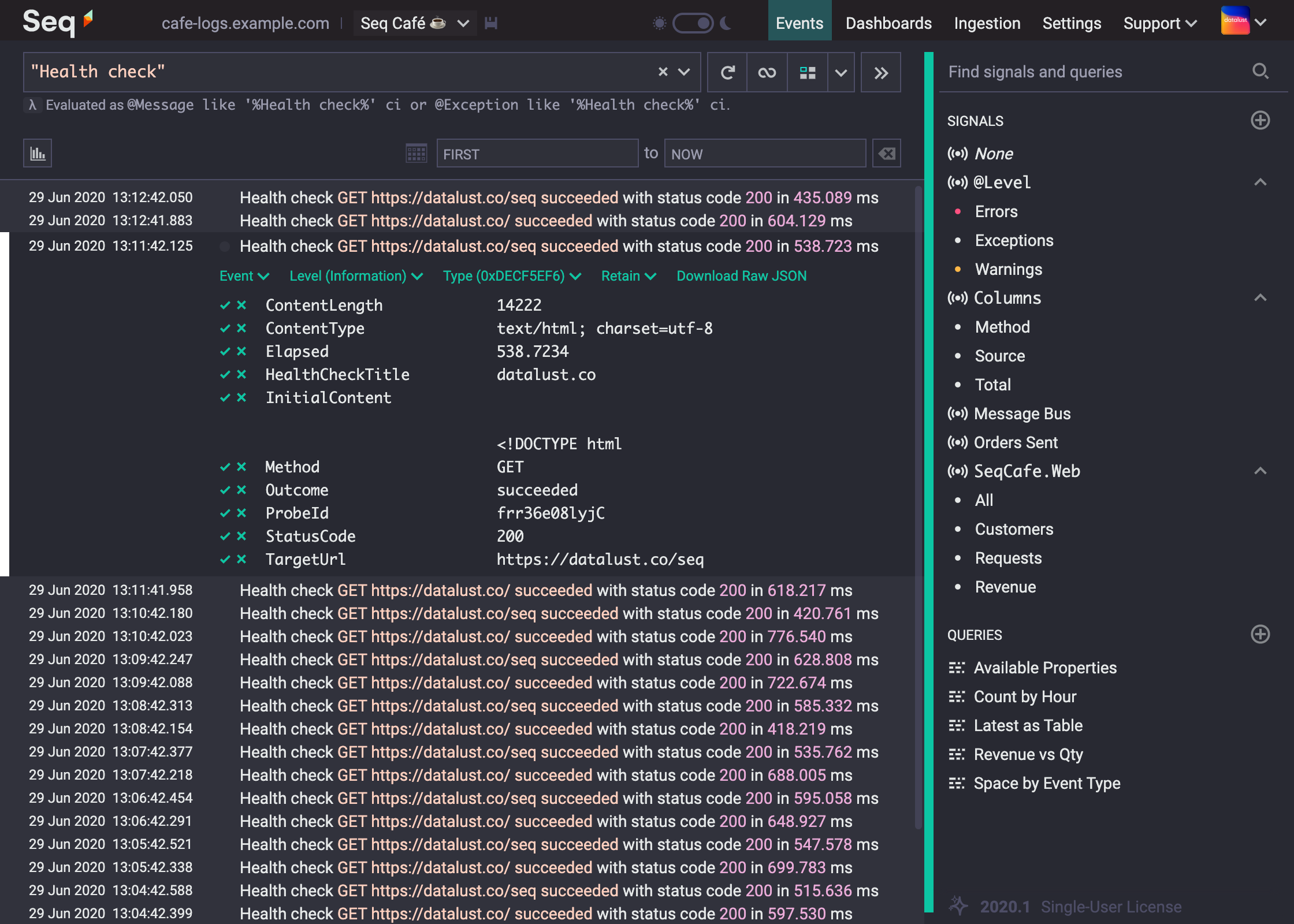
Getting started
- The app requires Seq 2020.4 or newer
- Navigate to Settings > Apps and select Install from NuGet
- Install the app with package id Seq.Input.HealthCheck
- Back on the Apps screen, choose Add Instance
- Enter a title for the health check; events raised by the health check will be tagged with this
- Enter a URL to probe
- the URL must respond to
GETrequests - if the URL is an HTTPS URL, the Seq server must trust the SSL certificate used by the server
- the response will be fully downloaded on every check, so ideally the resource won't be more than a few kB
- the URL must respond to
- Enter a probing interval in seconds; each event is stored internally in Seq, so be aware that shorter intervals will consume more space
 datalust