
Adobe-GenP
 Adobe-GenP copied to clipboard
 cw2k
cw2k
AutoIt Error


Hmm please
- Tell what you did before the error occurred. Uf you English is bad just write in the language ya good with. Like Chinese Russian... I know how to use Google translate and may figure it out.
- run /Resources/Adobe-GenP-3.0.au3 Directly through autoit.exe.
To get some more useful error message that works for debugging. You just compiled it an ran the exe.
The line number don't match with the source code. Background here is that all files add via include in the source are copy and pasted into one big au3 that is compiled. Also the linenum of thar big temporary au3 files are compiled into exe. I know stupid but true and that's how autoit still does it.
I may do the same compile and look inside the big au3 file what is there at line 12378. However yours is probably different than mine. Why since in each autoit version there are updates to the includes and so the lines may different. So if you don't get it done to ran the au3 instead of the exe check the exe file properties and write exactly which autoit version was used for compiling. ... or fallback if you don't get that done. Just attach the exe. 'We' ll figure it out.

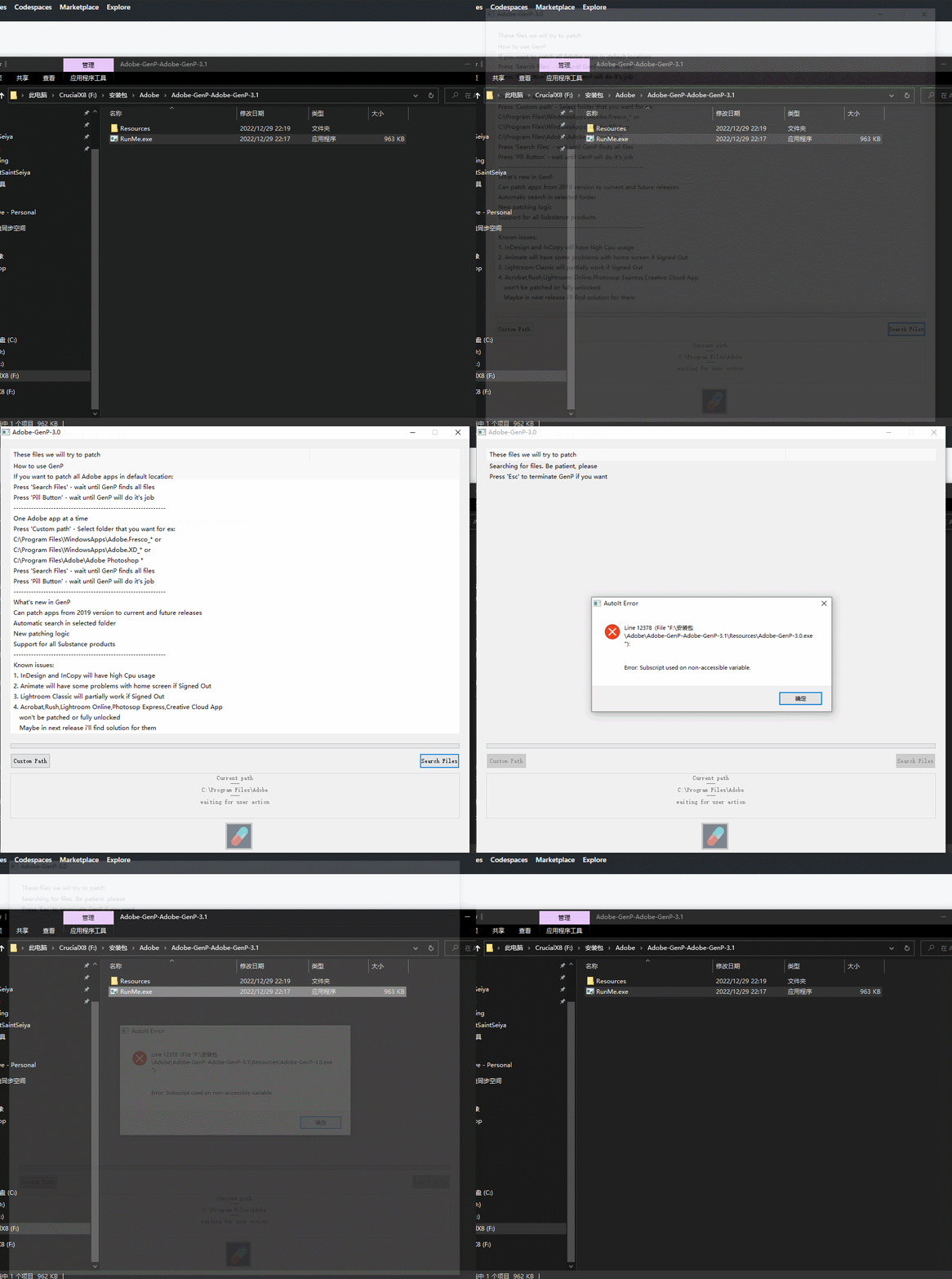
I think the reasons for it was quite easy , I don't have "C:\Program Files\Adobe" folder, I installed in "D:\Program Files\Adobe" so if i change custom path ,it works.
Wow cool thanks.
Like this ya report is much more helpful in finding and fixing the bug.
