
jupyter-tabnine
 jupyter-tabnine copied to clipboard
Published
20 hours ago •
 codota
codota
不能正常显示提示
问题描述
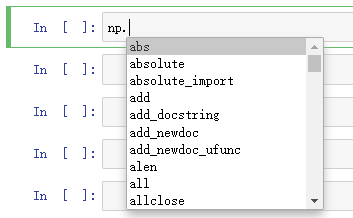
按说明安装启用插件后,未显示 tabnine 智能提示
问题类型
bug
环境:win10

问题详情
安装启用完毕


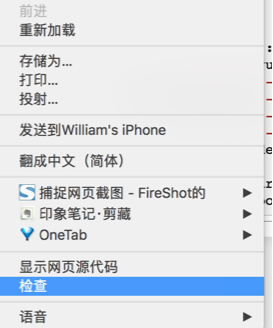
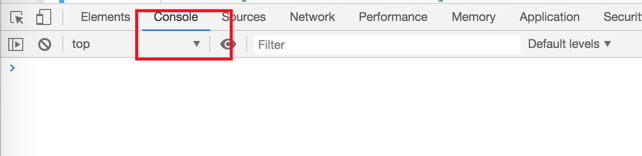
输入代码import numpy as np, import tensorflow as tf,未获得提示,tab 键失效,server 上看似乎是远程读取失败

换用 hinterland 时表现正常


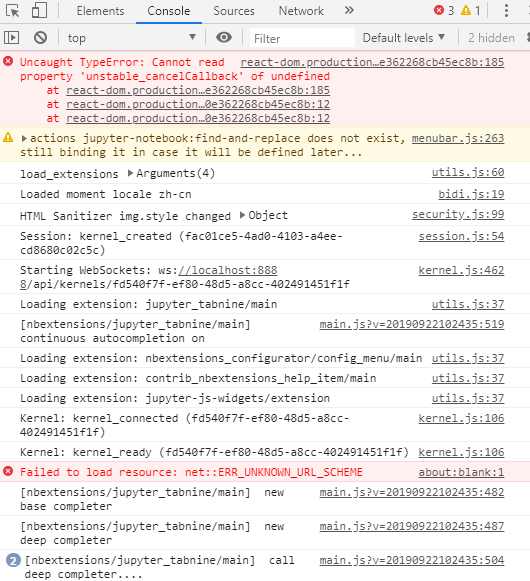


Hi, Thank you for wonderful extension. I followed instructions for installation and enabling extension in nbextensions but, Unfortunately I am facing same issue "Unsatisfiable read, closing connection: delimiter re.compile(b'\r?\n\r?\n') not found within 65536 bytes"
Thanks, Sunil

我的问题是能显示代码提示,但是为什么我敲代码import n提示有import numpy as np,我按下Tab键之后上屏的是import nnumpy as np,会多一个字母,这个怎么解决。
