WebIDE icon indicating copy to clipboard operation
WebIDE copied to clipboard

Coding WebIDE Community Edition

Results 86 WebIDE issues
Sort by recently updated
recently updated
newest added

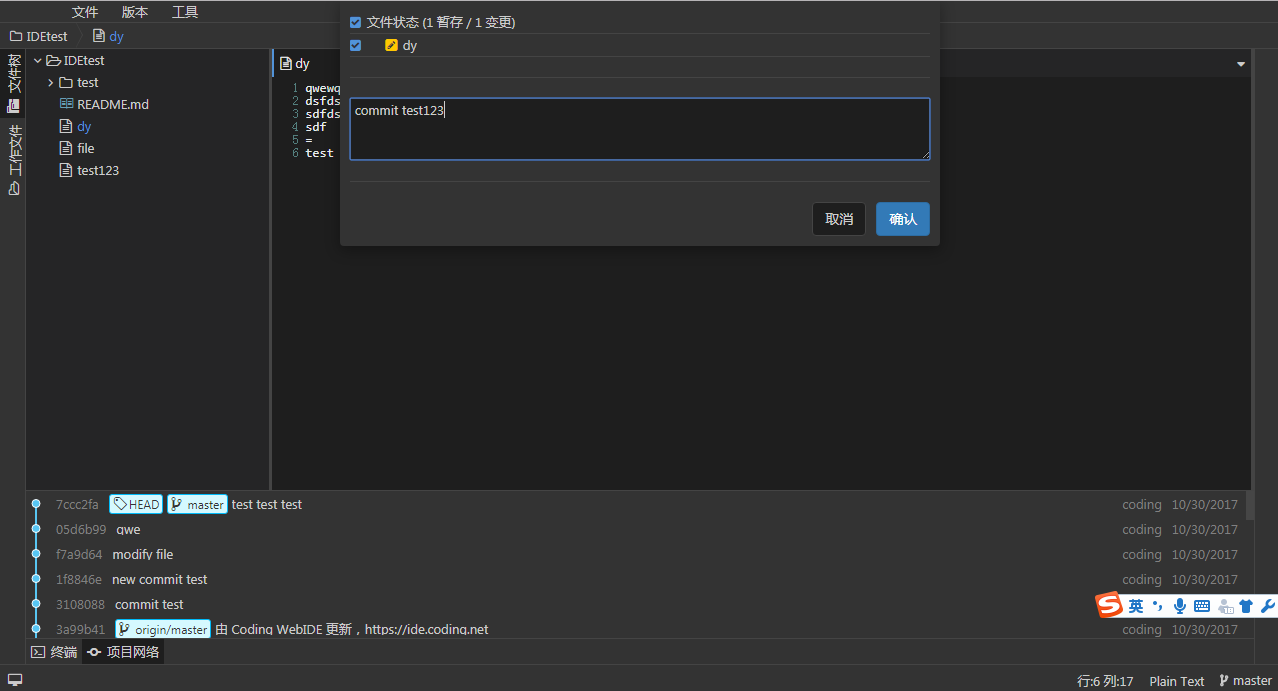
![image](https://user-images.githubusercontent.com/26532614/32158348-357235c6-bd83-11e7-9fa6-eee1b31001a5.png) ![image](https://user-images.githubusercontent.com/26532614/32158374-5b8dc6a8-bd83-11e7-8682-a6aeb357fc95.png)

modal 增加 modalRegister 方法支持插件动态注入modal

settings配置 同步到 .coding-ide 中的settings文件里,本地不用缓存了

比如,下面的功能是有快捷键呼出的功能的,但用户无法感知 ![image](https://user-images.githubusercontent.com/26532614/31600346-a898cab6-b288-11e7-99a8-8cc949d48e46.png) ![image](https://user-images.githubusercontent.com/26532614/31600433-047db5c6-b289-11e7-901d-2af72d6f79ca.png)

1、创建 workspace 后,进入 设置-编辑页面; 2、点击【打开 .editorconfig】创建 .editorconfig 文件; 3、点击 header 中的文件-保存,仍需再输入一遍文件名。 ![image](https://user-images.githubusercontent.com/26532614/31599574-8dd38e08-b285-11e7-9ceb-6d30b2a485d3.png) ![image](https://user-images.githubusercontent.com/26532614/31599681-ebc43710-b285-11e7-9972-e49313df13d7.png)

![image](https://user-images.githubusercontent.com/4676235/30790771-9126394e-a1e0-11e7-993a-803a4f3debfd.png)

使用 Docker 直接运行: > docker run -d --name webide -p 8080:8080 -v /docker/webide:/root/.coding-ide --restart=always webide/webide 添加好 SSH GIT 项目后,打开项目,没有代码文件树目录,并有红色提示框提示: > No HEAD exists and no explicit starting revision was specifiedDISMISS...

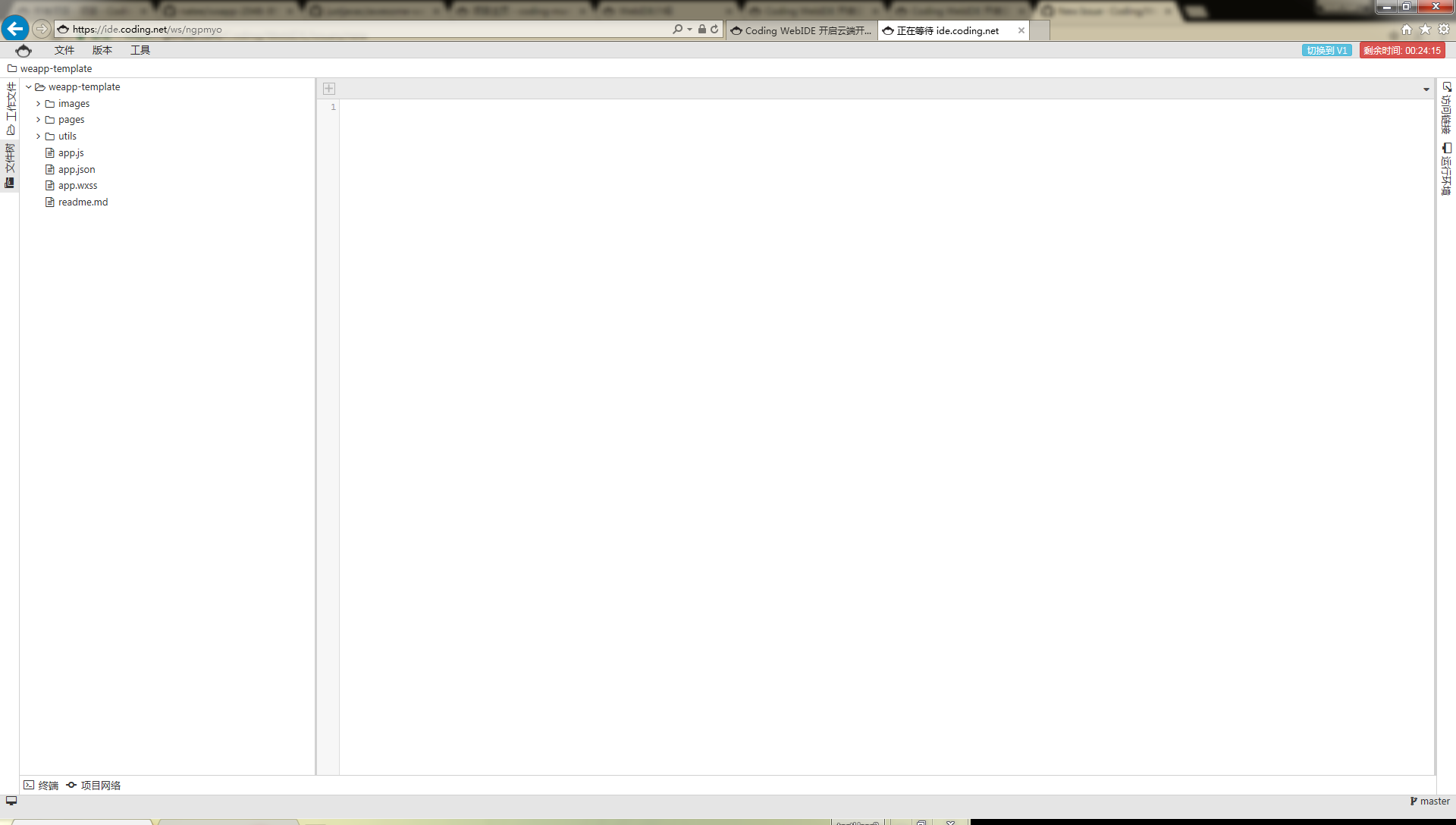
![image](https://user-images.githubusercontent.com/26532614/30104354-f4df0618-9327-11e7-821c-0484677a7b24.png)

https://github.com/ivogabe/Brackets-Icons 另外最新版本的 fontawesome 也增加了一些文件类型图标,可以综合考虑一下。

![image](https://user-images.githubusercontent.com/26532614/29910382-5965ec4e-8e5c-11e7-8b7d-f520d84a7a5f.png) ![image](https://user-images.githubusercontent.com/26532614/29910426-808912d8-8e5c-11e7-8610-451f06ea48e2.png)