
codestackr-vscode-theme
 codestackr-vscode-theme copied to clipboard
 codeSTACKr

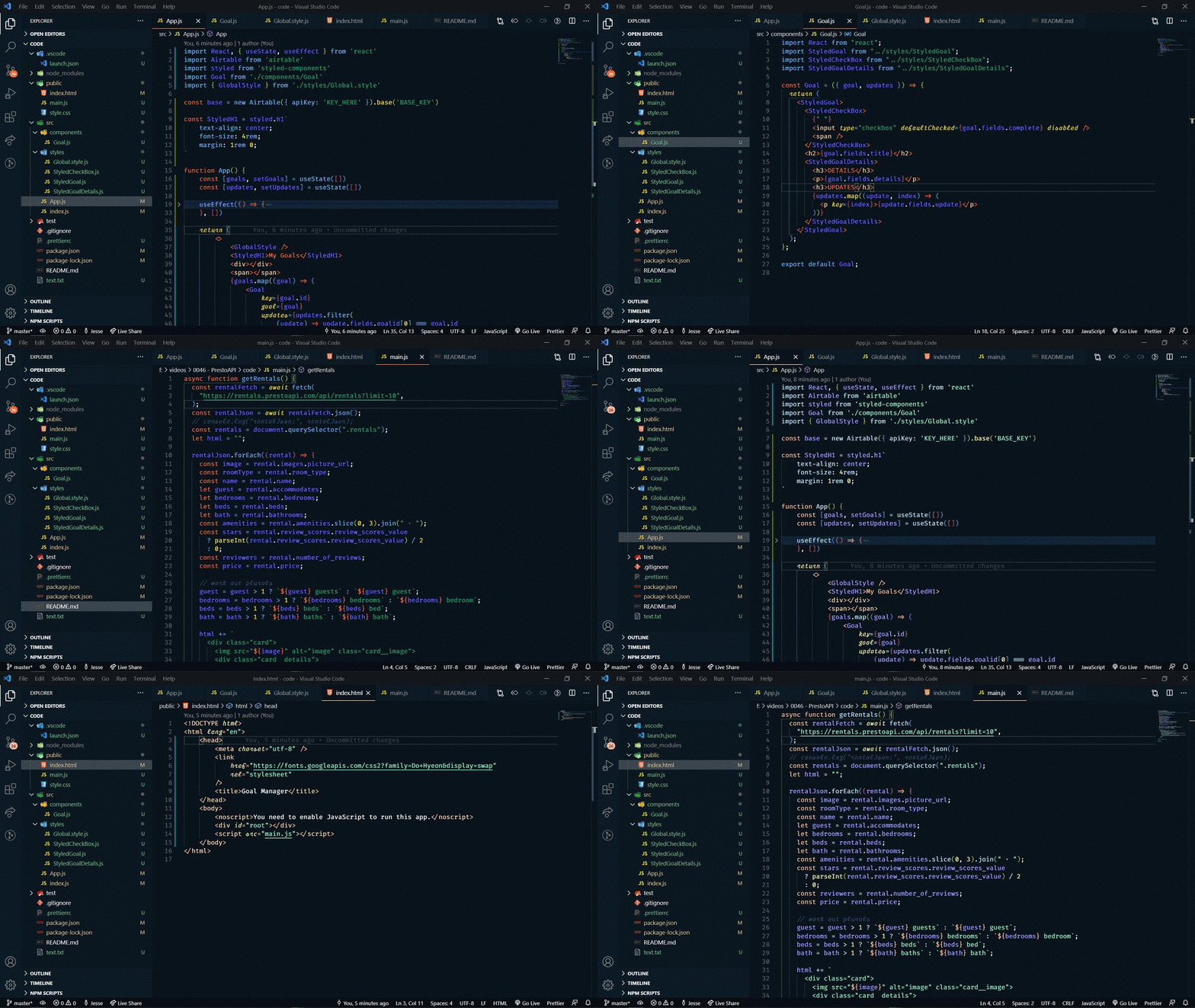
codeSTACKr Theme for VS Code


Thanks for checking out my VS Code theme. There are 2 options to choose from:
- Colorful & Vibrant
- Muted
This theme is part of my VS Code SuperHero course →
Let me teach you everything there is to know about VS Code and make you a VS Code SuperHero too!
Font
The font that you see in the demo is a modified Fira Code font that I made called "STACKr Code".
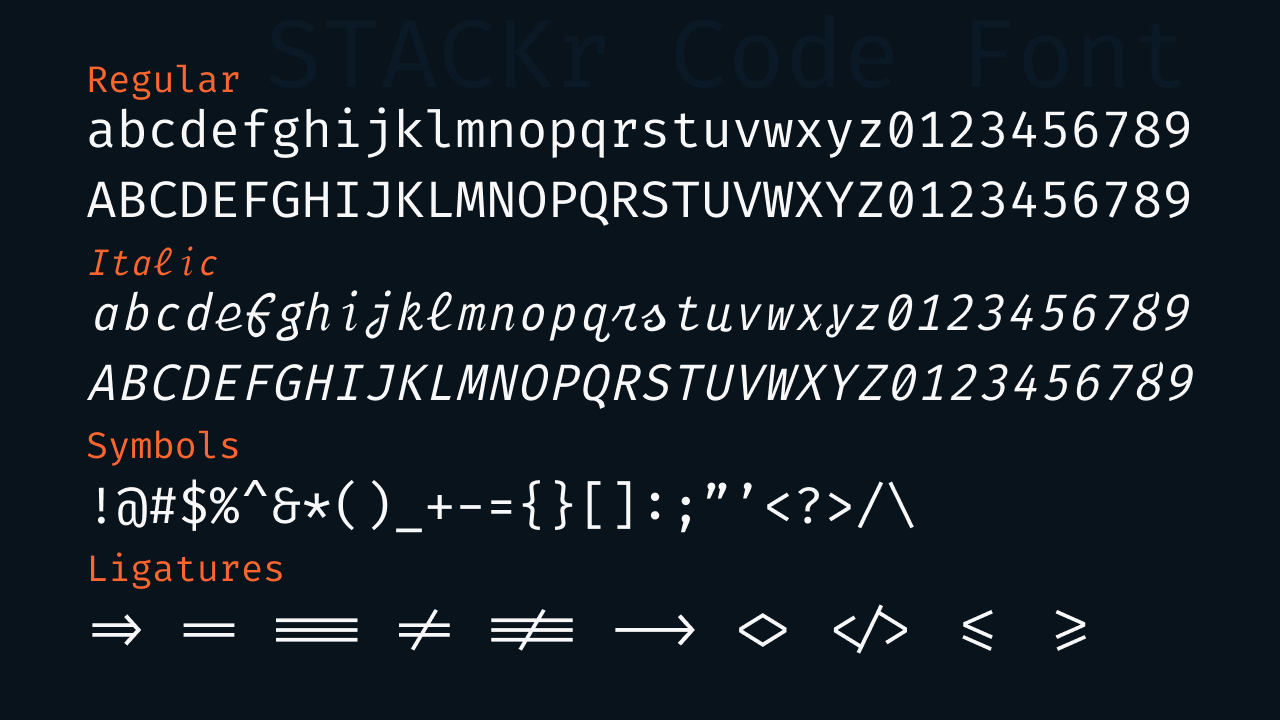
This font is exclusive to my VS Code SuperHero course. Sign up now to get access!
Installation
- Open the extensions sidebar on Visual Studio Code
- Search for codeSTACKr Theme
- Click Install
- Click Reload to reload your editor
- Select the Manage Cog (bottom left) > Color Theme > codeStackr Theme
- 🌟🌟🌟🌟🌟 Rate five-stars 😃
Issues & Suggestions
For any issues or suggestions, please use GitHub issues.
How to make your own theme
Want to learn how to make your own theme?? Check out this video:
 codeSTACKr