
2.4-GHz-band-Scanner
 2.4-GHz-band-Scanner copied to clipboard
 cifertech
Getting errors when trying to load code to Nano chip
I am using the ELEGOO NANO (ATmega328P & CH340 chip - I installed the latest drivers on it)
I tried to add the 2.4 GHz Band Scanner & Jammer With NRF24L01 code to the nano via Arduino and I am getting multiple errors.
Errors ——————
C:\Users\Gram\Desktop\Inventions\NRF Wifi Jam\RF_Box\RF_Box.ino:1:32: error: stray '#' in program #include <SPI.h> ^ C:\Users\Gram\Desktop\Inventions\NRF Wifi Jam\RF_Box\RF_Box.ino:1:1: error: expected unqualified-id before '<' token #include <SPI.h> ^ In file included from C:\Users\Gram\Desktop\Inventions\NRF Wifi Jam\RF_Box\RF_Box.ino:3:0: C:\Users\Gram\AppData\Local\Arduino15\packages\arduino\hardware\avr\1.8.5\libraries\Wire\src/Wire.h:86:8: error: 'TwoWire' does not name a type; did you mean 'TwoWire_h'? extern TwoWire Wire; ^~~~~~~ TwoWire_h In file included from C:\Users\Gram\Documents\Arduino\libraries\Adafruit_GFX_Library/Adafruit_GFX.h:12:0, from C:\Users\Gram\Desktop\Inventions\NRF Wifi Jam\RF_Box\RF_Box.ino:4: C:\Users\Gram\Documents\Arduino\libraries\Adafruit_BusIO/Adafruit_I2CDevice.h:10:36: error: 'TwoWire' has not been declared Adafruit_I2CDevice(uint8_t addr, TwoWire *theWire = &Wire); ^~~~~~~ C:\Users\Gram\Documents\Arduino\libraries\Adafruit_BusIO/Adafruit_I2CDevice.h:30:3: error: 'TwoWire' does not name a type; did you mean 'TwoWire_h'? TwoWire *_wire; ^~~~~~~ TwoWire_h C:\Users\Gram\Documents\Arduino\libraries\Adafruit_BusIO/Adafruit_I2CDevice.h:10:56: error: 'Wire' was not declared in this scope Adafruit_I2CDevice(uint8_t addr, TwoWire *theWire = &Wire); ^~~~ In file included from C:\Users\Gram\Desktop\Inventions\NRF Wifi Jam\RF_Box\RF_Box.ino:5:0: C:\Users\Gram\Documents\Arduino\libraries\Adafruit_SSD1306/Adafruit_SSD1306.h:132:42: error: 'TwoWire' has not been declared Adafruit_SSD1306(uint8_t w, uint8_t h, TwoWire *twi = &Wire, ^~~~~~~ C:\Users\Gram\Documents\Arduino\libraries\Adafruit_SSD1306/Adafruit_SSD1306.h:175:3: error: 'TwoWire' does not name a type; did you mean 'TwoWire_h'? TwoWire *wire; ///< Initialized during construction when using I2C. See ^~~~~~~ TwoWire_h C:\Users\Gram\Documents\Arduino\libraries\Adafruit_SSD1306/Adafruit_SSD1306.h:132:58: error: 'Wire' was not declared in this scope Adafruit_SSD1306(uint8_t w, uint8_t h, TwoWire *twi = &Wire, ^~~~ C:\Users\Gram\Desktop\Inventions\NRF Wifi Jam\RF_Box\RF_Box.ino:23:55: error: 'Wire' was not declared in this scope Adafruit_SSD1306 display = Adafruit_SSD1306(128, 32, &Wire); ^~~~ C:\Users\Gram\Desktop\Inventions\NRF Wifi Jam\RF_Box\RF_Box.ino:23:55: note: suggested alternative: 'line' Adafruit_SSD1306 display = Adafruit_SSD1306(128, 32, &Wire); ^~~~ line C:\Users\Gram\Desktop\Inventions\NRF Wifi Jam\RF_Box\RF_Box.ino:270:1: error: expected unqualified-id before '<' token ^
exit status 1
Compilation error: stray '#' in program


Hi as I respond to your email it seems like this is a problem with your Arduino library directory. I suggest that you reinstall your library and update your Arduino IDE.
Also the Display you currently using is not suitable for this project.
The required library for this project:
- Adafruit_SSD1306
- Adafruit_GFX
In this part of repository I explain how to install them from Arduino IDE.

thank you.
Will this display work? MakerFocus 4pcs I2C OLED 0.96 Inch OLED Display Module IIC SSD1306 128 64 LCD White
https://www.amazon.ca/Display-Module-SSD1306-Du-pont-Arduino/dp/B07VDXYDVY/ref=sr_1_10?crid=3OTDBJJTDCWQT&keywords=Oled%2B0.96%2BSSD1306&qid=1666032359&qu=eyJxc2MiOiIxLjkzIiwicXNhIjoiMC4wMCIsInFzcCI6IjAuMDAifQ%3D%3D&refinements=p_85%3A5690392011&rnid=5690384011&rps=1&sprefix=oled%2B0%2B96%2Bssd1306%2Caps%2C99&sr=8-10&th=1
or this one?
DollaTek 2Pcs 0.96" I2C IIC SPI Serial 128x64 OLED Display SSD1306 Module Board with Pin Headers for Arduino - Blue Font https://www.amazon.ca/DollaTek-Display-SSD1306-Headers-Arduino/dp/B07QFVBN2W/ref=sr_1_11?crid=3OTDBJJTDCWQT&keywords=Oled+0.96+SSD1306&qid=1666032430&qu=eyJxc2MiOiIxLjkzIiwicXNhIjoiMC4wMCIsInFzcCI6IjAuMDAifQ%3D%3D&refinements=p_85%3A5690392011&rnid=5690384011&rps=1&sprefix=oled+0+96+ssd1306%2Caps%2C99&sr=8-11
Can I hire you for 1 hour to share screens and help me complete this project? Would have to be after I get the proper display in 1-3 days.
One more question. Should I follow the instructions on the cover of my Nano chip box first before your steps? or leave the nano chip as is and skip box instructions?
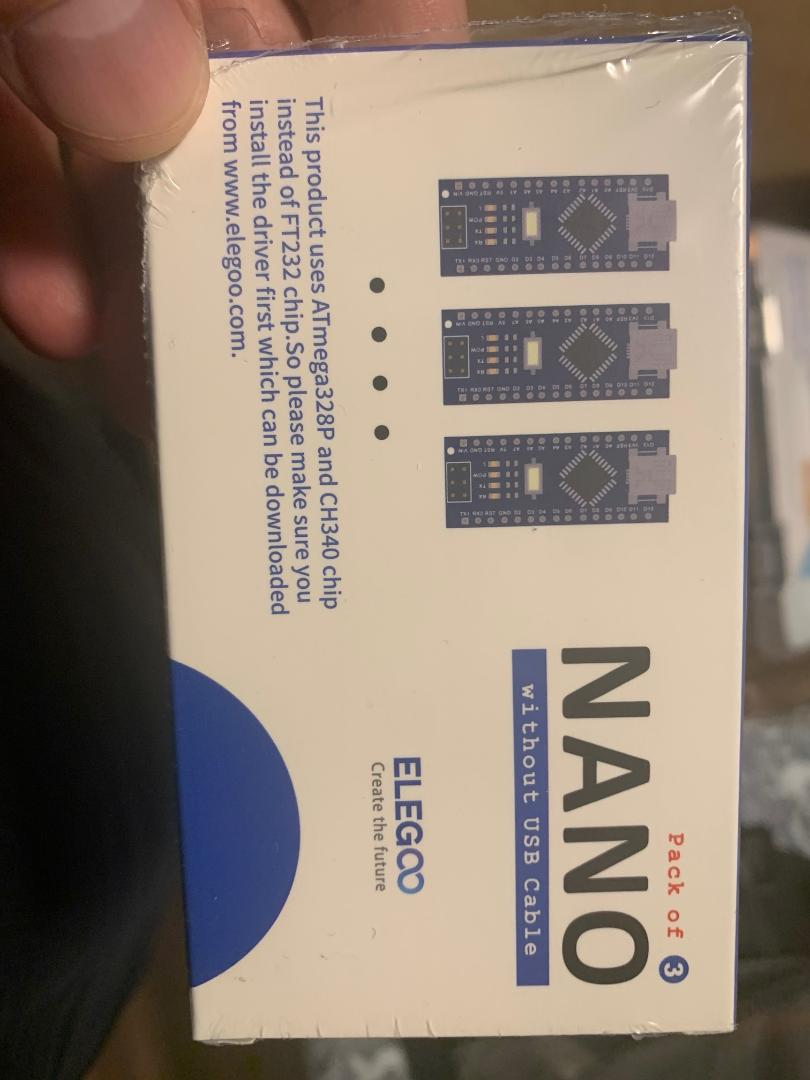
of course, if you don't have the ch340 driver installed, follow the instruction or simply search for it on google.
I got the new LCD screen you recomended. Then when I tried to load the RF_Box Arduino file (after installing libraries), I get error below. Please help fix it.
C:\Users\Gram\Desktop\Inventions\NRF Wifi Jam\RF_Box\RF_Box.ino:1:32: error: stray '#' in program #include <SPI.h> ^ C:\Users\Gram\Desktop\Inventions\NRF Wifi Jam\RF_Box\RF_Box.ino:1:1: error: expected unqualified-id before '<' token #include <SPI.h> ^ In file included from C:\Users\Gram\Desktop\Inventions\NRF Wifi Jam\RF_Box\RF_Box.ino:3:0: C:\Users\Gram\AppData\Local\Arduino15\packages\arduino\hardware\avr\1.8.5\libraries\Wire\src/Wire.h:86:8: error: 'TwoWire' does not name a type; did you mean 'TwoWire_h'? extern TwoWire Wire; ^~~~~~~ TwoWire_h In file included from c:\Users\Gram\Documents\Arduino\libraries\Adafruit_GFX_Library/Adafruit_GFX.h:12:0, from C:\Users\Gram\Desktop\Inventions\NRF Wifi Jam\RF_Box\RF_Box.ino:4: c:\Users\Gram\Documents\Arduino\libraries\Adafruit_BusIO/Adafruit_I2CDevice.h:10:36: error: 'TwoWire' has not been declared Adafruit_I2CDevice(uint8_t addr, TwoWire *theWire = &Wire); ^~~~~~~ c:\Users\Gram\Documents\Arduino\libraries\Adafruit_BusIO/Adafruit_I2CDevice.h:30:3: error: 'TwoWire' does not name a type; did you mean 'TwoWire_h'? TwoWire *_wire; ^~~~~~~ TwoWire_h c:\Users\Gram\Documents\Arduino\libraries\Adafruit_BusIO/Adafruit_I2CDevice.h:10:56: error: 'Wire' was not declared in this scope Adafruit_I2CDevice(uint8_t addr, TwoWire *theWire = &Wire); ^~~~ In file included from C:\Users\Gram\Desktop\Inventions\NRF Wifi Jam\RF_Box\RF_Box.ino:5:0: c:\Users\Gram\Documents\Arduino\libraries\Adafruit_SSD1306/Adafruit_SSD1306.h:132:42: error: 'TwoWire' has not been declared Adafruit_SSD1306(uint8_t w, uint8_t h, TwoWire *twi = &Wire, ^~~~~~~ c:\Users\Gram\Documents\Arduino\libraries\Adafruit_SSD1306/Adafruit_SSD1306.h:175:3: error: 'TwoWire' does not name a type; did you mean 'TwoWire_h'? TwoWire *wire; ///< Initialized during construction when using I2C. See ^~~~~~~ TwoWire_h c:\Users\Gram\Documents\Arduino\libraries\Adafruit_SSD1306/Adafruit_SSD1306.h:132:58: error: 'Wire' was not declared in this scope Adafruit_SSD1306(uint8_t w, uint8_t h, TwoWire *twi = &Wire, ^~~~ C:\Users\Gram\Desktop\Inventions\NRF Wifi Jam\RF_Box\RF_Box.ino:23:55: error: 'Wire' was not declared in this scope Adafruit_SSD1306 display = Adafruit_SSD1306(128, 32, &Wire); ^~~~ C:\Users\Gram\Desktop\Inventions\NRF Wifi Jam\RF_Box\RF_Box.ino:23:55: note: suggested alternative: 'line' Adafruit_SSD1306 display = Adafruit_SSD1306(128, 32, &Wire); ^~~~ line C:\Users\Gram\Desktop\Inventions\NRF Wifi Jam\RF_Box\RF_Box.ino:270:1: error: expected unqualified-id before '<' token ^
exit status 1
Compilation error: stray '#' in program
I Installed version 1.8.12 of Arduino and it said download complete, but the device did not automatically start working as you said.
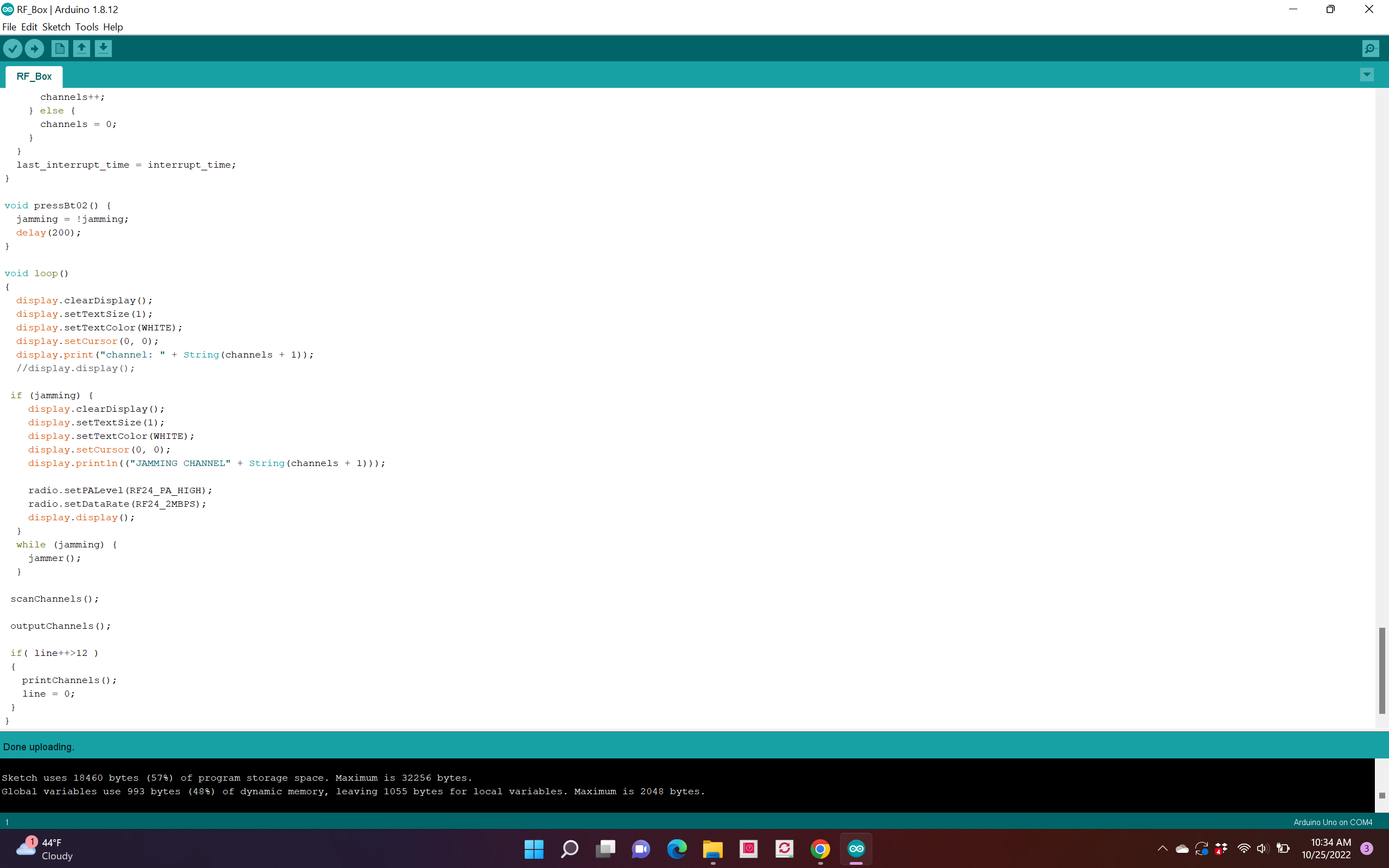

Hi @markdonofrio . the new display is fine and for code/schematic everything in the related repository is could be trusted to work with. as I test these codes with no problem it might be a problem with your Arduino libraries which are installed before. I recommend that clear your Arduino library folder and install the needed one again or simply use another computer. because codes are fine and the issue is in your software. As far as I know.