
nord-light-iterm2
 nord-light-iterm2 copied to clipboard
 brorbw
An arctic, north-bluish clean and elegant iTerm2 color scheme.
A arctic, north-bluish clean and elegant iTerm2 color scheme.
Designed for a fluent and clear workflow.
Based on the Nord color palette.

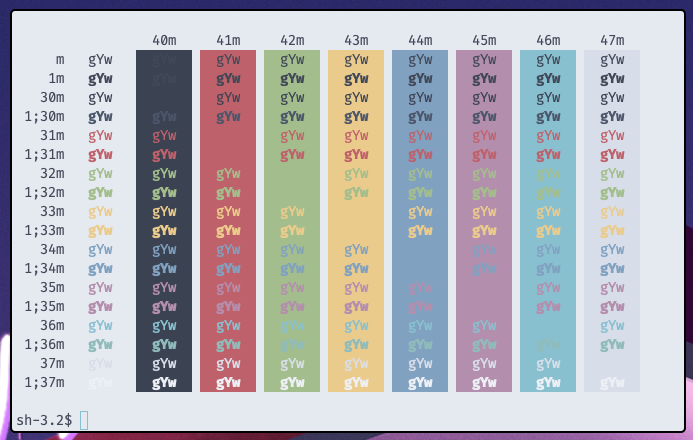
Font: Fira Code Pro 12px.
Getting started
Installation
Download the latest nord-light.itermcolors file from the GitHub repository and import it:
- Start iTerm2 and open the Preferences
- Switch to the Profiles tab located in the topbar
- Select the Colors tabs on the right side
- Click on the Load Presets drop-down menu and select the Import entry
- Import the downloaded
nord-light.itermcolorsfile and import it
Shoutout
Shoutout
- Original Nord theme - The original dark Nord theme https://github.com/arcticicestudio/nord-iterm2
- yabai - Tiling window manager for macOS https://github.com/koekeishiya/yabai
- Doom Emacs - If emacs and vim had a baby https://github.com/hlissner/doom-emacs
- iTerm2 - Like terminal only better https://iterm2.com/
 brorbw