docs
 docs copied to clipboard
Published
20 hours ago •
 aws-amplify
aws-amplify
AWS Amplify Hands on Doc Module 5 is incorrect
Describe the bug
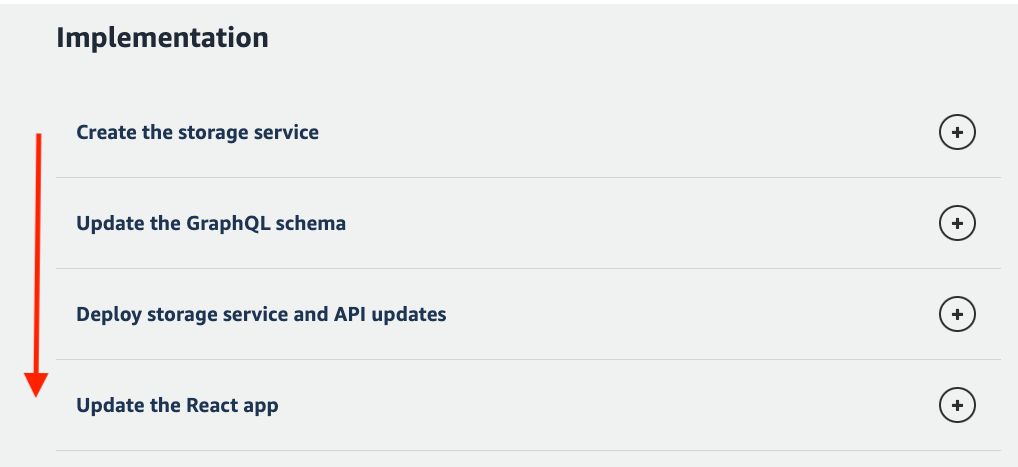
The S3 put inonChange in Update the React app is incorrect. Page can be seen here
To Reproduce Steps to reproduce the behavior:
- Do modules 1 - 4
- Install S3 on Amplify
- Do the steps from Create Storage service --> Update React App
- Upload an image - this will upload the file to S3 without firing the submit button
Expected behavior Upload the file on submit, not on upload, this will trigger unnecessary puts leading possible increased S3 costs
Desktop (please complete the following information):
- OS: Macbook Pro v12.13.1 - Monterey
- Browser: Chrome
- Version: 102.0.5005.61
Additional context Solution
- Add a imageFile state
const [imageFile, setImageFile] = useState(null); // this will contain the image the user uploads - Change onChange function
async function onChange(e) { if (!e.target.files[0]) return; const file = e.target.files[0]; setImageFile(file); setFormData({ ...formData, image: file.name }); } - Change createNote function
  async function createNote() {
    if (!formData.name || !formData.description) return;

    await Storage.put(formData.image, imageFile); // puts the file on S3 on submit

    await API.graphql({
      query: createNoteMutation,
      variables: { input: formData }
    });

    fetchNotes(); // fetch the notes

     // Reset the states
    setFormData(initialFormState);
    setImageFile(null);
  }

Hi @adrian-santos, thanks for raising! That content doesn't live in this repo but we'll get it directed to the right place. Thanks!

Hey @adrian-santos this is now resolved and the walkthrough has been updated 🙂 closing issue