
amplify-ui
 amplify-ui copied to clipboard
 aws-amplify
Customization issues with ResetPassword (and potentially others)
Before creating a new issue, please confirm:
- [X] I have searched for duplicate or closed issues and discussions.
- [X] I have read the guide for submitting bug reports.
On which framework/platform are you having an issue?
React
Which UI component?
Authenticator
How is your app built?
Create React App
Please describe your bug.
ResetPassword customization isn't fully working. Customization of the Header() is fine but a custom Footer() shows up along with the original footer. For example, I am trying to render my own Link component in the ResetPassword component but it shows up along with the original Footer. Similar to issue reported here 👉🏽 #1256

What's the expected behaviour?
The footer should be replaced by the custom component.
Help us reproduce the bug!
Bug can be reproduced in 2.18.2 and 2.18.3. Here's the reproduction with 2.18.2
https://codesandbox.io/s/amplify-customization-issue-forked-4cqxcv
Code Snippet
// Put your code below this line.

const { toSignIn } = useAuthenticator();

const components = {
  Header,
  SignIn: {
    Header() {
      return <LoginHeader />;
    }
  },
  ResetPassword: {
    Header() {
      return <ResetPasswordHeader />;
    },
    Footer() {
      return <button onClick={toSignIn}> Back to sign in </button>;     //--> Custom footer button
    }
  },
  Footer
};

<Authenticator components={components}>
...
</Authenticator>
Additional information and screenshots


Hi @anjanvb !
Thanks for the codesandbox!
Yes, this is as expected. Footers don't replace the Back to Sign In link. It's meant to allow you to add more information at the bottom of pages.
To solve this problem in our next major release we are looking to allow you to fully override the resetPassword component. Then you can construct it however you like.
Are you trying to remove the Back to Sign In link ? Perhaps you could remove it using css instead?

Hey thanks for the response @ErikCH .
Yes, I am trying to override the link with my own custom link mostly for look and feel consistency purposes. Btw, I was able to do this with SignIn where I replace the default "Reset your password" link with my own custom link like this-
SignIn: {
    Header: SignInHeader,
    Footer: SignInFooter
  }
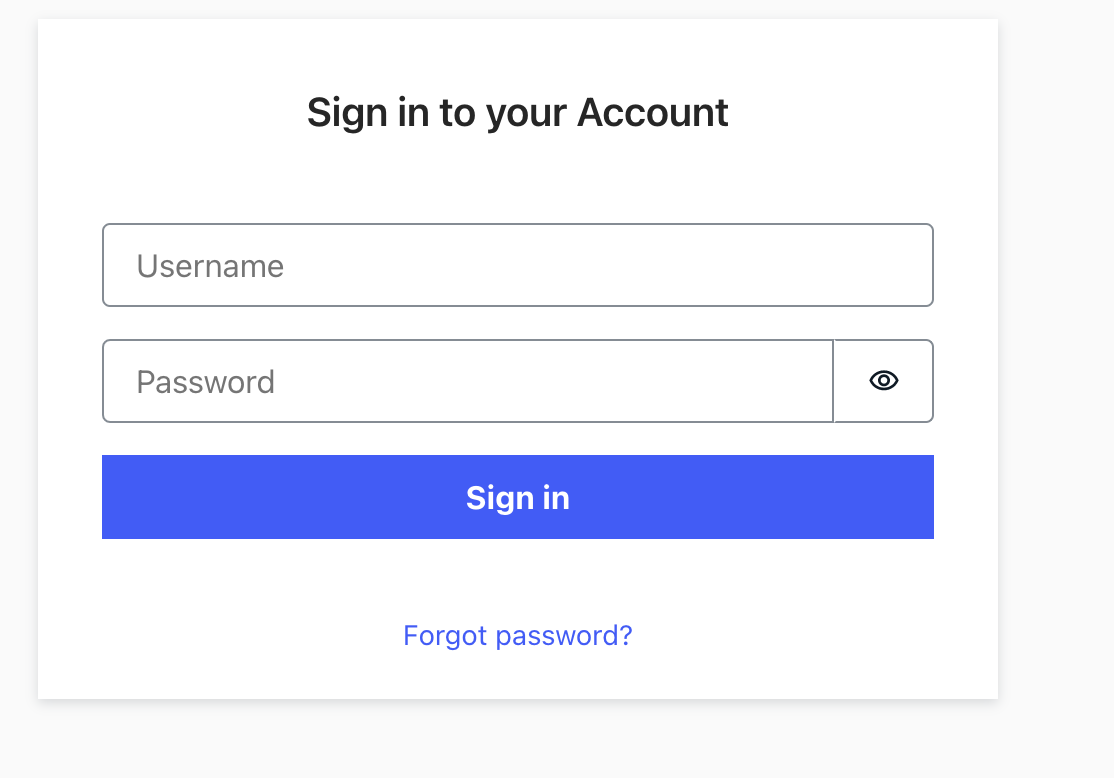
I guess, the only option would be the css way.

Hi @CptnWookie !
We are still looking at this feature, when we do our next breaking change later this year. The workaround with CSS could work.
Closing in favor of https://github.com/aws-amplify/amplify-ui/issues/2288. @anjanvb Please track this issue there.
