
amplify-hosting
 amplify-hosting copied to clipboard
 aws-amplify
Build notices have incorrect deploy URL
For feature branch continuous deploys, the build notices we get for these have the wrong URL in them. The console has the correct URL, where the slash in "feature/branchname" is converted to a dash, but the deploy notice emails keep the slash, and thus the URL is wrong. Here's an example of the email we get:
"Build notification from the AWS Amplify Console for app: https://feature/skeletal-html.changedforsecurity.amplifyapp.com/. Your build status is SUCCEED. Go to https://console.aws.amazon.com/amplify/home?region=us-east-2#changedforsecurity/feature/skeletal-html/1 to view details on your build. "
And the correct URL (as shown in the Amplify console) would be: https://feature-skeletal-html.changedforsecurity.amplifyapp.com/
Also, the quotes around that text in the email seem unnecessary :)


One other aspect - the emails also use the amplifyapp.com domain, instead of whatever custom domain you have configured. Not a huge deal, but would be cool if they had the custom domain in them for ease and to be 100% sure it's rendering properly on that domain.
Sorry, that last comment is not quite in the same vein, but maybe while you're looking at it all (since the custom domain, seems to only apply to the main branch vs. the feature branch builds as far as I've seen).
Is there any progress on this? Is there any way I can help try to fix it? I feel like this is a simple fix (one liner regex on the branch name?), and yet this has been open for 2.5 months. Please let me know if there's some way I can help.
Ok, so I took a different tactic to get these URLs into our Slack and also as a comment in pull requests, by using a GitHub action. Here's my blog entry on it, in case it helps anyone else.
@chris Hello, may I ask if this is still an ongoing issue for you. I am guessing this occurred when deploying a feature branch in the past. The issue may have been corrected because I cannot find where the "feature" before "branchName" is coming from, wanted to check to make sure with you, and if not then if you could provide the steps you took for this to occur, that would be greatly appreciated. Thank you!

@bmyers624 It is still an issue. What I see in the AWS Notifications email message for a branch is text like this:
"Build notification from the AWS Amplify Console for app: https://release/2.6.0.xxxxxxxxxxxx.amplifyapp.com/. Your build status is SUCCEED. Go to https://console.aws.amazon.com/amplify/home?region=us-east-2#xxxxxxxxxxxx/release/2.6.0/1 to view details on your build. "
This is the case for any branch whose name contains a slash, such as "feature/my-new-thing" or "release/1.2.3", etc. The problem is that the slash is retained in that message as you can see, so the URL is wrong (since the actual deployed URL converts the slashes to dashes (as it should).
So that's the core issue. Secondarily, it'd be nice if the notifications used the custom URL if that was configured, as that's what I'd actually want to view/test with.
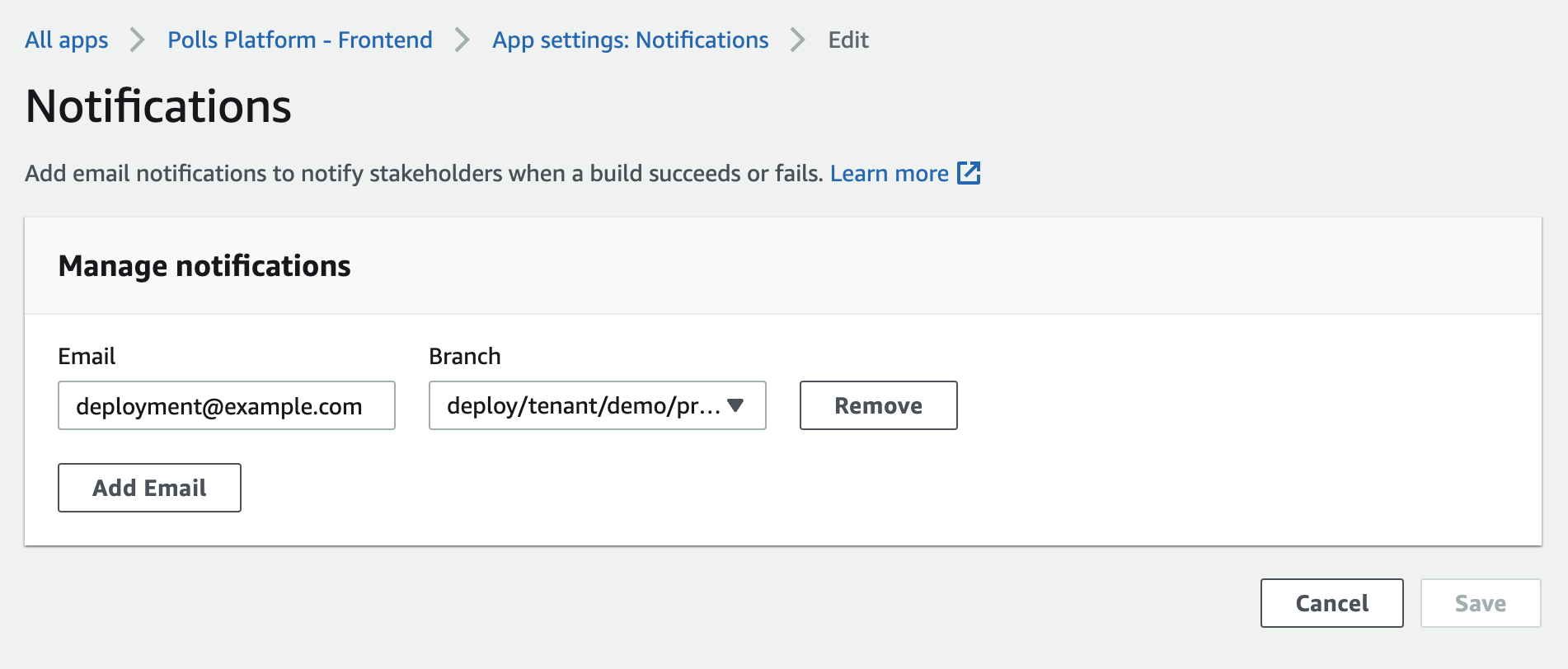
any update on this? I can't set a notification for any branches with a / which is really unfortunate


This issue is now closed. Comments on closed issues are hard for our team to see. If you need more assistance, please open a new issue that references this one.
![github-actions[bot] avatar](https://avatars.githubusercontent.com/in/15368?v=4 "Published by a pub.dev verified publisher")