
java-client
 java-client copied to clipboard
 appium
pushFile method is not seen in options
Description
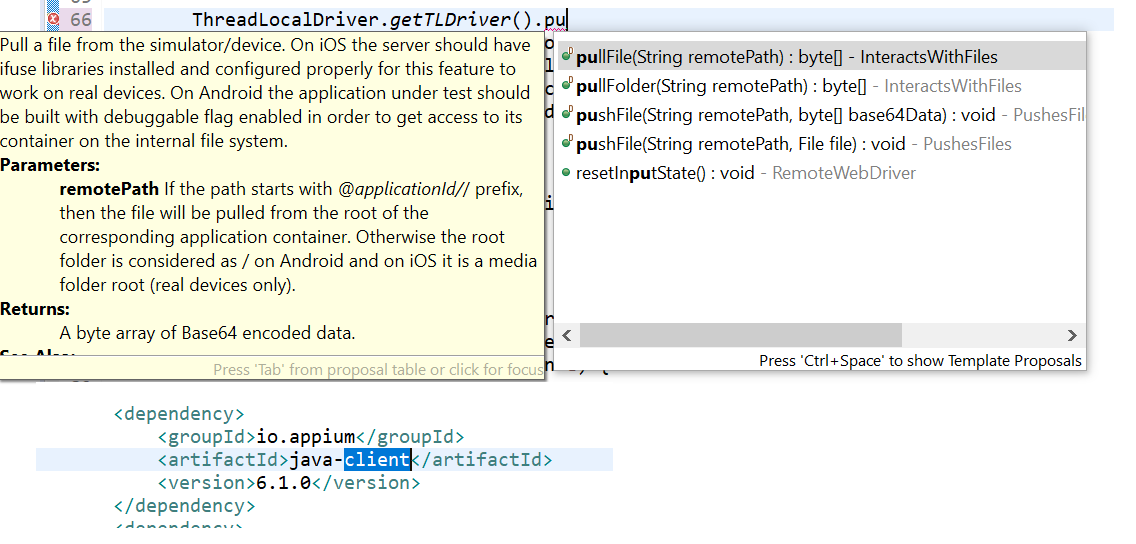
Trying to access driver.pushFile and it is not available when I try n type. Is it particular to the appium java client version? I downloaded 7.3.0.
I have both Appium servers - 1.15.1 and 1.4.16.1.
Need help.
Environment
- Java client build version or git revision if you use some snapshot: 7.3.0
- Appium server version or git revision if you use some snapshot: 1.15.1 and 1.4.16.1
- Desktop OS/version used to run Appium if necessary: Windows 10
- Node.js version (unless using Appium.app|exe) or Appium CLI or Appium.app|exe: 8.12.0
- Mobile platform/version under test: Android 6.0.1
- Real device or emulator/simulator: Real device - Panasonic
Details
I am using Eclipse as my IDE. I added java client to my build path. created driver instance as below:
DesiredCapabilities caps = new DesiredCapabilities(); caps.setCapability("skipUnlock", "true"); caps.setCapability("appPackage", "com.fedex.mobile.pnd.pndapp"); caps.setCapability("appActivity", "com.fedex.mobile.pnd.view.login.LoginActivity"); caps.setCapability("noReset", "false"); caps.setCapability("deviceName", "FZN1"); caps.setCapability("platformName", "Android"); caps.setCapability("platformVersion", "6.0"); caps.setCapability("udid", GetDevice.execGetDeviceID()); driver = new AndroidDriver<MobileElement>(new URL("http://127.0.0.1:4723/wd/hub"), caps);
When I try to type driver.pushFile("/path/to/device/foo.bar", new File("/Users/johndoe/files/foo.bar"));
pushFile mehtod is not showing up. But pullFile method is available.
Automation to be done: I need to push a file into the folder in the Device's internal memory.
Code To Reproduce Issue [ Good To Have ]
I opened appium server -> Advanved -> selected Relaxed Security.
Exception Stacktraces
No Exception, not run, this is while writing the code itself.
Link To Appium Logs
NA


In Java, we can use Files.readAllBytes to read a file as a byte array.
import java.nio.file.Files;
@Test public void pushImageFileFromMobileTest() throws IOException { File fi = new File("C:\eclipse\img1.jpg"); byte[] fileContent = Files.readAllBytes(fi.toPath()); _driver.pushFile("/storage/sdcard1/User/img1.jpg", fileContent); }
Tried with version you said, but it is showing pushFile
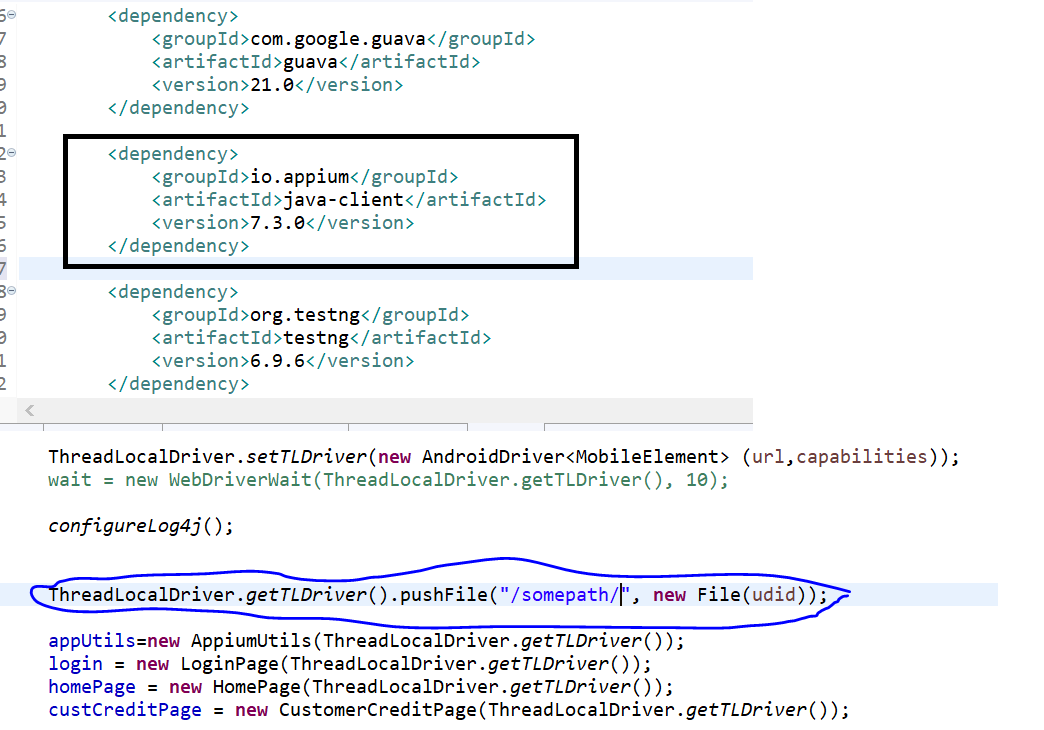
Use force update option if you are using maven project and then try
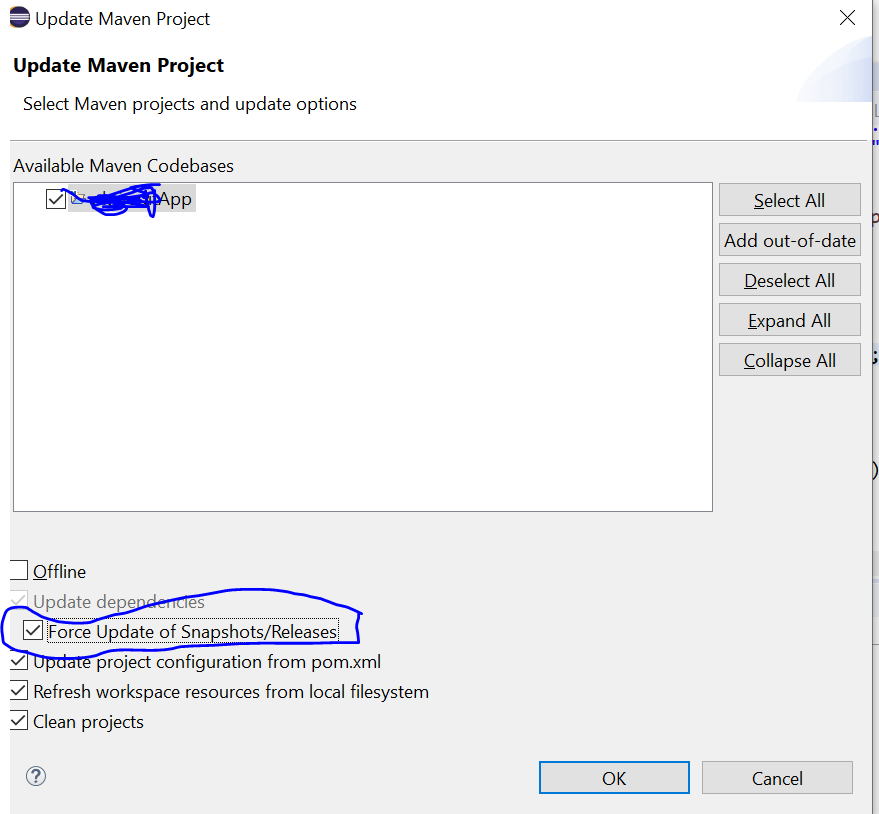
I did force update, and tried, still not able to see pushFile:
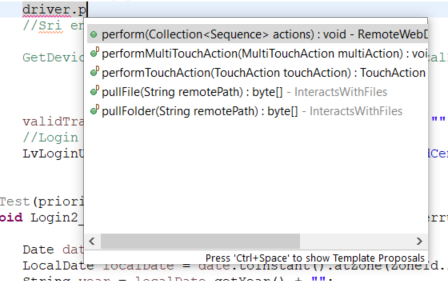
Does it have to do anything about the capabilities?
- You can check your .m2 folder if jar is actually downloaded or not
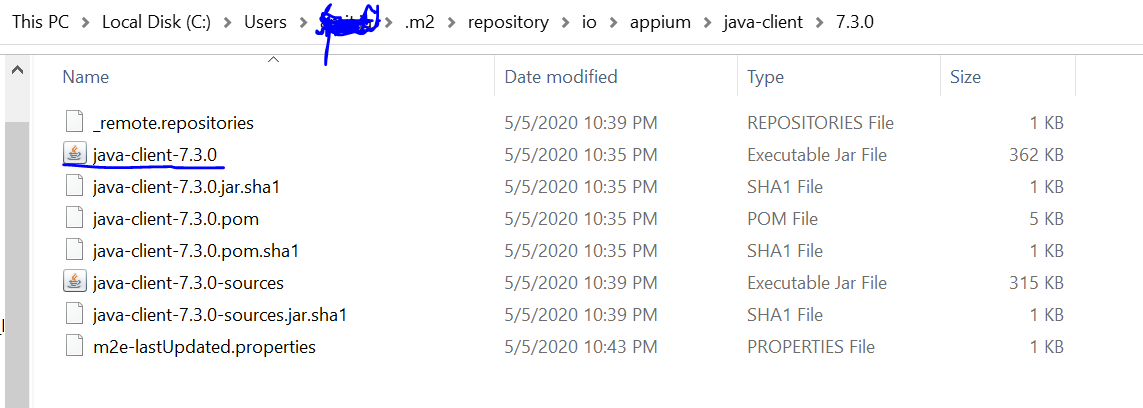
- You should be able to see following in your maven dependencies inside your project ? with version 7.3.0
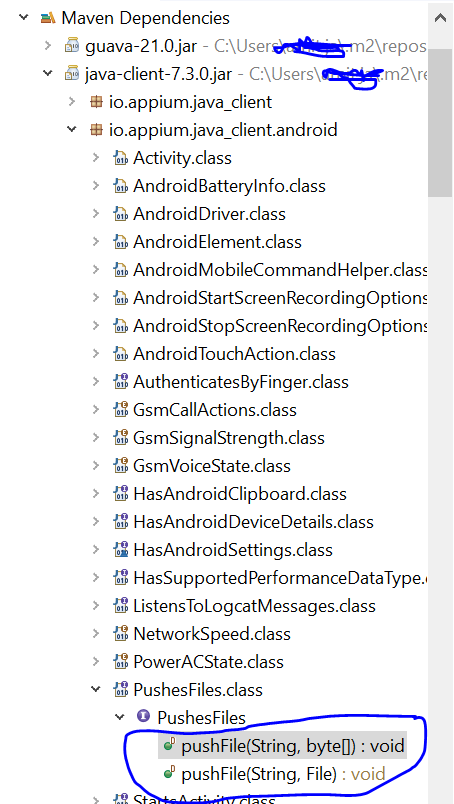
Hi Amit,
I found the issue, driver created was AppiumDriver. I changed to AndroidDriver instance and it shows pushFile now.
Thank you for your help. :)
Hi,
Note: I am using 1.4.13 appium server with Java client 7.0.0.
I tried with below code:
try { AndroidDriver<MobileElement> driver1 = (AndroidDriver<MobileElement>) driver;
		// direct approach
		// driver1.pushFile("sdcard/LocationServiceTest/3-MOTION START.TXT",
		// new File("./LocationServiceTestMode/3-MOTION START.TXT"));

		// given by amit
		File fi = new File("./LocationServiceTestMode/3-MOTION START.TXT");
		byte[] fileContent = Files.readAllBytes(fi.toPath());
		driver1.pushFile("sdcard/LocationServiceTest/3-MOTION START.TXT",
				fileContent);

	} catch (Exception e) {
		System.out.println(e.getMessage());
	}
It is giving an error as below:
An unknown server-side error occurred while processing the command. (Original error: Command failed: ) (WARNING: The server did not provide any stacktrace information)
Command duration or timeout: 0 milliseconds
Build info: version: '3.14.0', revision: 'aacccce0', time: '2018-08-02T20:13:22.693Z'
System info: host: '
