
F2
 F2 copied to clipboard
Published
20 hours ago •
 antvis
antvis
官方案例稍改一下,数据无法进行更新
- [ ] I have searched the issues of this repository and believe that this is not a duplicate.
Reproduction link

Steps to reproduce
点击页面中的“改变数据按钮”
| Environment | Info |
|---|---|
| f2 | 4.0.26 |
| System | - |
| Browser | - |
第一次点击后可以看到上方文字标签会随时变化,而 f2 生成的图表也会随着变化。
但再次点击时,上方标签仍会变化,而f2图表就处于无响应状态,数据没有更新。
且控制台一直输出警告 [Vue warn]: Slot "default" invoked outside of the render function: this will not track dependencies used in the slot. Invoke the slot function inside the render function instead.
感觉像是数据响应没有触发更新函数,等待官方解答

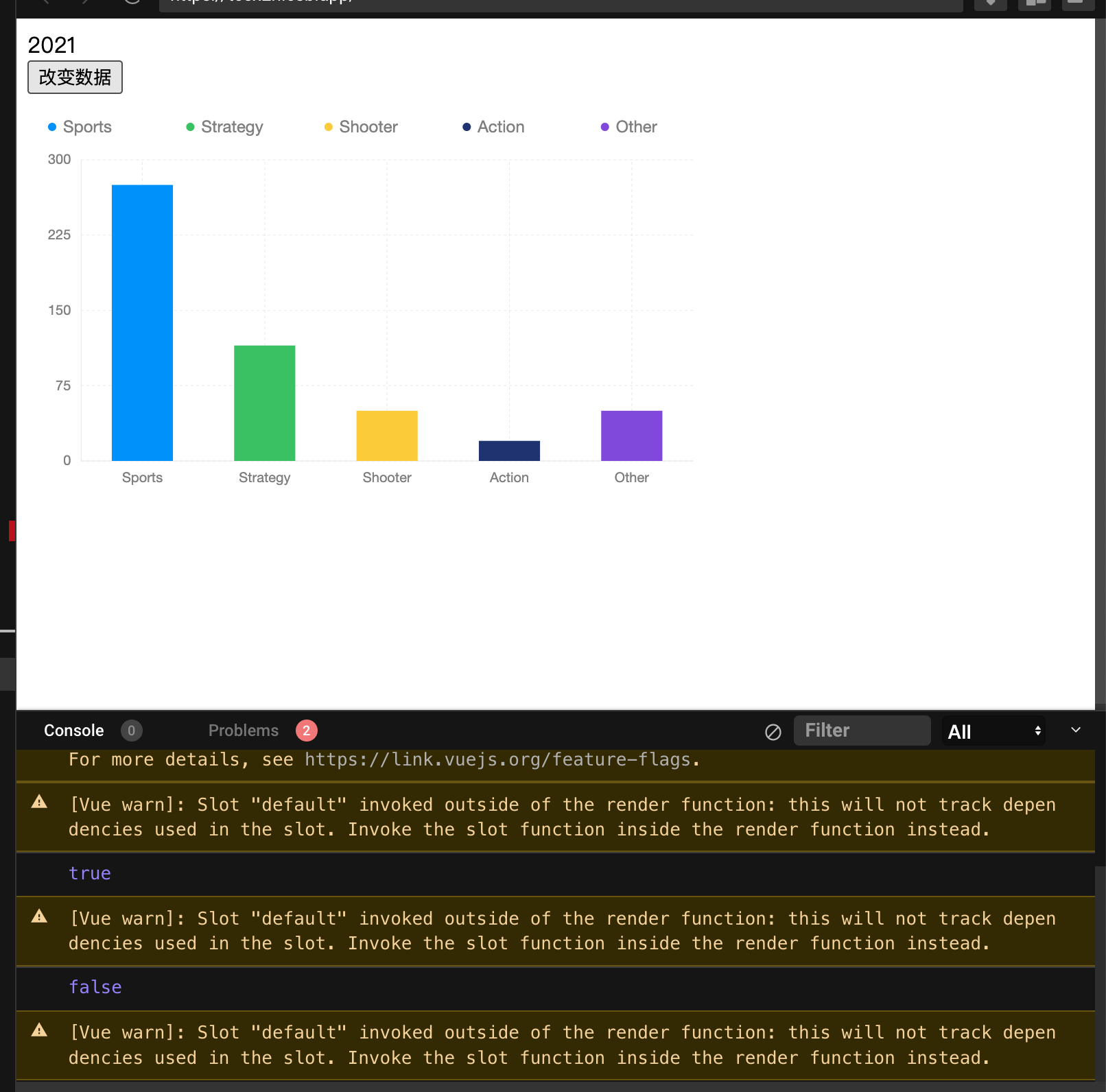

@tangying1027 官方 vite demo 即可复现,可简单使用 setInterval 定时器,更新响应式变量,图表不刷新(仅第一次变更可刷新)并伴随上述控制台警告。

给了 codesandbox 地址了,点那个icon,就行
https://codesandbox.io/s/f2-vue-forked-tcex2n?file=/src/App.vue