
extentreports-java
 extentreports-java copied to clipboard
 anshooarora
BASE64 instaed of screen shot location in the report
Hi anshooarora,
Could we use BASE64 instead of the screen shot location in the report, so that there is no dependency on the location of the screen shots placed.

Its possible. Using the example here: http://dean.edwards.name/my/base64-ie.html
String s = "data:image/gif;base64,R0lGODlhDwAPAKECAAAAzMzM" +
    "/////wAAACwAAAAADwAPAAACIISPeQHsrZ5ModrLlN48CXF8m2iQ3Y" +
    "mmKqVlRtW4MLwWACH+H09wdGltaXplZCBieSBVbGVhZCBTbWFydFNhdmVyIQAAOw==";

test.log(LogStatus.INFO, "Embedded Image: " +
    test.addScreenCapture(s));

Thanks anshooarora.
However when I used BASE64 in the extentreports, I'm unable to open the image after clicking on the image in the report.
When I click on the image in the report. The image does not get displayed.
Thanks in advance

This is still happening even while using screenshot location/path for version 2.41.2.

Hi Anshooarora,
I still see this issue occurring in 2.41.0 (Latest Build - Nuget Packages). When I try to zoom into the screenshot the image doesn't gets displayed and returns an error message too.
Regards, Santosh

I am currently using version 2.41.1 with base64 images, which render in the report as expected. I am evaluating version 3.0.1 and I no longer see this option. Has this feature been removed?

My issue is fixed now with the below code:
test.Log(LogStatus.Fail, "Error Snapshot : " + test.AddBase64ScreenCapture(imgFormat));
Regards, Santosh
Hi shanmukha27. I am looking into the AddBase64ScreenCapture method and can't find much on it. What is imgFormat in this scenario? I am trying to pass the base64 as a string

Hi Daniel,
For base64 image the src in the DOM will look like this: <img src="data:image/png;base64,iVBORw0KGgoAAAANSUhEUgAA.. starting with "data:image/png;base64," so after convert the image into base64 you may need to concatenate with the text "data:image/png;base64," as show in the below code.
You can refer the below code:
            string imgFormat;
            using (System.Drawing.Image image = System.Drawing.Image.FromFile(screenshotPath))
            {
                using (MemoryStream m = new MemoryStream())
                {
                    string base64String;
                    image.Save(m, image.RawFormat);
                    byte[] imageBytes = m.ToArray();
                    base64String = Convert.ToBase64String(imageBytes);
                    imgFormat = "data:image/png;base64," + base64String;
                }
            }
            test.Log(LogStatus.Fail, "Error Snapshot : " + test.AddBase64ScreenCapture(imgFormat));
Hope this helps..
Regards, Santosh
Thank you, I have it working now, and this was about the only resource I could find! I have one problem remaining. The screenshots are a bit too big, since they were taken of a whole screen. They go off of the edge of the HTML page, and shrinking them would also make the file smaller. Reducing the size by about 25% would make everything fit.
Is there any way to take a smaller base64 screenshot, or shrink the one taken? My current screenshot method and the line calling it:
public static String CaptureScreen(WebDriver driver){
     TakesScreenshot newScreen = (TakesScreenshot) driver;
     String scnShot = newScreen.getScreenshotAs(OutputType.BASE64);
     return "data:image/jpg;base64, " + scnShot ;
}
t.addBase64ScreenShot(ComplexReportFactory.CaptureScreen(getDriver())));
I guess you can use Bitmap to reduce the size of the screenshot. I found some stuff online hope this helps.
https://forums.asp.net/t/1702883.aspx?How+to+reduce+dimension+of+picture+taken+by+C+half+
Hello @anshooarora, I have the same problem when I click on the image in the report. The image does not get displayed. I'm on latest version 3.0.6.
It works in thumbnail and when I choose show picture.
IMG Source:
<img data-featherlight="data:image/png;base64,iVBORw0KGgoAAAANvAUAAJhLZOp3P/E2XTt+pWVP2NMWG0eOil55S53BaT1EF5SwghaYTyFgAAUN4SQqZqKG8BAACAqYPylhBC0gjlLQAAoLwlhEzVUN4CAAAAU4Gl49G5/2j/w40R2vH6hmeeVt9bPeyu2JOcfTfn0fj7+dP89gJaj8feLLR97kcR7uXxcJSY/W4m1ujfXfNmdW1fy4U58Rdy7rjaO37VD4a3ctG38vGaK75HQUAAEhFw2wfAAAAAF9m/xI/vu8v4oHuOiN8Fv/y47jvLx6I7oEv8DkBAABgljXM9gEAAAAAAAAAYLwFAAAAAAAASELDbB8AAAAAAAAAAMZbAAAAAAAAgCQ0zPYBAAAAAAAAAGC8BQAAAAAAAEhCw2wfAAAAAAAAAADGWwAAAAAAAIAkNMz2AQAAAAAAAABgvAUAAAAAAABIQsNsHwAAAAAAAAAAxlsAAAAAAACAJDRIkiRJkiRJkiRJkma//w/dKwL3wHB3kQAAAABJRU5ErkJggg==" width="10%">
Any help appreciated.
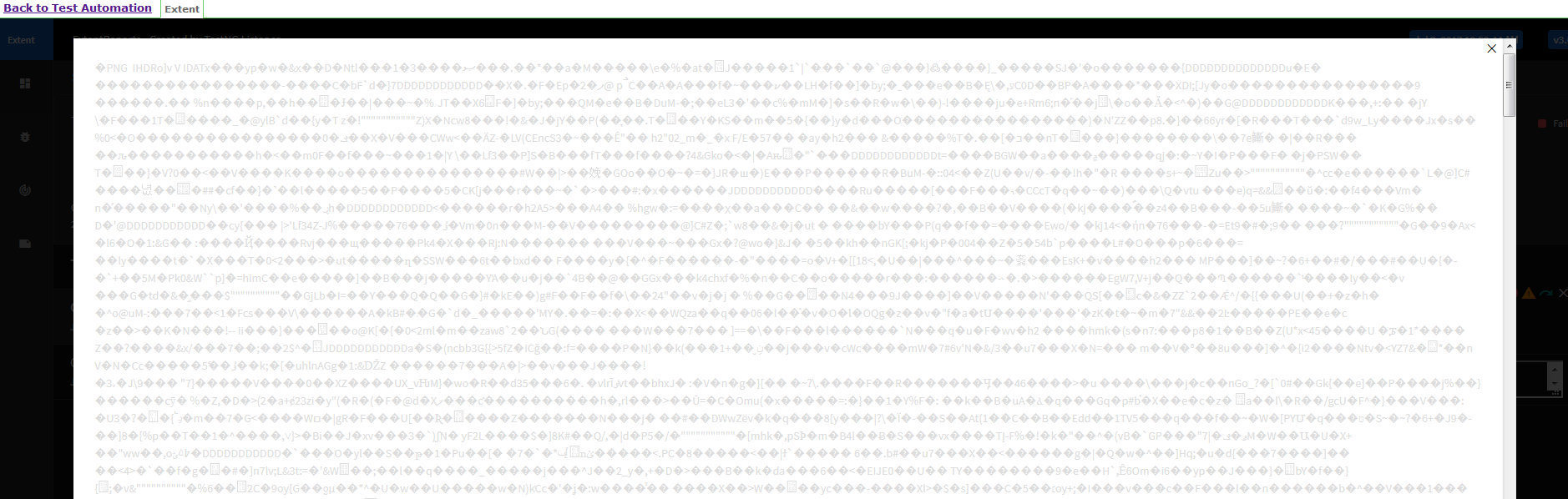
Is that file too big maybe?

Hello @PePeLM / @anshooarora I have the same issue (using 3.0.6). In the lightbox, the image is displayed like the screenshot attached By PePeLm. Maybe an issue caused by the jQuery Plugin Featherlight?

@taddeuz I downgraded to v 2.41.2 and I saved as FILE and that works for me. Now I need to integrate this with TestNG listener somehow ...

@anshooarora ScreenShot is available in Report but when clicked on it, it is blank.
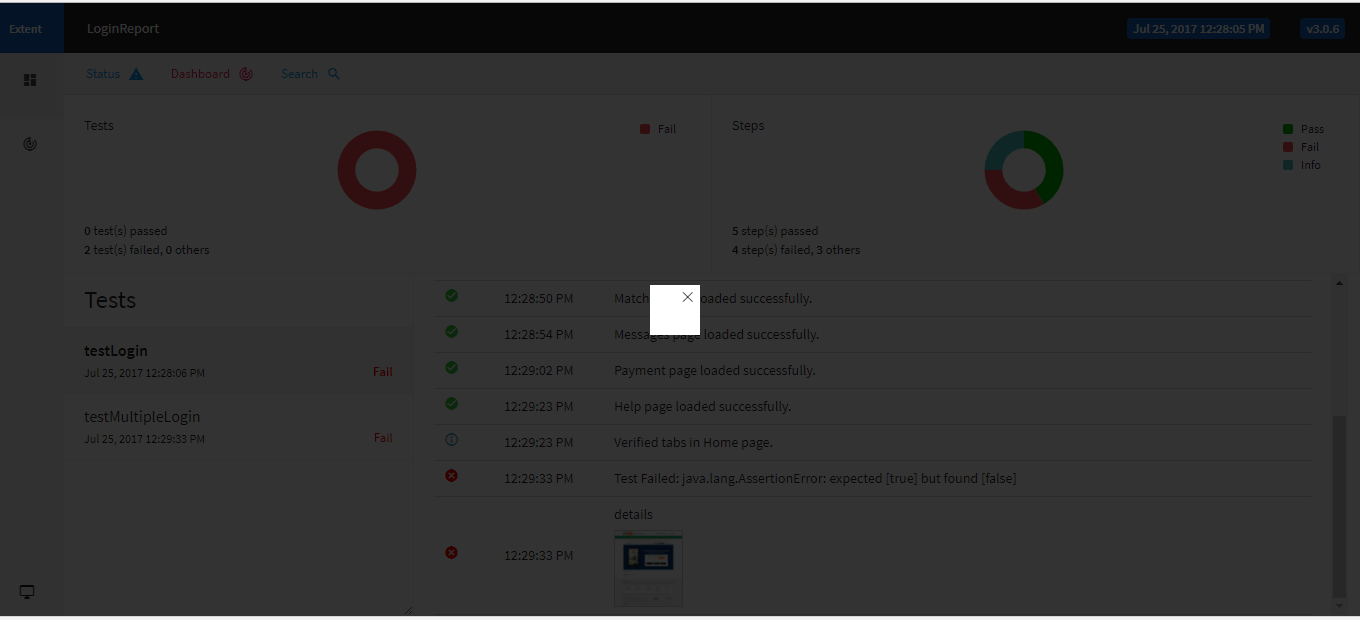
String scnShot = ((TakesScreenshot) driver).getScreenshotAs(OutputType.BASE64); return "data:image/gif;base64, " + scnShot ;
logger.fail("details", MediaEntityBuilder.createScreenCaptureFromPath(screenshot_path).build());
Whoever is unable to see the screenshot when you click on thumbnail, can you people try opening it in Chrome browser? Even I faced same issue when I tried using IE, but same file when opened with Chrome displays correctly.

I was able to add this to the report at test level flawlessly in C# and nunit if anyone is interest here it is:
`
        string testName = TestContext.CurrentContext.Test.Name;
        string path = TestContext.CurrentContext.TestDirectory + "\\";
        string fileName = testName + ".png";
        string extentReportImage = Path.Combine(path, fileName);

        ITakesScreenshot screenshotDriver = driver as ITakesScreenshot;
        Screenshot screenshot = screenshotDriver.GetScreenshot();
        screenshot.SaveAsFile(extentReportImage);

        string imgFormat;

        using (Image image = Image.FromFile(extentReportImage))
        {
            using (MemoryStream m = new MemoryStream())
            {
                string base64String;
                image.Save(m, image.RawFormat);
                byte[] imageBytes = m.ToArray();
                base64String = Convert.ToBase64String(imageBytes);
                imgFormat = base64String;
            }
        }

        try
        {
            test.Log(Status.Fail, "Screenshot from failed test step:", MediaEntityBuilder.CreateScreenCaptureFromBase64String(imgFormat).Build());
        }
        catch (IOException e)
        {
            Console.WriteLine("Error in the captureAndDisplayScreenShot method: " + e.Message);
        }
    `

Hi @abvijay
You can use the below code to capture screenshot, save to the specified location and embed to the report.
Reporter.addScreenCaptureFromPath(CaptureScreen(driver,"FailedScenario"));
public String CaptureScreen(WebDriver driver, String imageName) { File sourceFile = ((TakesScreenshot)driver).getScreenshotAs(OutputType.FILE); String encodedBase64 = null; FileInputStream fileInputStreamReader = null; try { fileInputStreamReader = new FileInputStream(sourceFile); byte[] bytes = new byte[(int)sourceFile.length()]; fileInputStreamReader.read(bytes); encodedBase64 = new String(Base64.encodeBase64(bytes));
        String screenShotDestination = createScreeshotFolderStructure()+"/"+
                imageName.trim().replace(" ","_") + ".png";

        File destination = new File(screenShotDestination);
        FileUtils.copyFile(sourceFile, destination);

    } catch (IOException e) {
        e.printStackTrace();
    }
    return "data:image/png;base64,"+encodedBase64;
}

@PePeLM, @anshooarora , I am still facing the issue, The image is displayed as thumbnail in the report. But when I zoom it, it shows something like this ,
Can anyone please enlighten?


I added base64 images to my report and they are showing up as distorted when I open them. I took the string representation of it and entered it into an online decoder and the image displays correctly. Has anyone encountered this. I included screenshots and the version I'm using.
            <dependency>
		<groupId>com.aventstack</groupId>
		<artifactId>extentreports</artifactId>
		<version>3.1.5</version>
	</dependency>
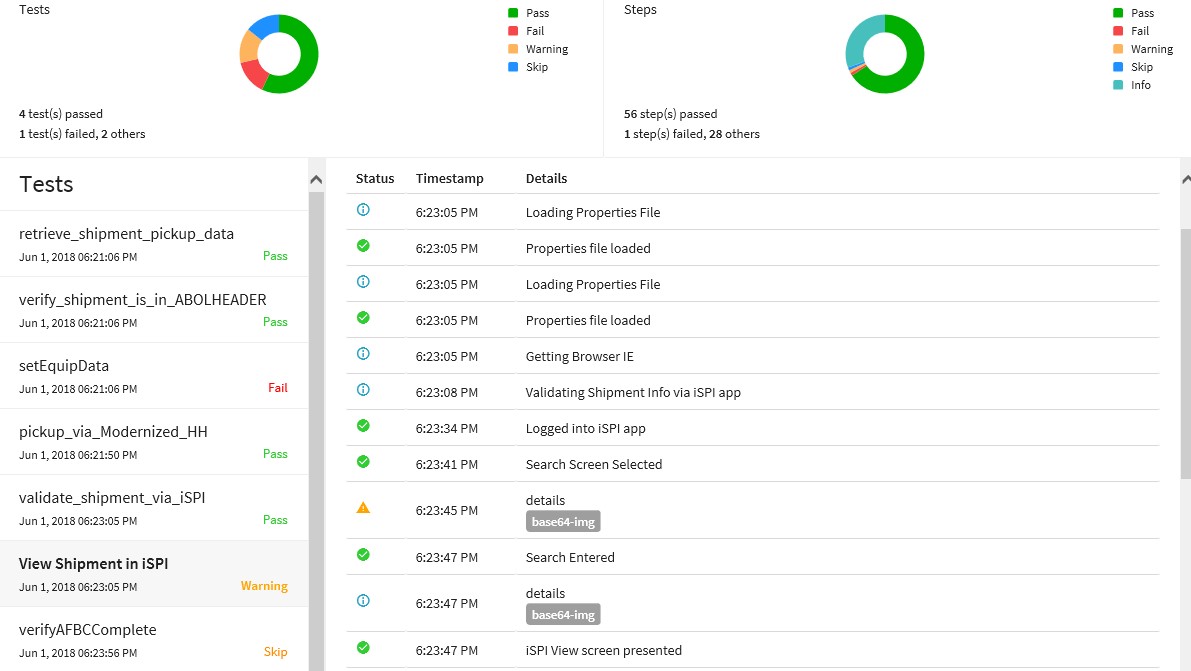
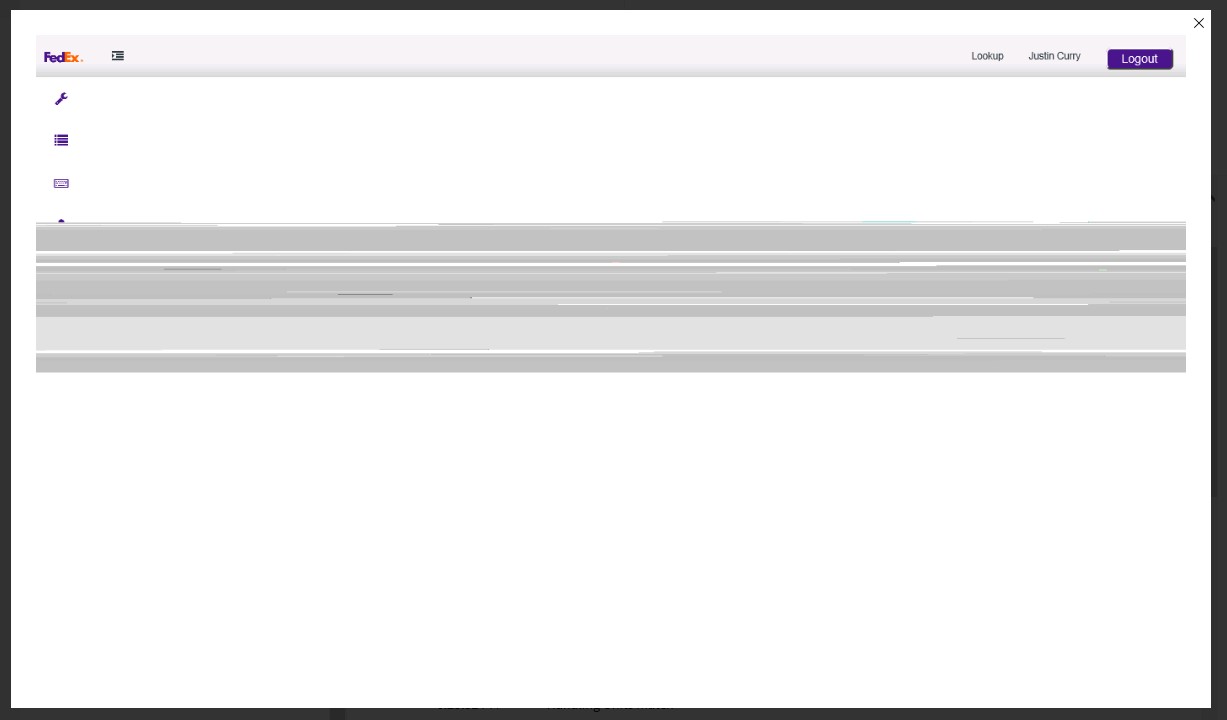

@beedyb220 , try to use version 3.0.7. I had experienced the same issue and since I have rolled back from 3.1.5, it started working. But note: the image size will be large, so you should reduce it before actually embed into your report
