Dropbox-Paper-Desktop
 Dropbox-Paper-Desktop copied to clipboard
Published
20 hours ago •
 anaqi
anaqi
anaqi
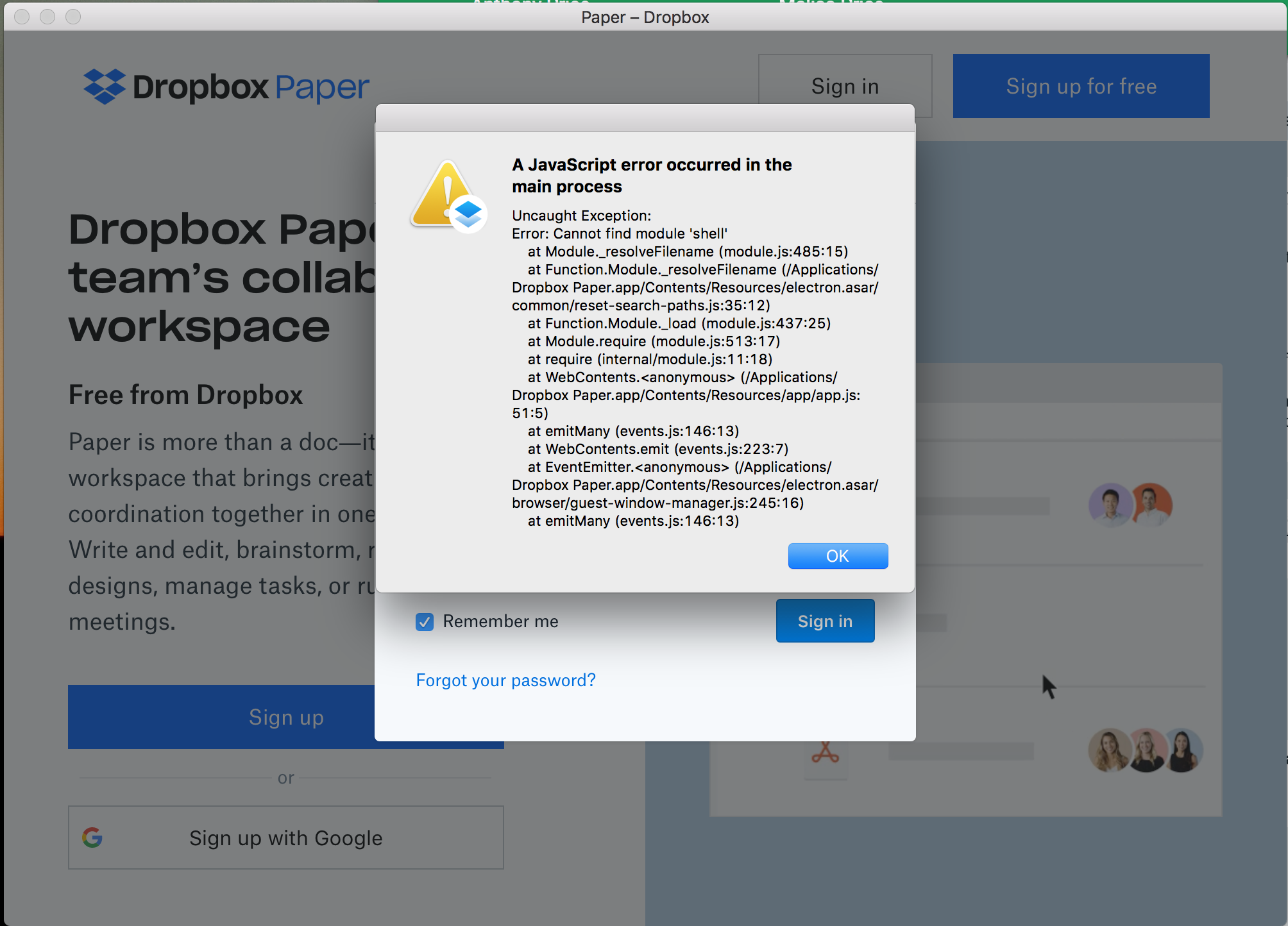
A JavaScript error occurred in the main process
Started getting this error any time I tried to click through to a document:
Uncaught Exception:
Error: Cannot find module 'shell'
    at Module._resolveFilename (module.js:485:15)
    at Function.Module._resolveFilename (/Applications/Dropbox Paper.app/Contents/Resources/electron.asar/common/reset-search-paths.js:35:12)
    at Function.Module._load (module.js:437:25)
    at Module.require (module.js:513:17)
    at require (internal/module.js:11:18)
    at WebContents.<anonymous> (/Applications/Dropbox Paper.app/Contents/Resources/app/app.js:51:5)
    at emitMany (events.js:146:13)
    at WebContents.emit (events.js:223:7)
    at EventEmitter.<anonymous> (/Applications/Dropbox Paper.app/Contents/Resources/electron.asar/browser/guest-window-manager.js:245:16)
    at emitMany (events.js:146:13)
Which then froze the app and forced a restart. When I first downloaded and used this app, I didn't have an issue, but this started happening recently and even if I delete the app and reinstall, it continues to be an issue.