
sketchDiff
 sketchDiff copied to clipboard
 ali5ter
💎 Generate visual differences between two Sketch files or a previous git commit
skdiff
Command to generate visual differences between two sketch files. Useful as a git diff for your Sketch files.
This is a bash script that will run in your macOS using Terminal app.
Usage
skdiff -h for help information
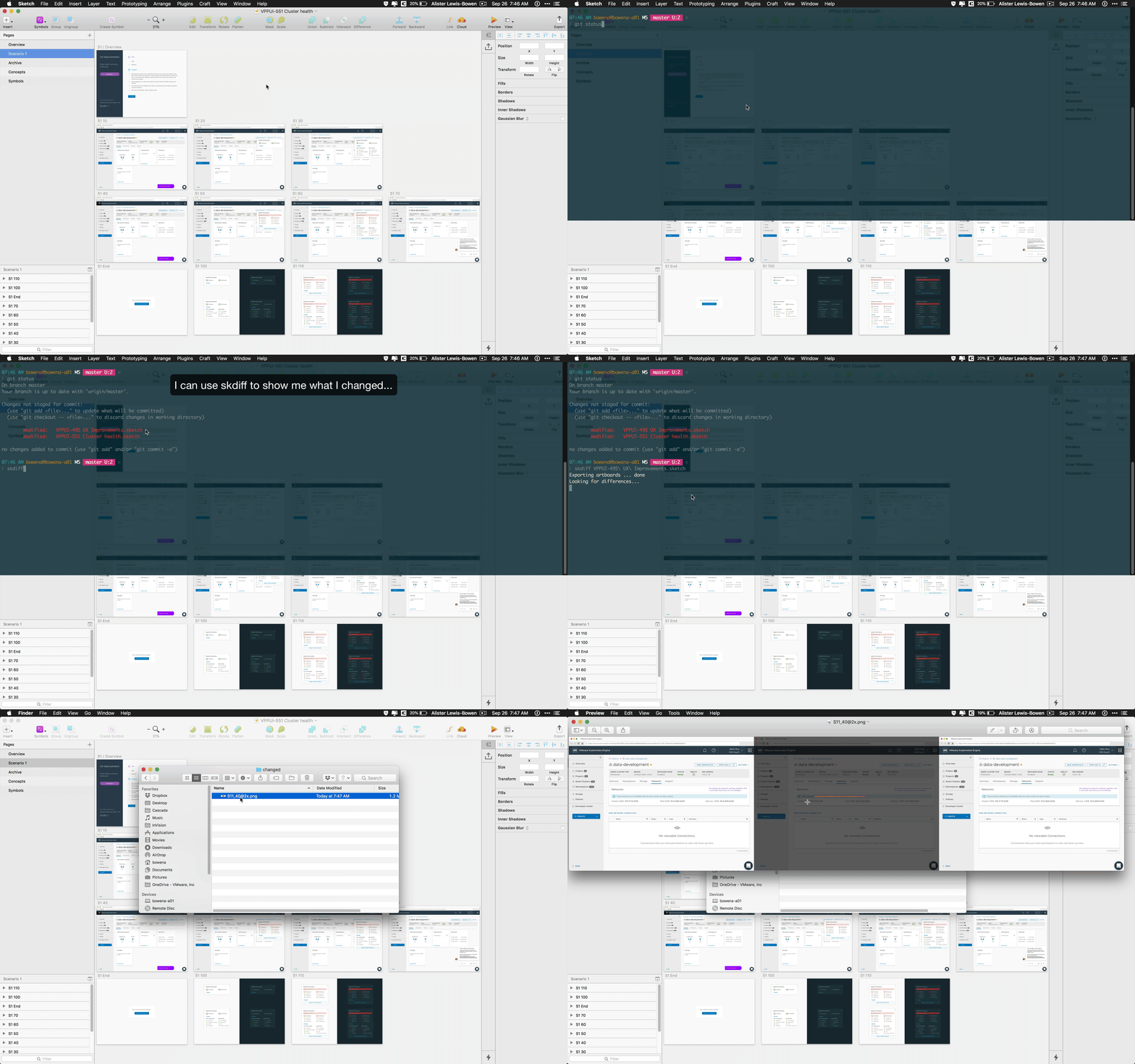
What changed since the last commit of this Sketch file?
skdiff example_1.sketch will check if this file is tracked by git and, if it
is, will provide a summary of what artboards have been added, deleted or
changed.
<> S1_10.png has changed
-- S1_End.png removed
<> [email protected] has changed
++ [email protected] added
A directory called changes is written to the current directory that contains
all the artboards listed in this summary.
Artboards that have changed are
represented by a composite image of the before, after and overlayed before and
after artboards using red coloring to highlight the specific changes.

Using the functionality of skdiff as part of another script
skdiff is written so the internal functions can be called from your own
bash script. Just source the skdiff script and you'll have access to its
variables and functions.
Installation
Run the following command to download and install
curl https://raw.githubusercontent.com/ali5ter/sketchDiff/master/skdiff -o skdiff && chmod 755 skdiff && mv skdiff /usr/local/bin/
skdiff will check the following prerequisites:
-
You're running
skdiffon macOS -
You have Sketch installed
-
You have NPM installed
-
You have
blink-diffinstalled. If you're familiar with npm, you could install this manually usingnpm install -g blink-diff
The blink-diff utility is used to generate the composite of two images. skdiff will attempt to install this utility if npm is present but the utility is not.
 ali5ter