

 algenty
Adding Transforms breaks Rules
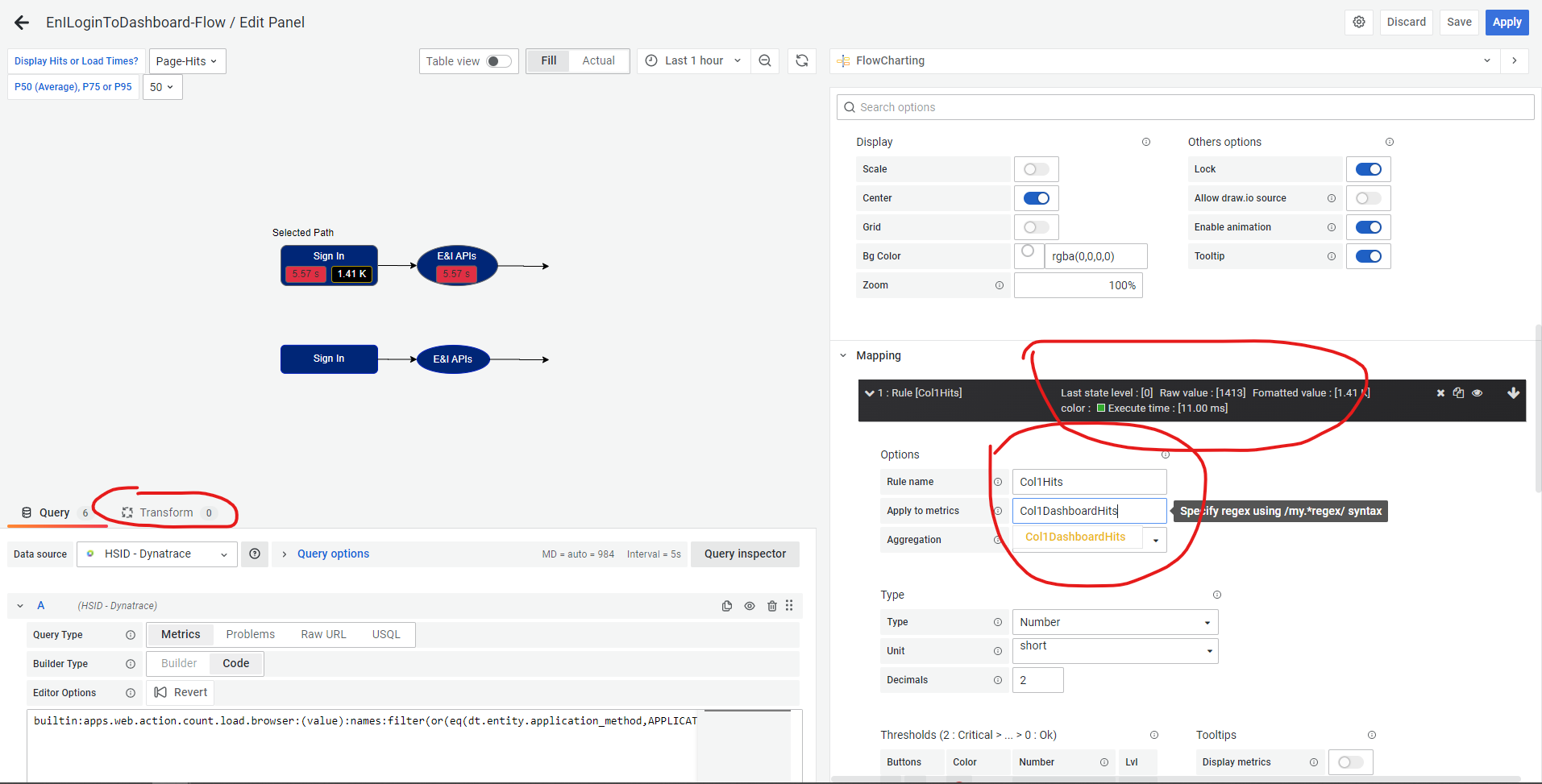
I had a working flow chart with data populating boxes on my diagram via Rules. Note that the rule header shows it is functioning and the Apply to metrics field is a text box with a suggestion prompt.
After adding a transform to create a new aggregate value causes all the rules to stop working:
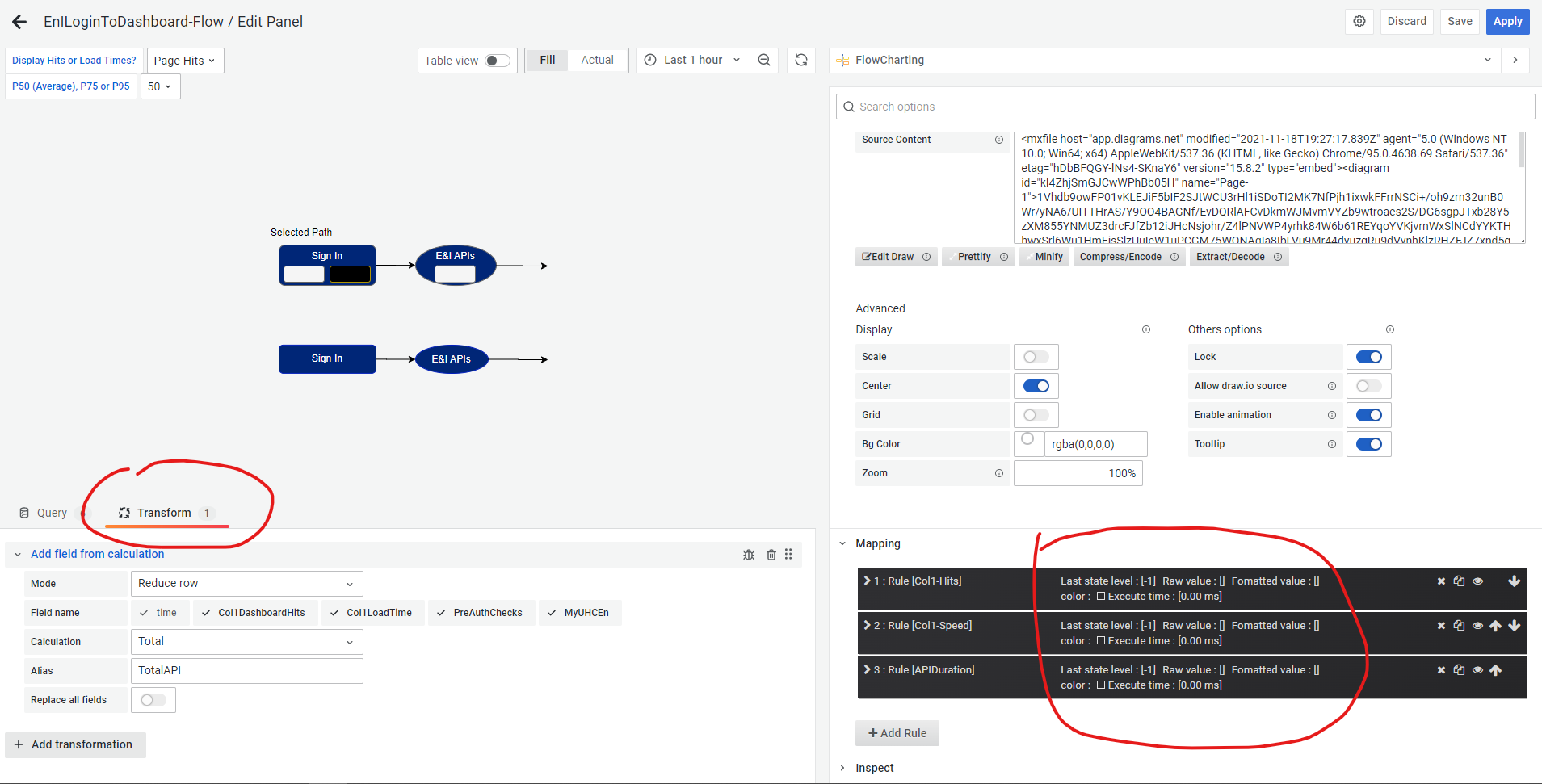
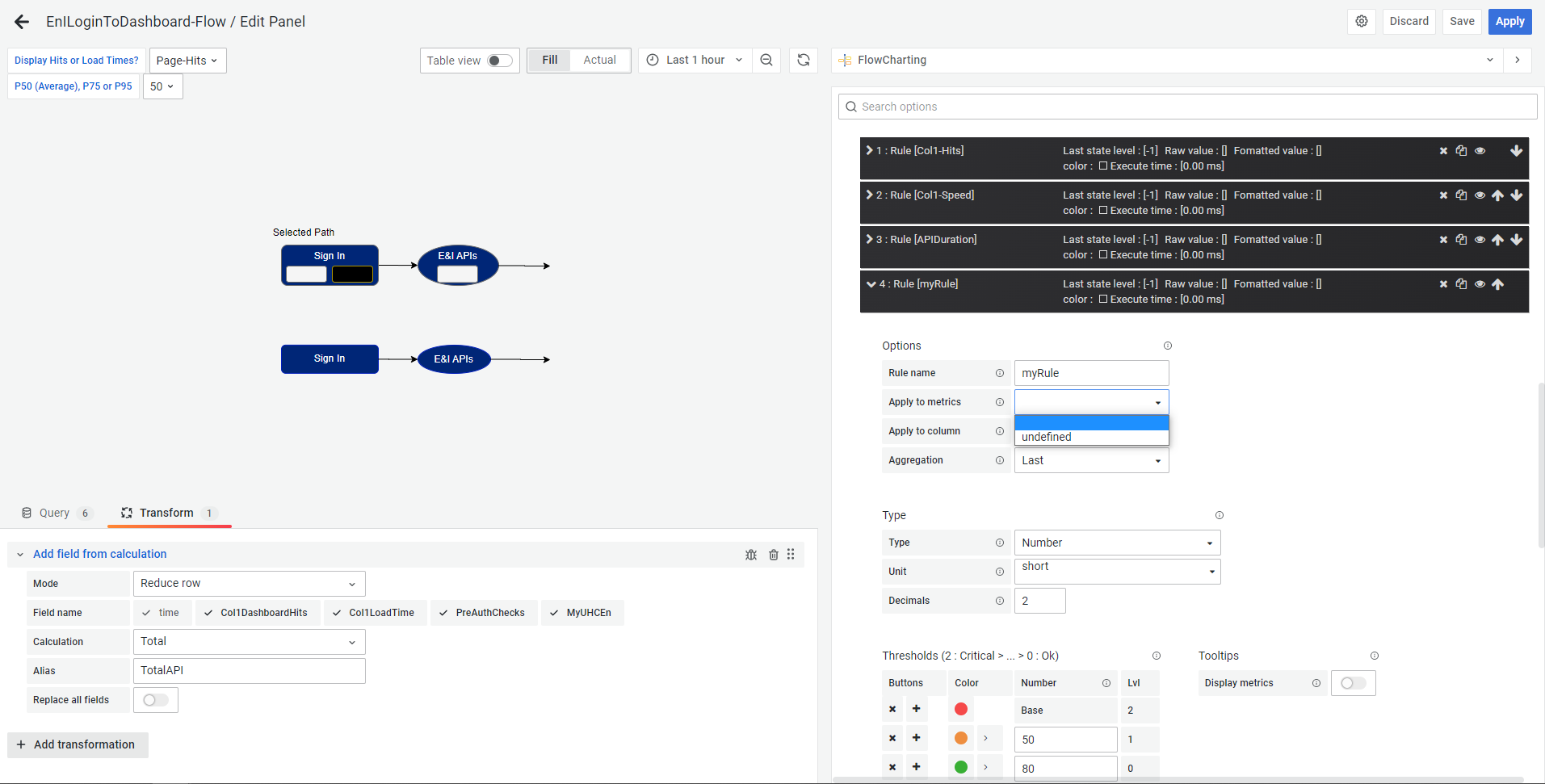
Additionally, the Rules dialog has now changed; The Apply to metrics field is now a select list with one value ("undefined"):
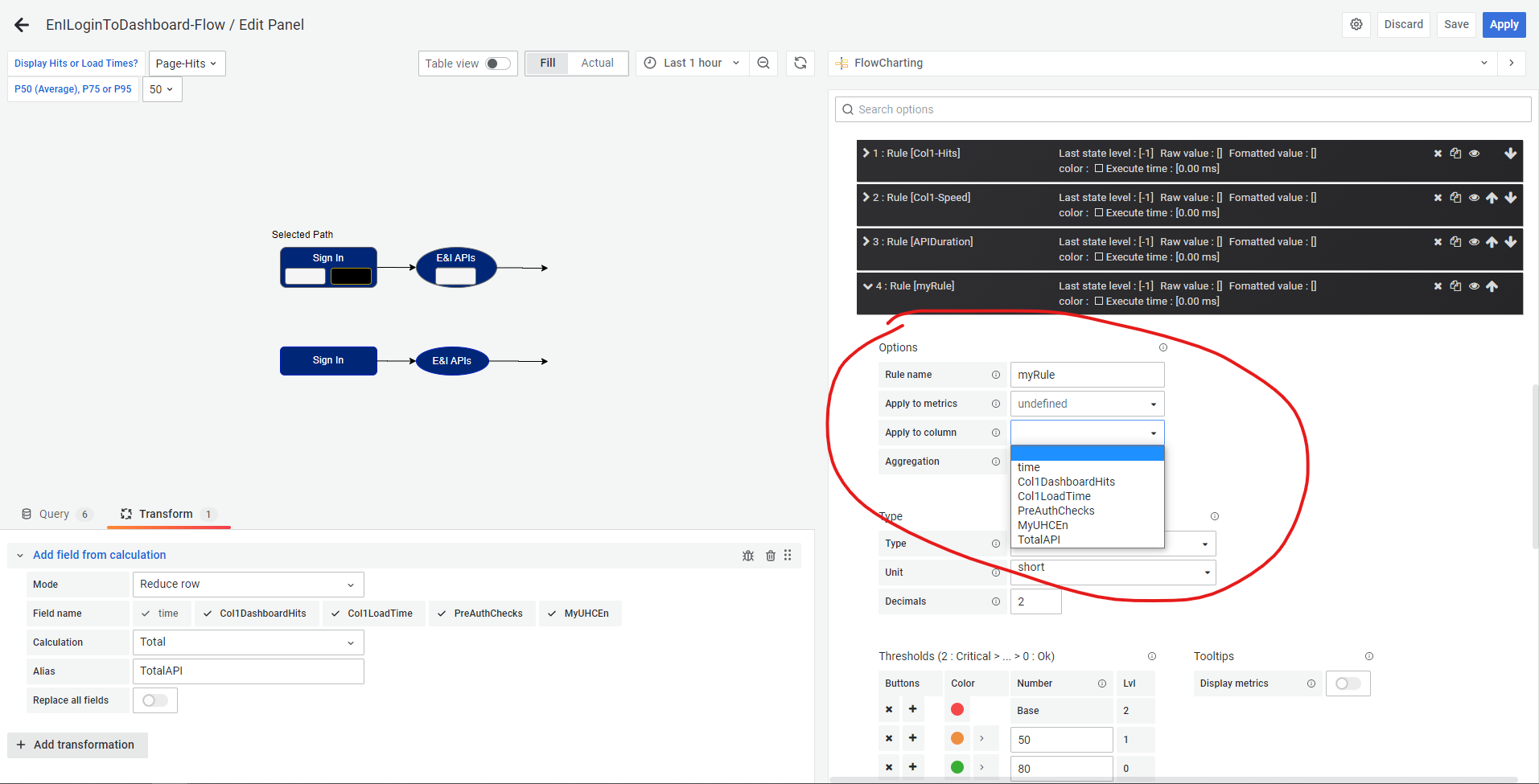
Selecting Undefined then presents the existing query names and the transform alias in the Apply to column field:
Completing the new rule and hitting refresh does cause the diagram to populate with data:
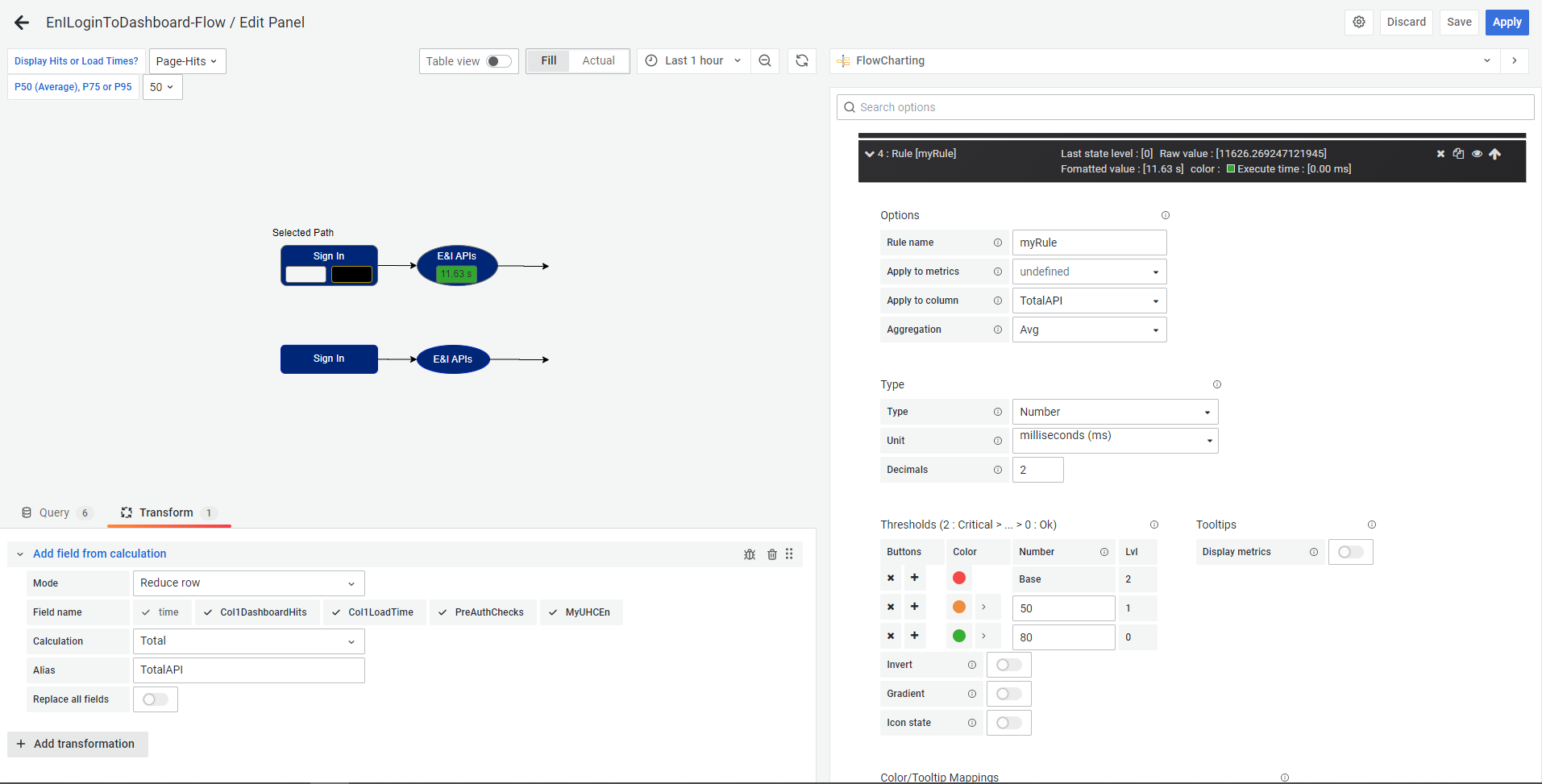
However, after hitting the Apply button, the changes are lost when the display returns to the dashboard:

This happens whether or not Save is pressed and with no difference if a Save is done before the apply (from within the panel editor) or afterward on the dashboard. Reentering the panel editor and reopening the rule shows that the values of the Apply to metrics and Apply to column fields were not preserved:
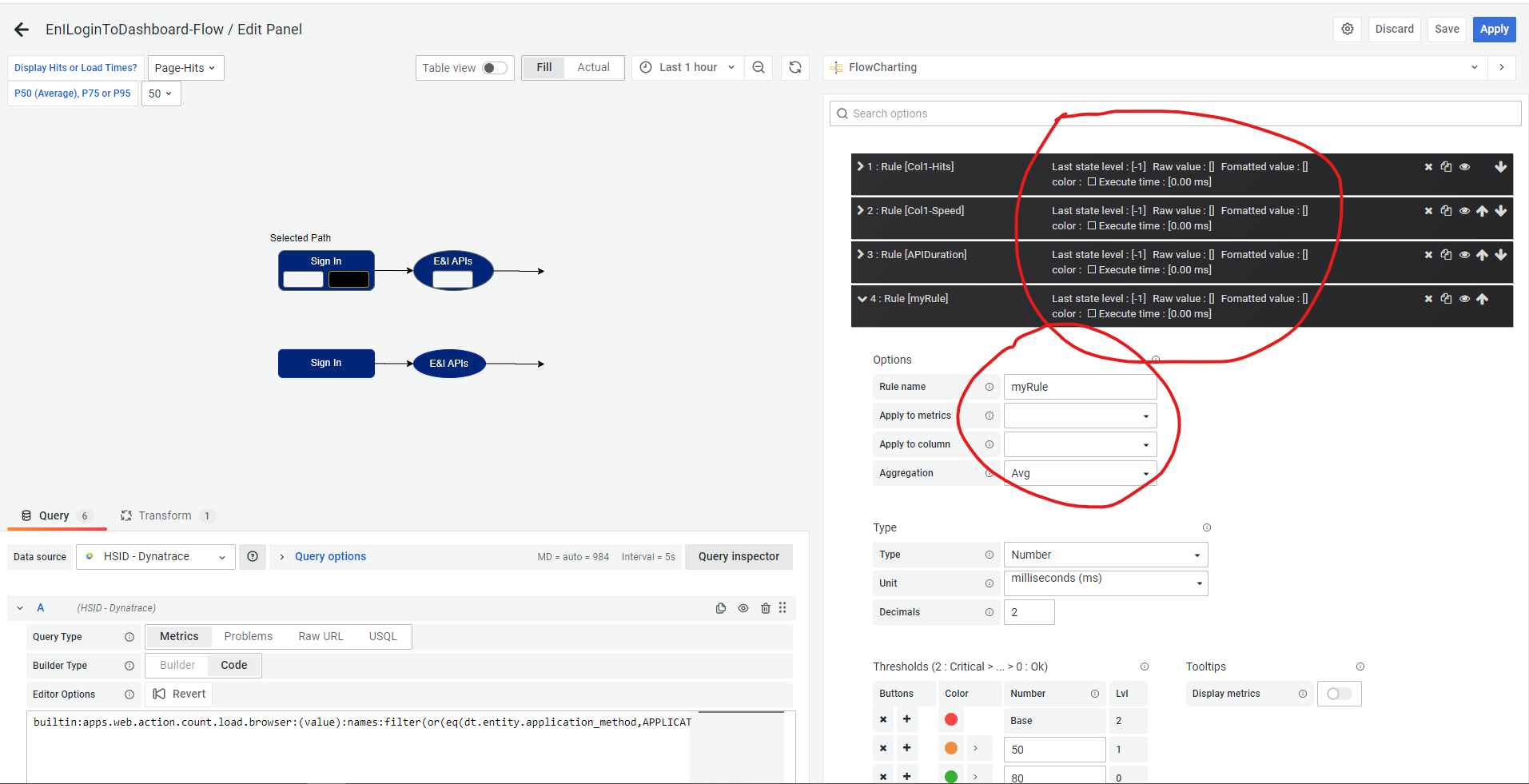
This is a consistent and repeatable issue.

Problably it is due to this bug [https://github.com/algenty/grafana-flowcharting/issues/283]

Just retested this issue with 1.0.0d. Adding a transform still causes the Rules to stop functioning. I have a completely self-contained test panel that uses no external data sources that I offer as a JSON file for demonstrating this if desired.
You can resolve this issue by selecting the option to disable data alignment
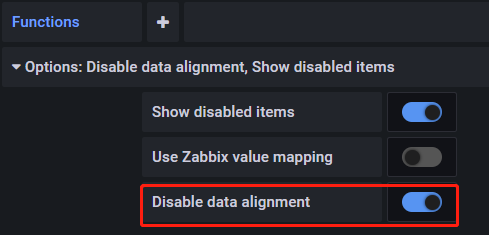

@Thuaiqian, I don't see this option anywhere within the panel options. Where is this located on the screen?