
ng2-smart-table
 ng2-smart-table copied to clipboard
 akveo
akveo
Adding a RouterLink to a table column

Hi @anandangular, this is most likely is not possible, but you can use valuePrepareFunction and type = 'html' to insert arbitrary html into a cell.

This might be a useful workaround.
In the LocalDataSource add getData function.
getData() {
  return Object.assign([], this.data);
}
In your settings.columns object add valuePrepareFunction property.
valuePrepareFunction: (id) => {
  return `<a href="/#/pages/articles/${id}">${this.source.getData().filter(row => row.id === id).map(row => row.title).pop()}</a>`;
}

Hi, in valuePrepareFunction, the return not interprete HTML code, return this string:
<a href="/#/pages/edificio/16">16</a>
The code in setting:
valuePrepareFunction: (value) => {
                    return `<a href="/#/pages/edificio/${value}">${value}</a>`;
}
Thanks!

@constact what do you mean by add in local data source? source: LocalDataSource = new LocalDataSource(); getData() { return Object.assign([], this.data); } ??

Possible to pass a routerLink as a cell value to the table? An href html link works fine but not a routerLink.
// HTML <ng2-smart-table [settings]="settings" [source]="data">
// Component settings = { columns: { name: { title: 'Name', type: 'html' }, city: { title: 'City' } } };
data = [ { name: '<a routerLink="/name">Brett Jones', city: 'New York', } ]

Don't know if this is still an issue, but I used a render component for that. It even allows you to use parts of the row data in rendering that are not the primary value of the column (identified by column name). Don't forget to declare the component somewhere and mark it as an entryComponent. Hope it will help anyone in the future.
Table settings:
settings.columns = {
  someRowValue: {
    title: 'rowValue',
    type: 'custom',
    renderComponent: MyRowRenderComponent
   },
};
Example Render component:
@Component({
  template: `<a [routerLink]="['some-url', someId]">{{ linkText }}</a>`,
})
export class MyRowRenderComponent implements ViewCell, OnInit {
  public linkText: string;
  public someId: number;

  @Input()
  public value: string;

  @Input()
  rowData: any;

  ngOnInit() {
    this.linkText = this.value;
    this.someId= this.rowData.someId;
  }
}

@Schmaga i tried your code, the component renders in the table itself for every row, any way to populate it as a separate pop-up window on button or link click ?
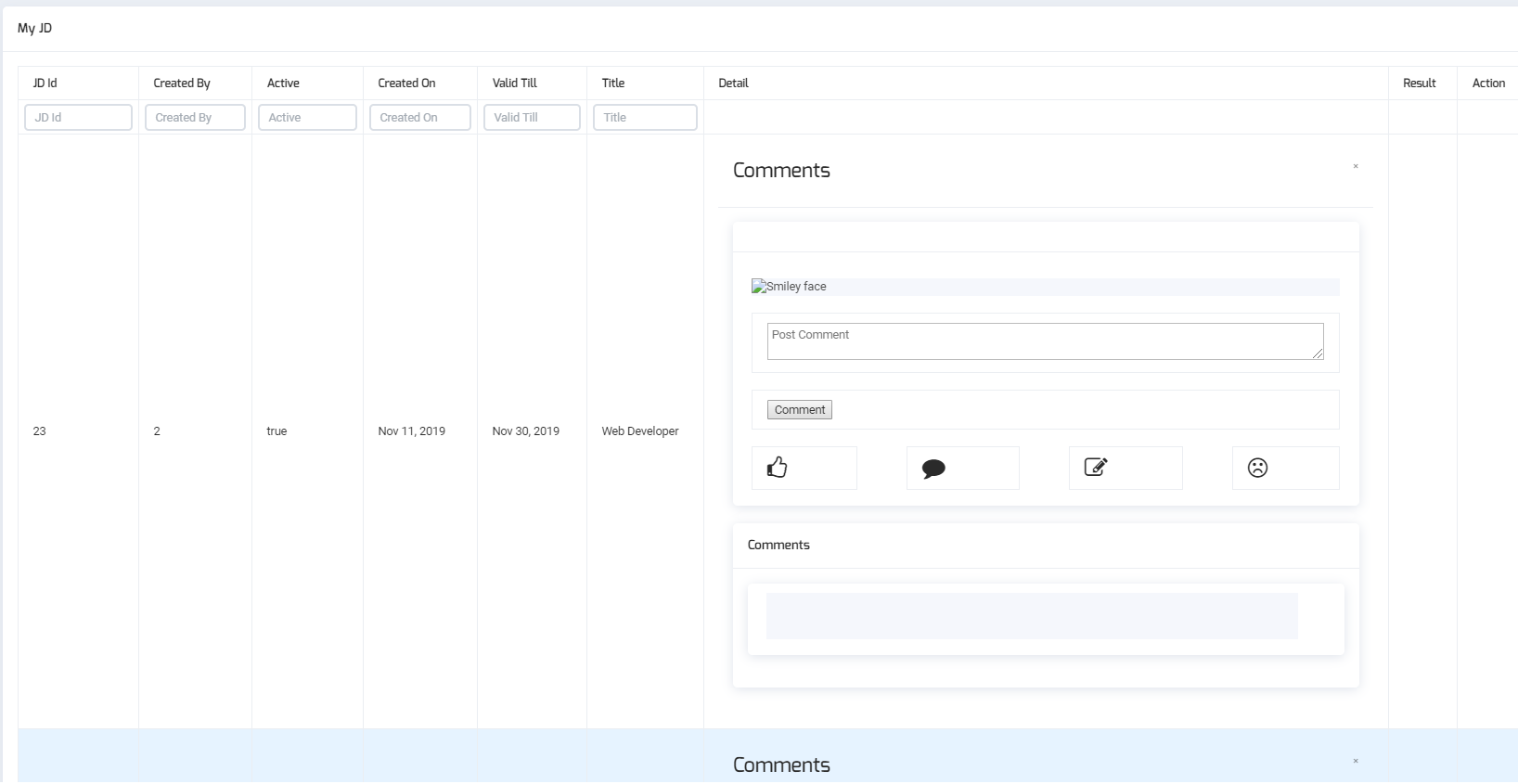

@Pinka30 if I understand you correctly, you mean show a modal dialogue on click? Then I presume you need to give whatever modal service you use in there and display it as a modal. But you don't need a custom RenderComponent for that use case, I reckon.
Not exactly a modal dialogue, instead a form which will contain extra information of the row. I have a separate component for the extra information which I want to display, as a separate window pop-up, on clicking the link in the details column.
Not really sure what you mean. But this is probably not the right thread for such a discussion, because it sounds like a different requirement :)
hello, i'm working with smart tables with links. i want to add an action when clicking on the link
this code returns only the link in the smart table, but the action doesn't work. is there any solution
columns: { nom: { title: 'nom', type: 'html', //filter: false, valuePrepareFunction: (value) => { return +value+; } }, }

this is has solved the problem for me just by setting the type to html and the valuePrepareFunction to <a href="/dirvers/${id}">${id}</a>
public settings = { columns: { id: { type: 'html', title: "ID", valuePrepareFunction: (id: string) => { return id == null ? "N/A" :${id} ; }, } }
