
SRS
 SRS copied to clipboard
 ahmednooor
🎓 A web based student record system.
Student Record System
Tech Stack: Python(Flask), SQLite, HTML, CSS(Bootstrap), Javascript(JQuery).
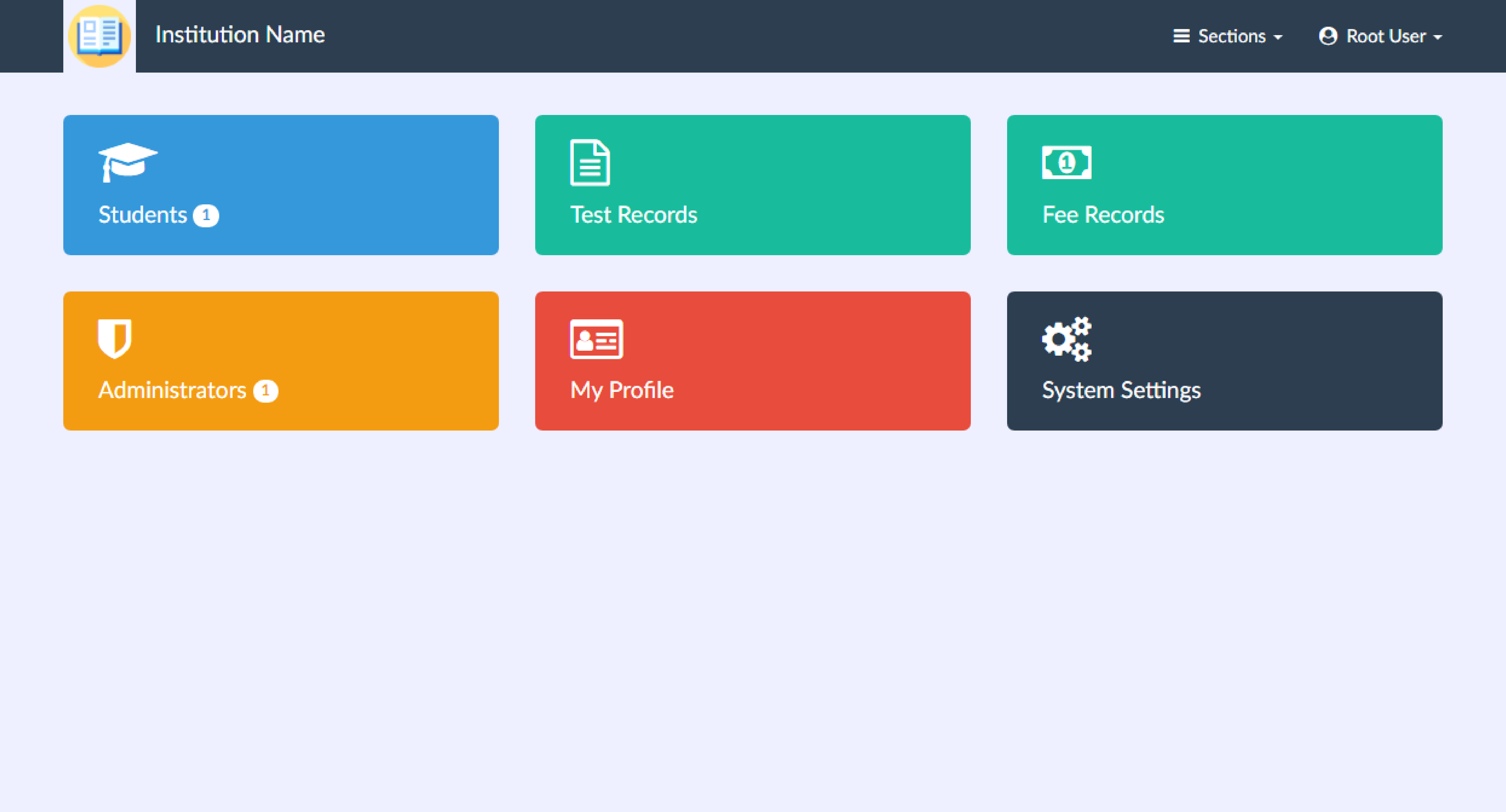
Features
- Student's personal record.
- Student card generation.
- Student's test record.
- Student's fee record.
- Fee receipt generation.
- Ability to change institution name and logo from within the app.
- Create/Delete Administrators from root account.
- Admin can only 1) create/edit a student, 2) create test and fee records, 3) edit personal profile of itself.
- Root has all privileges like 1) create/edit/delete students/admins/test records/fee records, 2) edit institution name and logo.
Default Username and Password
Root User:
Username:rootPassword:root
Admin User:
Username:adminPassword:admin
Installation
You will need to have python 3.x installed. 3.6 recommended.
Open terminal and go to the project directory and type following to install dependencies
pip install -r requirements.txt
Type the following command to run the app
python server.py
Or if you want to run the desktop version (windows only),
NOTE: You will need to have
pythonnetandpywebviewinstalled first to run the desktop version
pip install pythonnet pywebview
Then type,
python main.pyw
Or just double click
main.pyw
Creating an executable for windows using pyinstaller
You will need to have
pyinstaller,pythonnetandpywebviewinstalled first
pip install pyinstaller pythonnet pywebview
- Replace
<path/to/your/python/installation/directory>inmake_exec.batfile with your own python installation directory path.
NOTE: You can change the
make_exec.batfile to generate the executable with your own instution's name. Just replaceInstitution_Namewith your institution's name. You can also replace the three default logo files at/static/img/system/[logo.png, logo.jpg, logo.ico]with your own institution's logo files.
-
Double click
make_exec.batto generate executable. After completion, your executable directory will be indist/directory. -
Delete
build/directory and any.specfiles as they aren't needed anymore.
Contributions/Issues/Feedback
Contributions to this project directly is not recommended. Feel free to fork it and modify according to your needs. Feel free to post any issues/feedback in the issues section.
Licence and Credits
License: MIT
Author: Ahmed Noor
Credits: FlatIcon for default logo. FontAwesome for UI icons.
 ahmednooor