
audiobookshelf-app
 audiobookshelf-app copied to clipboard
Published
20 hours ago •
 advplyr
advplyr
Notification image not updating
Steps to reproduce
- Start one book playing
- Open a new book
- Start playing the second book
Expected behaviour
- Image in notification tray should be the image of the current book
Actual behaviour
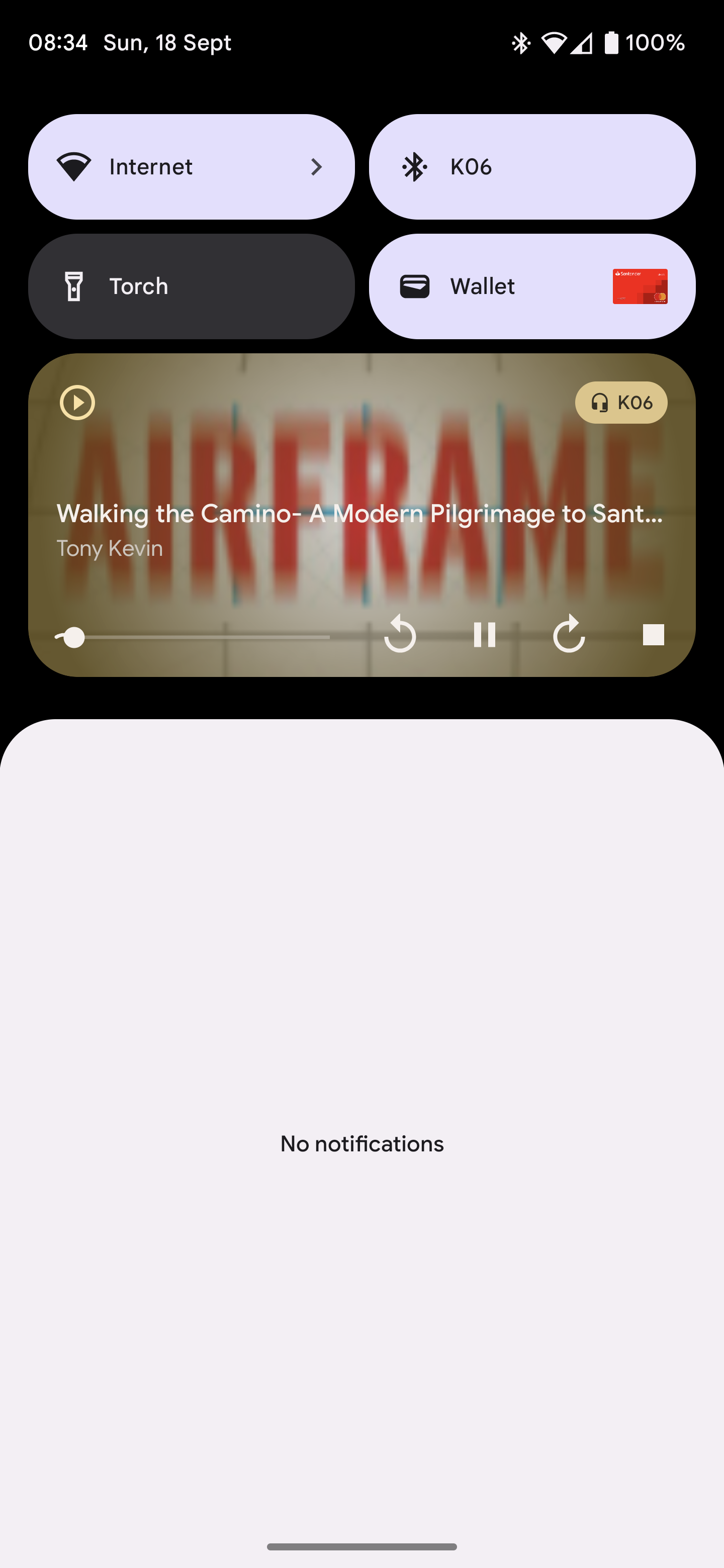
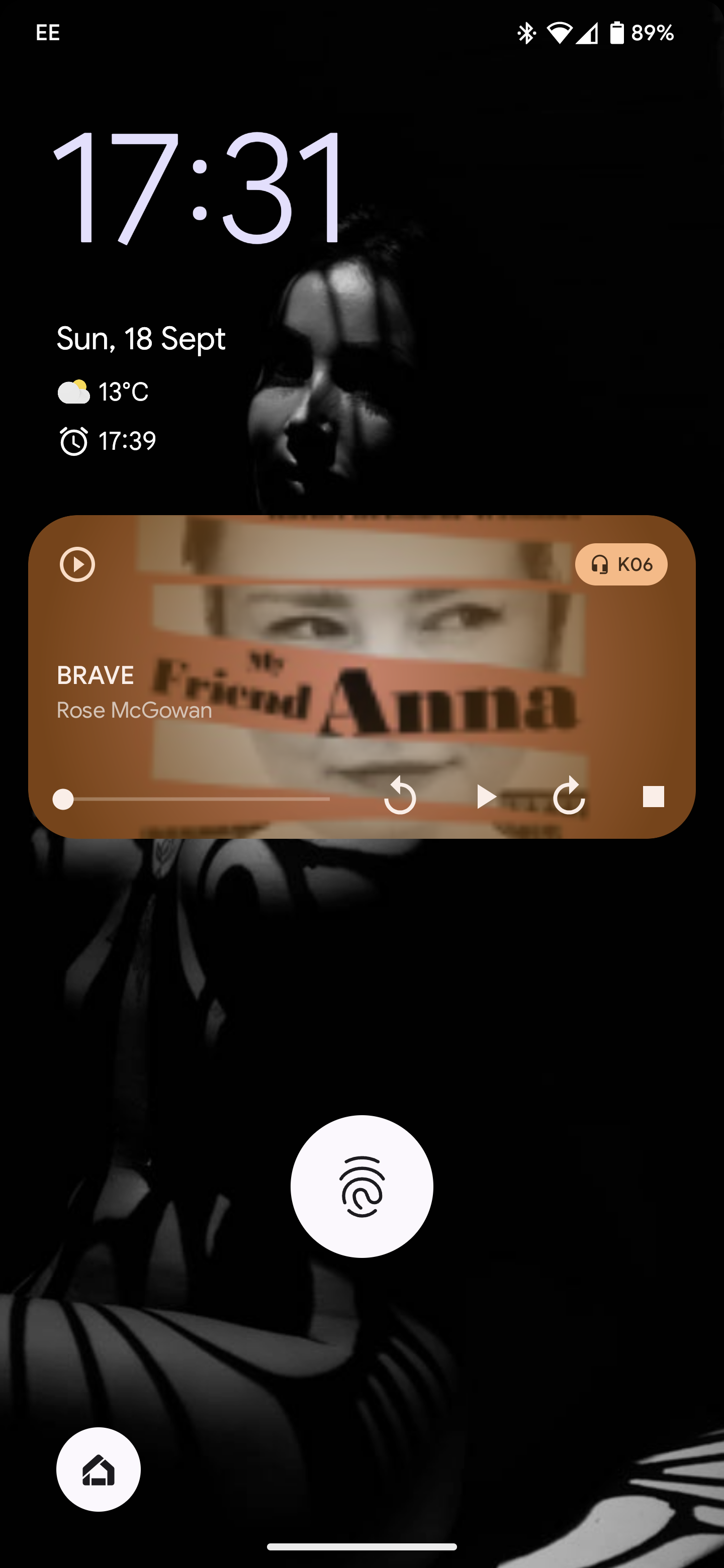
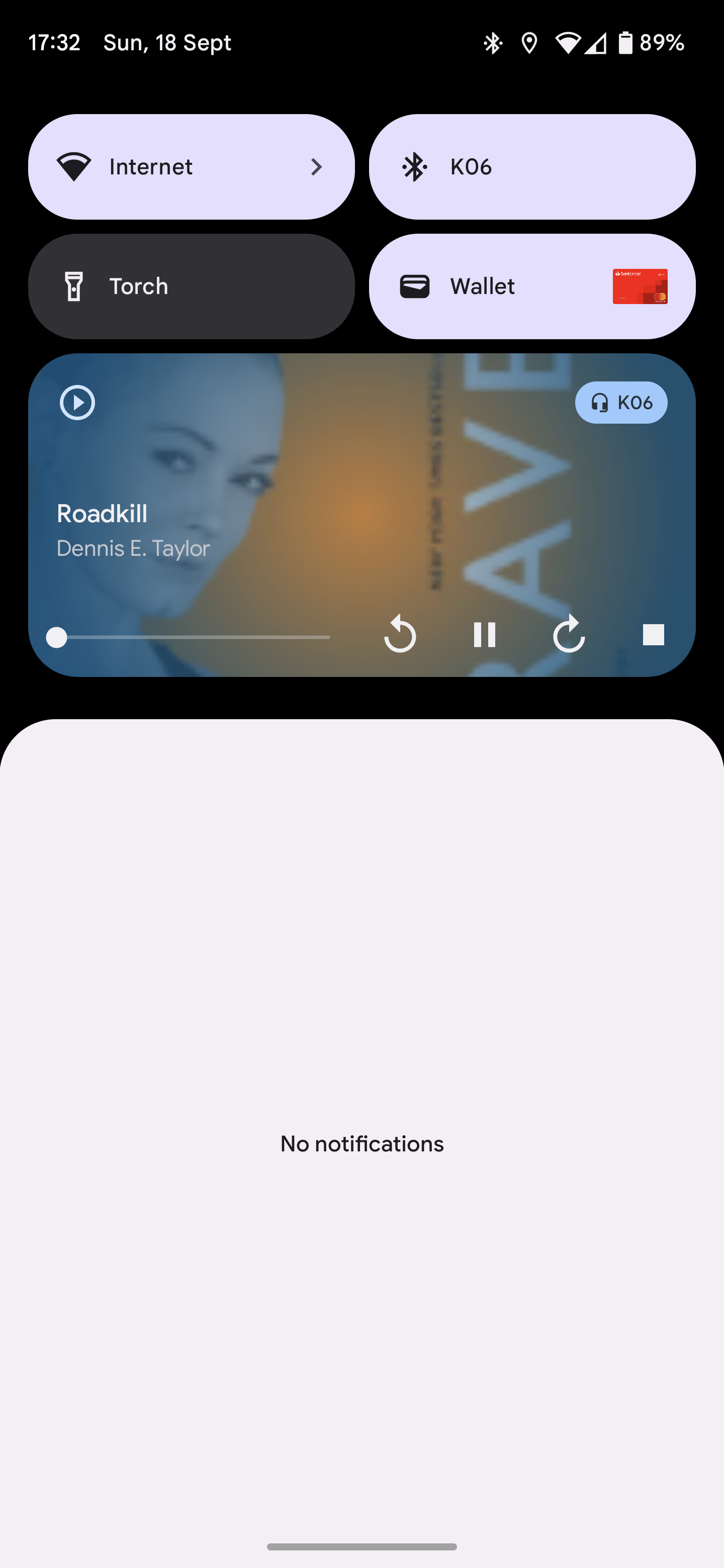
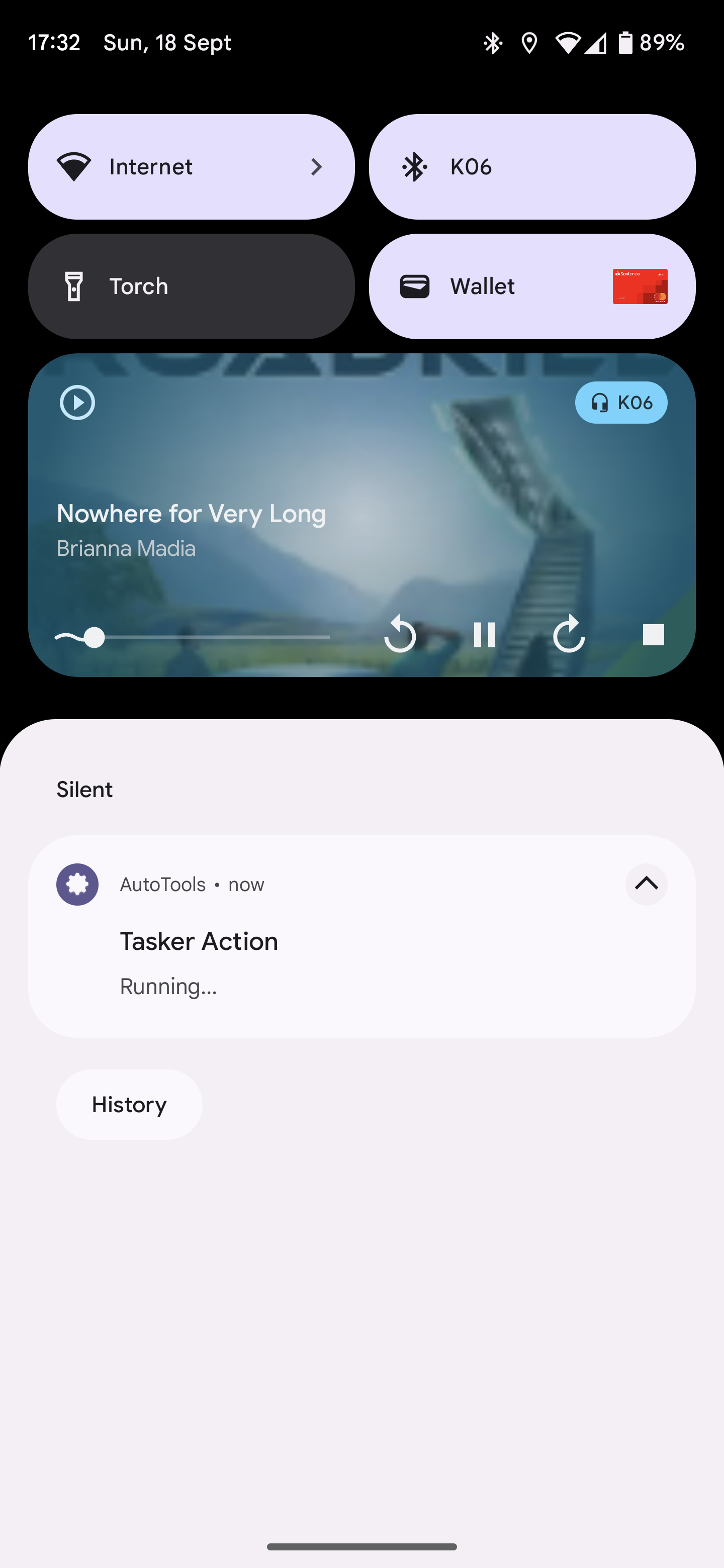
- Image in the notification tray is that of the previous book
Environment data
Audiobookshelf Version: v2.1.5 Docker Android 0.9.57-beta
Android Issue
Android version: 13
Device model: Pixel 6 Pro
Stock or customized system: Stock
Example image Previous book was Stephen King Airframe and has not been removed when starting new book

I just tested this with both streaming and locally downloaded books and was not able to reproduce.
Are you able to reproduce this every time with different books?

Can you test this again in the latest release v0.9.60-beta? I updated some things around cover images