
ansicon
 ansicon copied to clipboard
 adoxa
adoxa
Command Prompt blank after installing
After doing ansicon -i, this happened
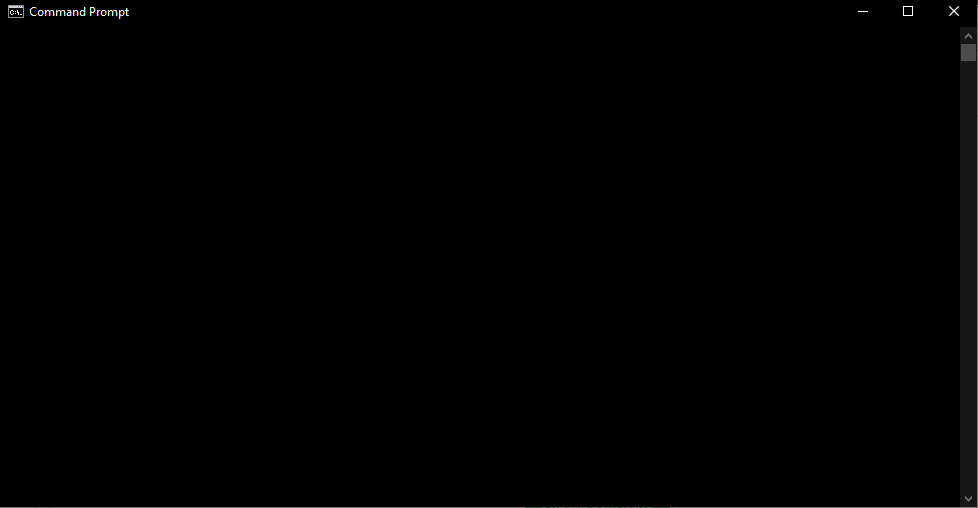
Tried to uninstall through the run dialog, ansicon -u, still no luck even in administrator permissions.
Any way to solve this?
And oh, this is Windows 10 v1909 Build 18363.657

Works fine for me (10 v2004 Build 19041.388). Try cmd /d in the run dialog and if that works, reg query "HKCU\Software\Microsoft\Command Processor" /v AutoRun. If there's no value, or you don't see ansicon within it, then the uninstall was successful. If cmd /d didn't work, then it's not ANSICON and I'm afraid I don't know what to suggest. Hm, it's not black on black, is it? Try color 70 (or whatever) and see if that does anything.

I did cmd /d, the cmd wasn't blank, tried the registry query, it seems there's no value. And also color 70 worked and it showed text
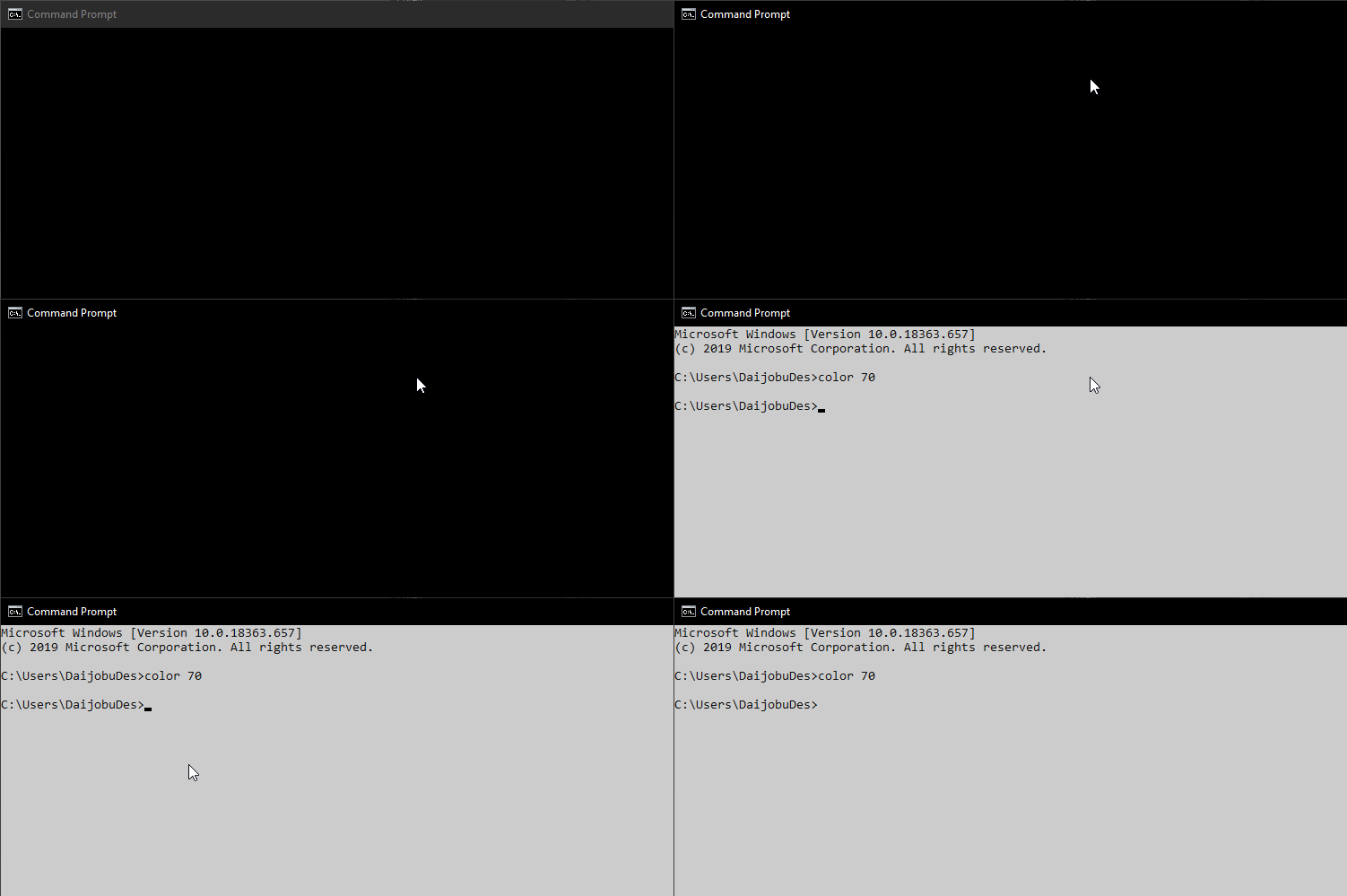
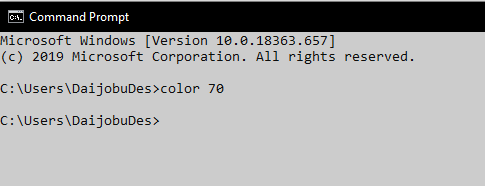
I think, black on black?
If there's no ansicon present in AutoRun then ANSICON should not be active - one more test is set ans, which should show nothing if ANSICON is not installed and a couple of ANSICON variables if it is.
You can check the colors by opening the window menu, Properties and selecting Colors.