
pyvis
 pyvis copied to clipboard
Published
20 hours ago •
 WestHealth
WestHealth
Example for Google Colab Notebooks
It appears the base implementation for using pyvis in a notebook does not work with Google Colab due to a localhost issue. If anyone could give me an example of a workaround or point me in the right direction, that would be very helpful. Thank you!

Hello, I have a similar issue, I'm using VSCode remote (meaning that my VSCode is connected to external server handling the notebook). And doing
from pyvis import network as net
import networkx as nx
net = Network()
net.add_nodes(unique_attrb)
net.show("example.html")
Just show an empty space in the notebook.
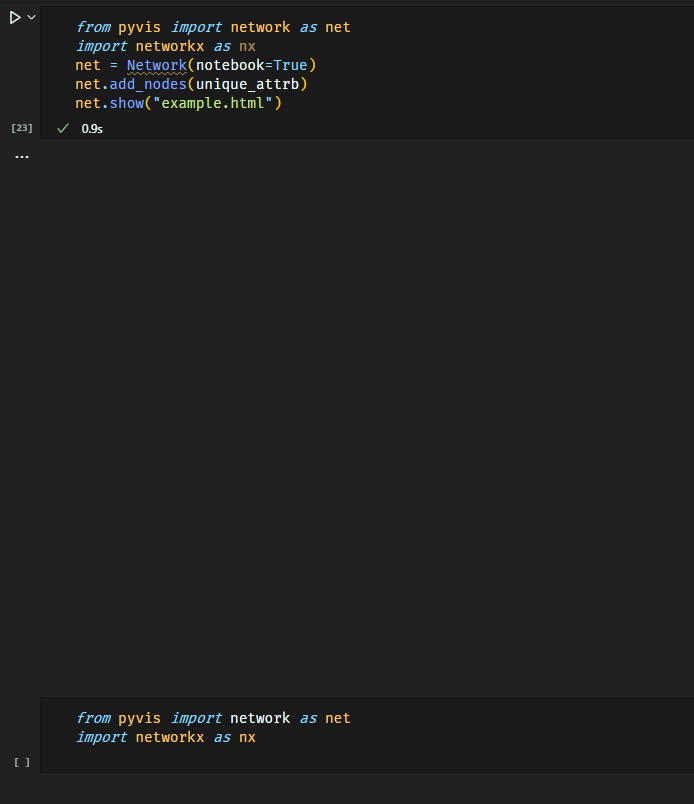
Not sure how to debug this.

Try using an IPython IFrame directly (e.g., IPython.display.IFrame(src='network.html',width=900, height=600) )and see if it will render. I don't use CoLab or VSCode :(.
