

 VueTubeApp
Back button does not change page indicator
When the subscription or library tabs acessable at the bottom, pressing the 'back' navigation button on the toolbar at yhe bottom of your screen will cause you to switch pages, but not change the indicator of what page you ate on
Steps to reproduce the behavior:
- Open vuetube
- Go to either the subscription or library page
- Press the 'back' button
- See error
Expected behavior Indicator qt the bottom changes to match the page you are on
Screenshots
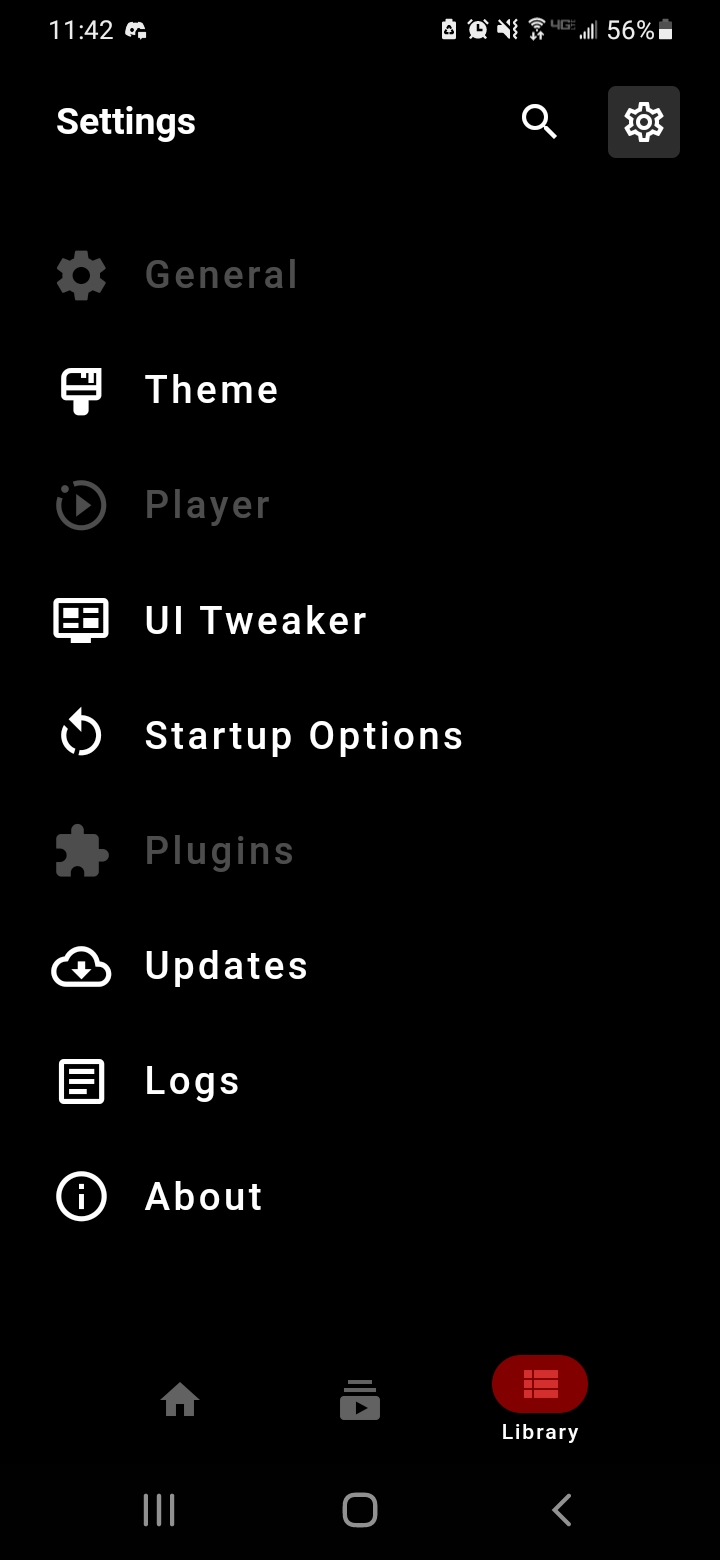
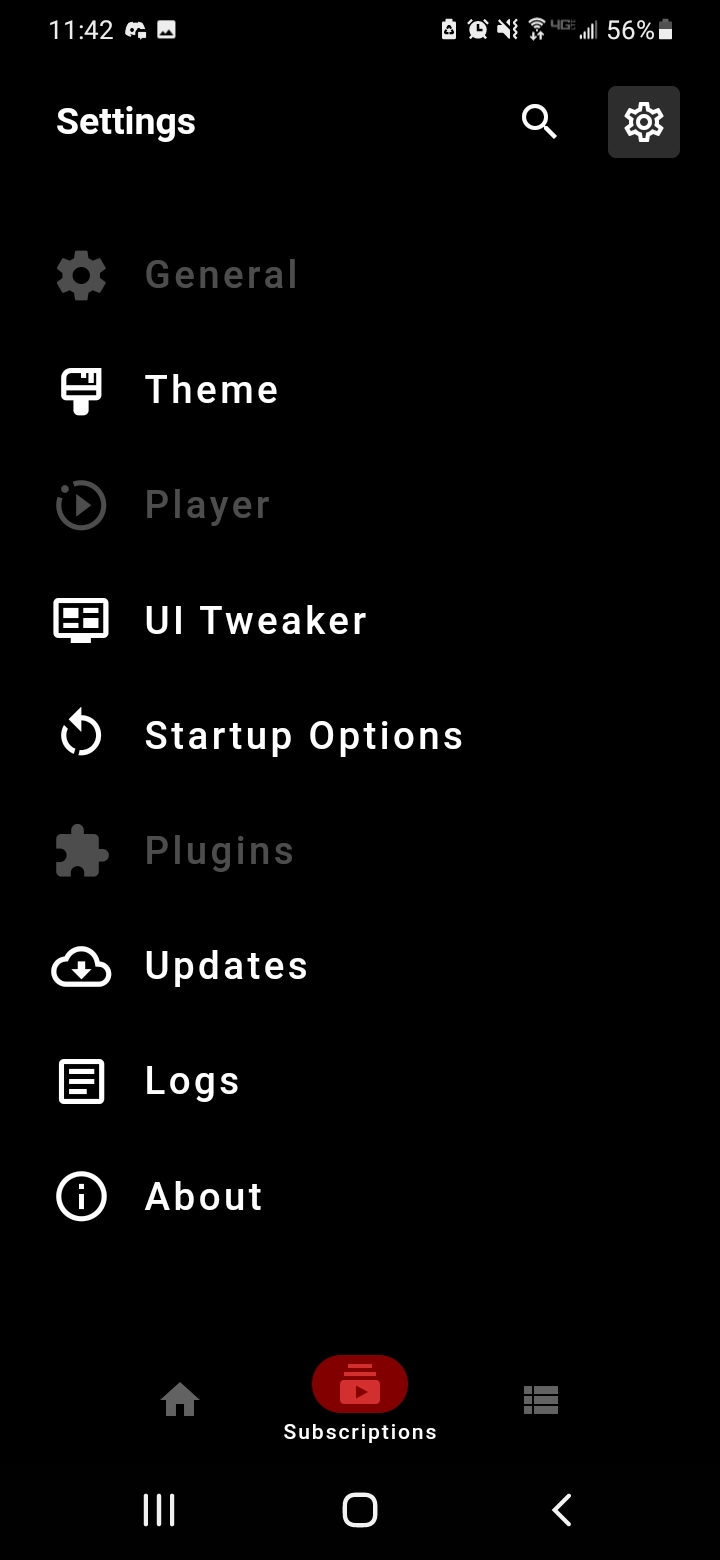
 MORE IN COMMENTS BECAUSE I CANT FIGURE OUT HOW TO ADD SCREENSHOTS IN EDITING
Device Information
- OS: android 11
- model: SM-A102U
- App Version 798bd5a , 8ed5829 , f70b852 , probably others but these are the ones i tested
Additional context When going from home page to other pages it appears to work correctly
Also works with the settings menu open
Stops happening if you switch to a different page and then hit the back button twice, but starts again when you reopen the app



also happens in 0.3 (canary) but sometimes not and i dont know what works and what doesnt
edit: 0.4 (canary) as well